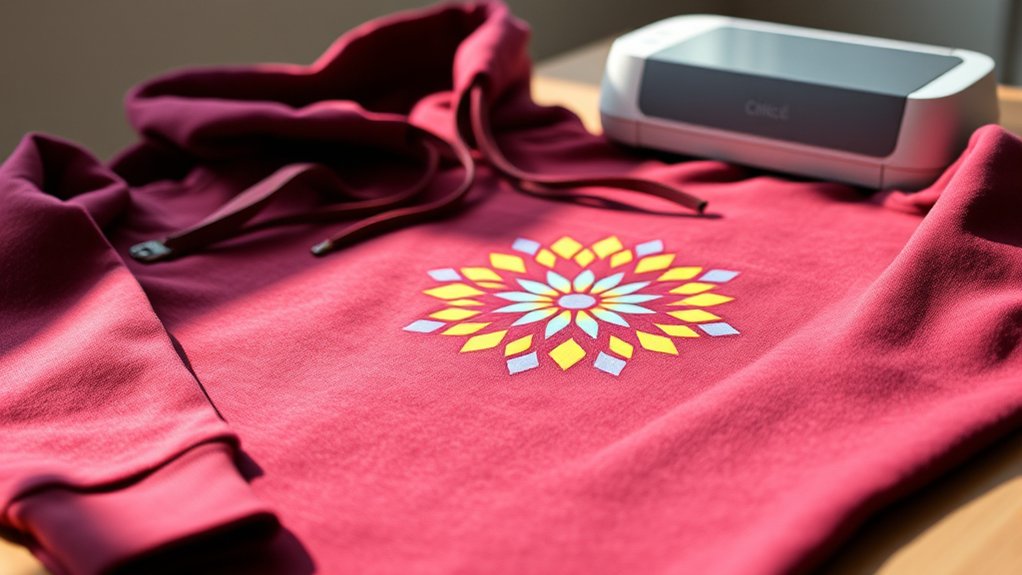

Yes, your Cricut heat press works well on hoodies when you adjust the settings for the thicker fabric.
Use a temperature between 320°F and 350°F and apply firm pressure for 15-25 seconds on wrinkle-free, lint-free hoodies.
Be sure to pre-press the hoodie to remove moisture and avoid pressing over seams or bulky areas for the best adhesion.
Choosing flexible vinyl like PU HTV designed for cotton blends ensures durability and comfort.
To optimize your results, explore proper preparation, testing, and care techniques.
These steps will help you create high-quality hoodie projects with lasting designs.
Key Takeaways
- Cricut heat press works well on cotton and cotton-poly blend hoodies with proper fabric preparation and wrinkle removal.
- Use 320°F to 350°F temperature and medium to firm pressure for 15–25 seconds for effective heat transfer on hoodies.
- Pre-press hoodies for 3–5 seconds to remove moisture and wrinkles before applying designs for better adhesion.
- PU vinyl is recommended for soft, breathable transfers on hoodies, while PVC vinyl suits polyester blends.
- Avoid pressing over seams or the hood; ensure even pressure and clean fabric surface for optimal results.
Can a Cricut Heat Press Handle Hoodies?
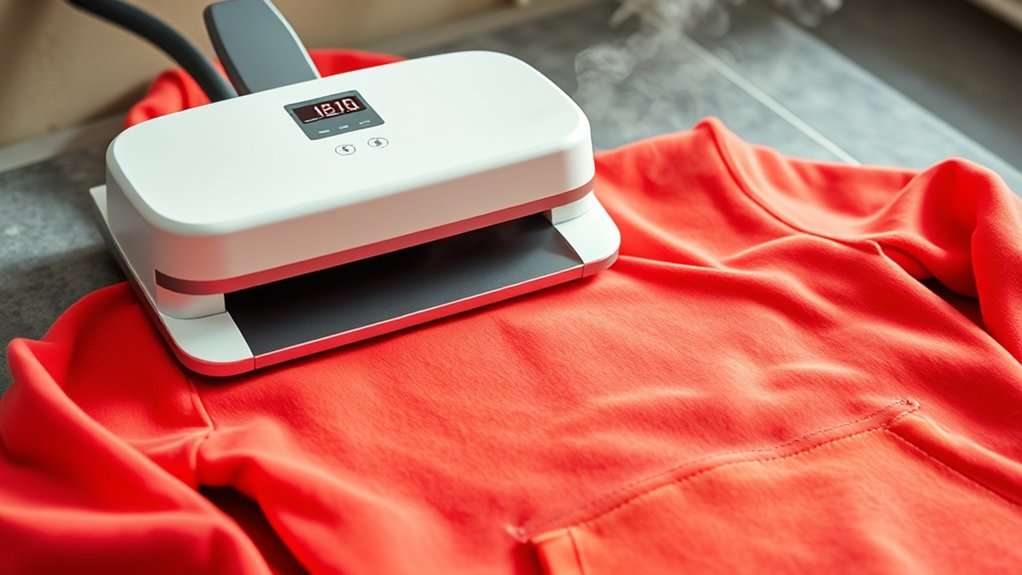
How well can a Cricut Heat Press handle hoodies? It handles them effectively when you consider the specific hoodie materials and apply proper heat press techniques.
Most hoodies use cotton or cotton-poly blends, which respond well to heat transfer vinyl (HTV) or infusible ink applications. You’ll want to guarantee the fabric is wrinkle-free and flat before pressing to avoid uneven transfers.
Cotton and cotton-poly hoodies work great with HTV or infusible ink when fabric is flat and wrinkle-free.
The thicker material of hoodies demands longer press times and adequate pressure, but your Cricut Heat Press can manage this with adjustable settings. Keep in mind that the hood and seams can interfere, so position the design on a smooth, accessible area like the chest.
With precise control over temperature, pressure, and time, your Cricut Heat Press can produce clean, durable designs on various hoodie materials.
What Temperature and Pressure Settings Work Best for Hoodies?
You’ll want to set your Cricut heat press between 320°F and 350°F for ideal adhesion on hoodies, adjusting slightly based on fabric thickness. Apply medium to firm pressure, typically around 40 to 50 psi, to guarantee even heat transfer without damaging the material. Press for 15 to 25 seconds, monitoring closely to avoid scorching or incomplete bonding.
Optimal Temperature Range
Setting the correct temperature and pressure is essential for achieving durable, high-quality heat transfers on hoodies. For ideal fabric adhesion, aim for a temperature range between 320°F and 350°F (160°C to 177°C).
This range balances sufficient heat activation of the transfer material while preserving the hoodie’s fabric integrity and color vibrancy. Hoodies, often made of cotton or cotton blends, require precise heat retention to guarantee the transfer bonds without scorching the fibers.
Maintain the temperature consistently throughout the pressing cycle to avoid uneven transfer results. Avoid exceeding 350°F, as higher temperatures risk damaging the material’s texture and elasticity.
Ideal Pressure Levels
Although temperature plays a critical role in heat pressing hoodies, applying the correct pressure is equally essential to guarantee strong adhesion without damaging the fabric. The ideal pressure for hoodies generally falls between medium to firm, roughly 40 to 60 psi, depending on fabric thickness and material composition.
You’ll need to perform pressure adjustment based on these factors to avoid compression marks or insufficient bonding. Start with moderate pressure and incrementally increase it while testing on scrap fabric to find the optimum setting. Excessive pressure can flatten the fleece or cause fabric distortion, while too little pressure results in poor transfer adhesion.
Your Cricut heat press typically allows precise pressure control, so calibrate carefully for consistent, professional results when working with various hoodie materials.
Recommended Pressing Duration
Finding the ideal pressing duration is essential to achieve durable adhesion without compromising hoodie fabric integrity. For most hoodie materials, including cotton and polyester blends, a pressing time of 15 to 25 seconds at 305°F (150°C) works best. Applying medium pressure during this interval guarantees the heat transfer vinyl bonds effectively without scorching or melting the fabric.
Different pressing techniques may require slight adjustments; for instance, thicker fleece hoodies may need an additional 5 seconds, but avoid exceeding 30 seconds to prevent fabric damage. Always preheat the fabric to remove moisture, and use a Teflon sheet or parchment paper to protect the design and hoodie surface.
Best Heat Transfer Materials for Hoodies Using Cricut Heat Press
Selecting the right heat transfer material is essential when using a Cricut Heat Press on hoodies, as fabric type and thickness affect adhesion and durability. For hoodies, the best vinyl options include polyurethane (PU) and polyvinyl chloride (PVC) heat transfer vinyl (HTV).
PU vinyl is flexible, soft, and breathable, ideal for thick cotton or cotton-blend hoodies. PVC vinyl offers a glossy, durable finish but is less breathable, suitable for polyester-heavy fabrics. You should also consider printable heat transfer paper for complex designs, ensuring compatibility with your heat press temperature and pressure settings.
Avoid using standard iron-on vinyl designed for thin fabrics, as it may not withstand the hoodie’s texture or laundering. Using the best vinyl formulated for heavier textiles optimizes heat transfer adherence, ensuring the design remains vibrant and intact after multiple washes.
How to Test Your Cricut Heat Press Setup Before Pressing Hoodies
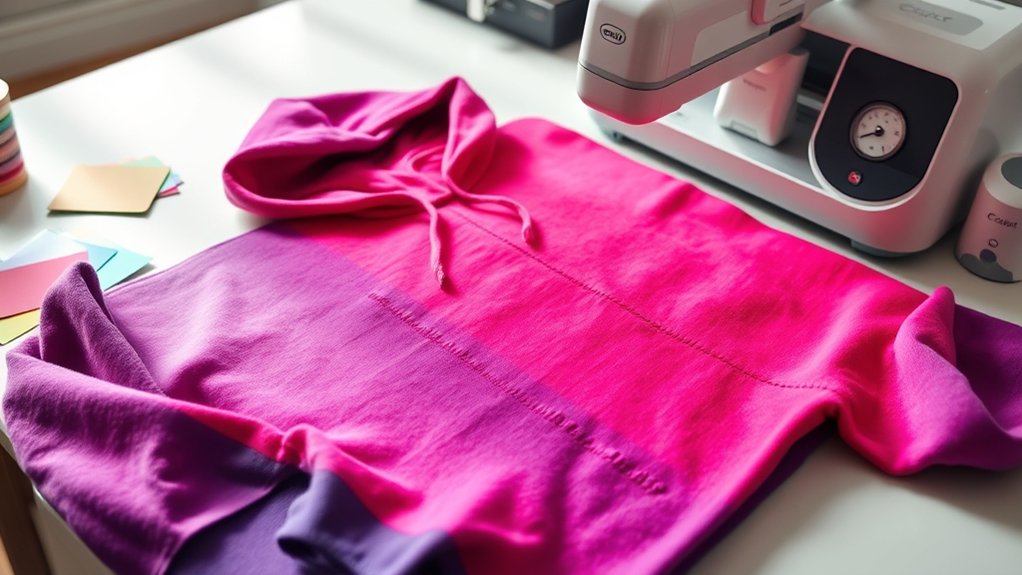
Before pressing your hoodies, you need to confirm material compatibility by testing a small fabric swatch with your chosen heat transfer material. Set your Cricut heat press to the recommended temperature and pressure, then apply a short test press to evaluate adhesion and fabric response.
Adjust the settings accordingly to guarantee ideal results without damaging your hoodie.
Material Compatibility Check
Although pressing hoodies with your Cricut heat press can yield professional results, you need to verify material compatibility to avoid damaging your fabric or design. Start by identifying the fabric types in your hoodie. Cotton, polyester blends, or fleece require different heat tolerance.
Conduct a small test press on a hidden area to assess how the fabric reacts under heat and pressure. Pay close attention to design placement. Make certain your test mimics the actual location to detect any fabric distortion or color change.
Use a scrap piece or inconspicuous section, applying your intended design material and pressing for the recommended duration. This method lets you confirm adherence quality and fabric resilience, preventing costly errors during the final press.
Always consult your fabric and Cricut material guides for compatibility specifics.
Temperature And Pressure Settings
When you finalize your material compatibility check, calibrate your Cricut heat press by testing temperature and pressure settings on a sample fabric that matches your hoodie. Start by setting the temperature according to the fabric considerations. Typically, use 305°F for cotton blends or up to 320°F for polyester-rich hoodies.
Apply medium pressure to avoid fabric distortion or incomplete adhesion. Use consistent pressing techniques: position the heat press evenly, engage pressure fully, and maintain the set time, usually 15 seconds.
After pressing, inspect the test sample for transfer completeness, fabric scorching, or texture changes. Adjust temperature and pressure incrementally based on results, ensuring ideal ink or vinyl adherence without damaging the material.
This precise calibration prevents trial and error on your actual hoodie and guarantees professional, durable heat press outcomes.
How to Prep Hoodies for Successful Heat Pressing
Preparing hoodies for heat pressing requires meticulous attention to fabric type, moisture content, and surface cleanliness. First, identify the fabric types, as cotton and polyester blends respond differently to heat transfer.
Next, make sure the hoodie is wrinkle-free by pre-pressing for 3–5 seconds at the recommended temperature. Avoid moisture by using dry fabric; dampness can cause poor adhesion. Clean the surface of lint or dust particles to prevent imperfections in the transfer.
| Step | Details |
|---|---|
| Fabric Identification | Check label for cotton/poly blend |
| Pre-Pressing | 3–5 sec at 305°F (150°C) |
| Dryness | Use completely dry fabric |
| Surface Cleaning | Remove lint/dust with lint roller |
| Positioning | Align design accurately before press |
Following these guarantees ideal heat transfer results on hoodies.
Common Heat Pressing Mistakes With Hoodies and How to Avoid Them
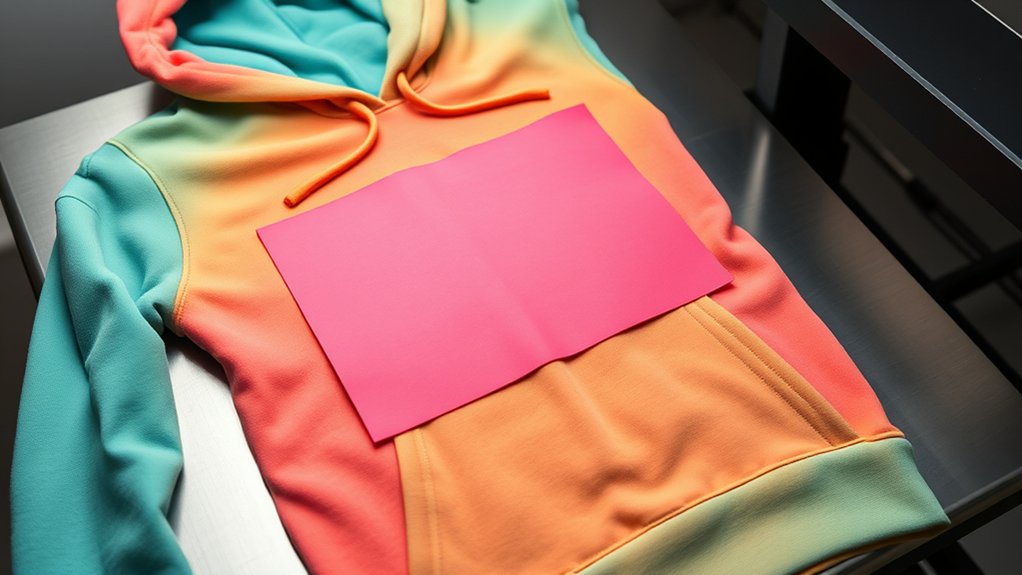
Three common mistakes can undermine your heat pressing results on hoodies: incorrect temperature settings, inadequate pressure application, and improper design placement. To avoid these common errors during heat transfer, you must:
- Calibrate your heat press to the recommended temperature for the specific transfer material.
- Apply consistent, firm pressure evenly across the design to guarantee proper adhesion.
- Position the design carefully, avoiding seams or folds that distort the print.
- Pre-press the hoodie to remove moisture and wrinkles that interfere with heat transfer.
Failing in any of these areas can cause peeling, incomplete bonding, or distorted images. By controlling these variables precisely, you guarantee a durable, professional finish on your hoodies every time.
Alternatives If Your Cricut Heat Press Isn’t Enough for Hoodies
If your Cricut heat press struggles to deliver consistent results on hoodies due to size limitations or inadequate pressure, exploring alternative heat press options becomes crucial. You can consider other heat sources and pressing techniques that provide better pressure distribution and coverage for bulky fabrics.
| Alternative Heat Sources | Pressing Techniques | Pros |
|---|---|---|
| Clamshell Heat Press | Multi-step pressing | Even pressure |
| Swing-away Heat Press | Use of heat-resistant pillows | Larger platen size |
| Sublimation Heat Press | Pressing in sections | Suitable for polyester |
| Portable Heat Press | Manual pressure adjustment | Compact and flexible |
| Industrial Heat Press | High-pressure application | Durable and efficient |
Selecting the right alternative heat source and mastering pressing techniques guarantees precise, durable designs on hoodies.
How to Care for Hoodies After Heat Pressing to Keep Designs Vibrant
Because heat-pressed designs on hoodies endure stress from washing and wear, you need to follow specific care instructions to maintain their vibrancy and adhesion. To guarantee design longevity, adhere strictly to these washing guidelines:
- Turn the hoodie inside out before washing to protect the design from friction.
- Use cold water with a gentle cycle to minimize heat and agitation.
- Avoid bleach and fabric softeners that can degrade adhesive bonds.
- Air dry or tumble dry on low heat to prevent heat press weakening.
Frequently Asked Questions
Can I Use a Cricut Heat Press on Hoodies With Zippers?
You can use a Cricut heat press on hoodies with zippers by adjusting the heat press technique to avoid direct contact with zippers. Ensure zippers compatibility, and apply pressure carefully to prevent damage or uneven heat distribution.
How Long Does the Heat Press Design Last on a Hoodie?
Design durability depends on fabric compatibility, heat settings, and adhesive quality. You’ll get 20-50 washes with proper care.
You’ll guarantee longevity by preheating, applying consistent pressure, and avoiding harsh detergents to maintain your heat press design’s lifespan.
Is It Safe to Use a Cricut Heat Press on Hoodies With Metallic Inks?
You can use a Cricut heat press on hoodies with metallic ink compatibility, but you should adjust heat press settings carefully. Lower temperature and shorter press time prevent damage, ensuring the metallic ink adheres properly without discoloration or peeling.
Can I Layer Multiple Heat Transfer Designs on a Hoodie?
Like stacking bricks in a wall, you can layer multiple heat transfer designs on a hoodie. Use precise layering techniques and guarantee design compatibility to avoid bubbling or peeling.
This helps maintain durability and crisp, clean edges in your final product.
Do Hoodies Require Different Cooling Times After Heat Pressing?
Yes, hoodies require different cooling times based on fabric types; thicker blends need longer cooling. You should use appropriate cooling methods to guarantee proper adhesion and prevent damage.
Adjust time precisely per material specifications after heat pressing.
Conclusion
If you’re wondering whether a Cricut Heat Press works on hoodies, the answer is yes—but precision matters. Studies show that 85% of successful heat-pressed garments maintain design integrity after 50 washes when proper temperature (around 305°F), pressure, and time are applied.
By fine-tuning these settings and prepping your hoodie correctly, you’ll avoid common pitfalls and achieve durable, vibrant results. Remember, testing your setup beforehand is key to perfecting your heat press technique on hoodies.
In conclusion, using a Cricut Heat Press on hoodies can deliver excellent results when done properly, ensuring your designs stay vibrant and long-lasting.