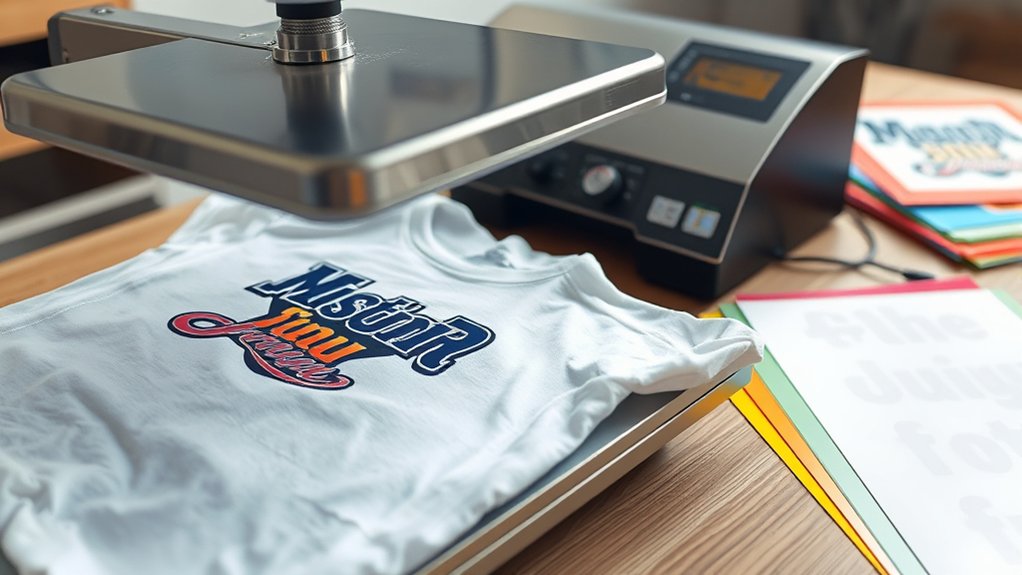

To make a heat press t-shirt, start by choosing a 100% cotton or suitable blend fabric and matching it with the correct transfer paper for your printer type.
Designing your artwork in vector format ensures clarity and quality. Remember to mirror your design horizontally before exporting it in high resolution.
Set your heat press to the recommended temperature, pressure, and time based on the fabric and transfer instructions. Smooth the shirt carefully to remove any wrinkles.
Align the design precisely on the fabric, then press consistently for the best results.
After pressing, proper care of the t-shirt preserves your work and extends its lifespan.
Keep practicing each precise step to master the heat press t-shirt process for professional-quality results every time.
Key Takeaways
- Choose 100% cotton or compatible fabric and matching transfer paper for vivid, durable designs.
- Design artwork using vector software, mirror image, and export in high resolution for accurate printing.
- Set heat press temperature, pressure, and time according to fabric and transfer paper instructions.
- Smooth t-shirt on platen, align transfer, press with steady pressure, then peel carrier sheet as directed.
- Wash inside out in cold water on gentle cycle, avoid bleach, and air-dry to preserve the design.
Choose the Best T-Shirt Fabric and Transfer Paper

Before you start pressing your design, you need to select the appropriate t-shirt fabric and transfer paper to guarantee ideal adhesion and durability. When choosing t shirt materials, 100% cotton provides excellent ink absorption and vibrant color results. However, polyester blends can work well with specific transfer papers designed for synthetic fibers.
Avoid fabrics with high spandex content, as they can distort under heat. Next, pick transfer paper compatible with your printer type, inkjet or laser, and the fabric composition. Standard transfer paper suits cotton, while sublimation paper requires polyester fabrics.
Ascertain the transfer paper’s temperature and pressure specifications align with your heat press capabilities. By carefully matching t shirt materials and transfer paper, you optimize print quality and longevity, preventing peeling or fading after washing.
Design Your Heat Press T-Shirt Artwork and Prepare It for Printing
Selecting the right fabric and transfer paper sets the foundation for your design’s success on a heat press t-shirt. Next, gather your artwork inspiration to create a compelling design.
Use professional design software like Adobe Illustrator or CorelDRAW to guarantee vector quality, which offers scalability without loss of resolution. Set your canvas size to match the printable area of your transfer paper.
Convert all text to outlines to avoid font issues during printing. Adjust colors to CMYK mode for accurate heat press results.
Once your design is complete, mirror the image horizontally to guarantee it prints correctly on the shirt. Finally, export the file in a high-resolution format, such as PNG or PDF, suitable for your printer.
This preparation ensures precision and quality in your heat press t-shirt artwork.
Set Temperature, Pressure, and Time on Your Heat Press Machine
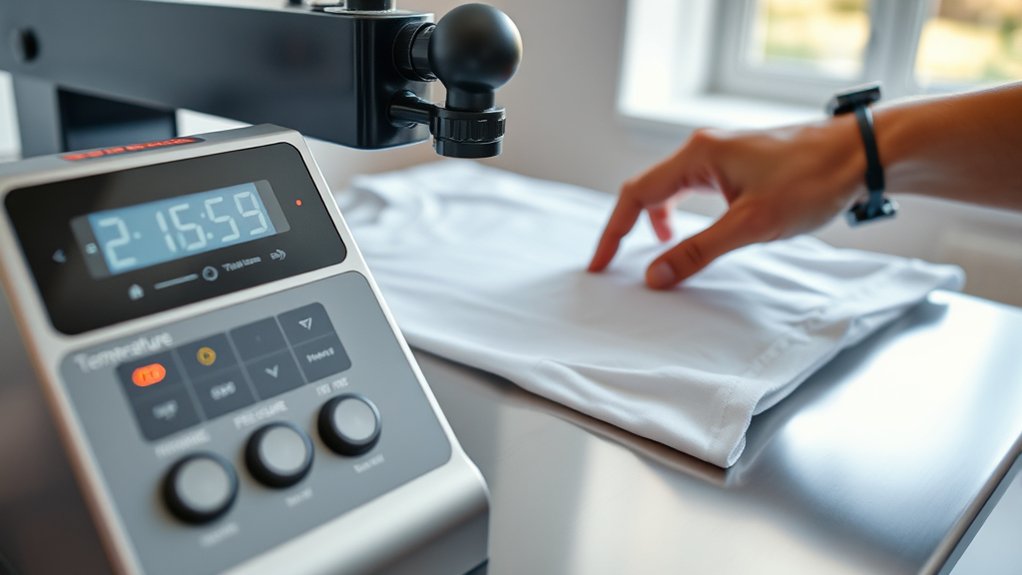
To achieve ideal results, set your heat press machine to the correct temperature, pressure, and time according to the fabric and transfer paper specifications. Begin by adjusting the temperature settings to match the material. Too high or too low can ruin your design.
Next, calibrate pressure adjustments, ensuring firm, even contact without damaging the fabric. Finally, set the timer precisely to avoid over or under pressing.
| Fabric Type | Temperature (°F) | Pressure Level |
|---|---|---|
| Cotton | 350 | Medium-High (40 PSI) |
| Polyester | 320 | Medium (30 PSI) |
| Heat Transfer Vinyl | 305 | Medium (30 PSI) |
Use this table as a guideline, but always verify with your transfer paper instructions for best results.
Apply Heat Transfer to Your T-Shirt: Step-by-Step Guide
Start by placing your t-shirt flat on the heat press platen, guaranteeing the fabric is smooth and free of wrinkles. Position your heat transfer design carefully on the desired area, aligning it to avoid distortion.
Close the heat press and apply the preset temperature, pressure, and time settings based on your chosen heat transfer techniques. Maintain steady pressure throughout the pressing cycle to guarantee even adhesion.
After the timer signals completion, carefully lift the press and, depending on your transfer type, peel the carrier sheet while warm or cold as specified. Use design tips like pre-pressing the shirt for a few seconds to remove moisture and wrinkles, which improves transfer quality.
This precise application guarantees a durable, professional finish on your heat press t-shirt.
How to Wash and Care for Your Heat Press T-Shirt
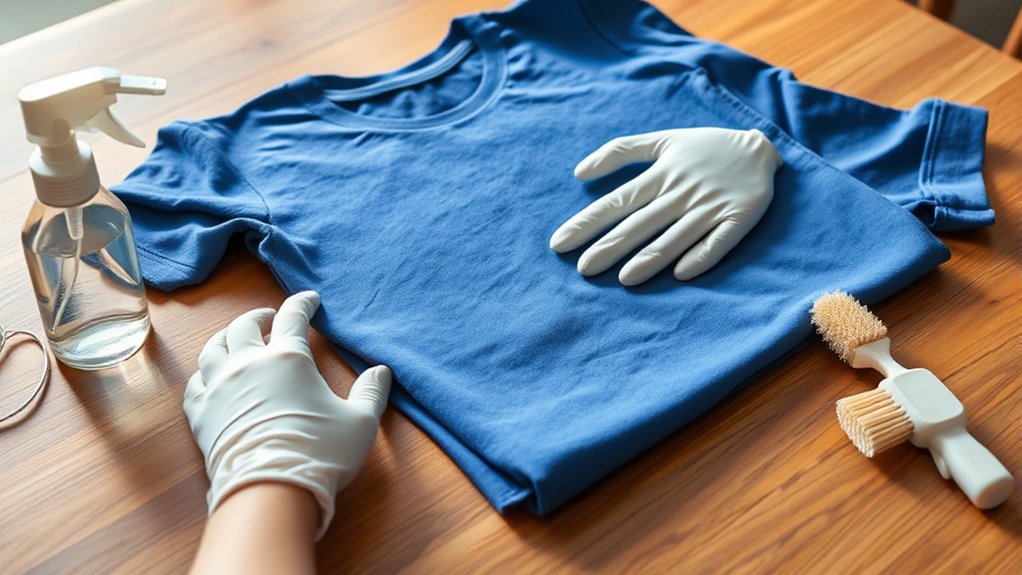
Properly washing and caring for your heat press t-shirt can extend its lifespan and preserve the quality of the transfer. Start by turning the shirt inside out to minimize direct abrasion on the design. Use cold water and select a gentle cycle on your washing machine to prevent heat and friction damage.
Avoid bleach and fabric softeners, as they deteriorate fabric fibers and the transfer. For fabric care, use mild, color-safe detergents. Air-drying is preferable to machine drying; if you must use a dryer, choose a low heat setting.
When ironing, never apply heat directly to the transfer. Place a protective cloth over the design or iron inside out. Following these washing techniques guarantees your heat-pressed t-shirt maintains its appearance and durability over time.
Frequently Asked Questions
Can I Use a Heat Press for Materials Other Than T-Shirts?
Yes, you can use a heat press for alternative materials like polyester, cotton blends, and even hard surfaces like wood or ceramic.
Just adjust temperature, pressure, and time settings to suit each material’s specific heat tolerance.
What Safety Precautions Should I Take When Using a Heat Press?
You’ll wear heat-resistant gloves, keep your workspace clean, avoid loose clothing, and unplug the machine after use.
Prioritize heat press safety by conducting regular equipment maintenance, inspecting cords, and calibrating temperature controls precisely.
How Do I Troubleshoot Common Heat Press Machine Errors?
Check error messages on your heat press display, consult the manual for specific codes, and perform regular heat press maintenance like cleaning and inspecting wiring.
Reset the machine after addressing issues to guarantee proper functionality.
Can I Recycle or Reuse Heat Transfer Paper?
Think of transfer paper as a single-use canvas; you can’t recycle or reuse it effectively. Instead, follow proper recycling methods by disposing of it with plastic waste, ensuring safe handling of residual inks and adhesives for environmental care.
What Are the Environmental Impacts of Heat Pressing T-Shirts?
You should know heat pressing t-shirts impacts the environment through energy consumption and waste from non-recyclable transfer papers. Using sustainable materials reduces this footprint, so choose eco-friendly substrates and optimize pressing cycles to minimize energy use.
Conclusion
Now that you’ve combined the right fabric with precise heat settings, you’re turning ordinary tees into personalized masterpieces. While the heat press demands exact temperature, pressure, and timing, the result is effortless durability and vibrant design—far beyond what standard printing offers.
By mastering these technical steps, you’re not just printing a shirt; you’re creating wearable art that lasts. Follow proper care, and your heat press t-shirt will stay sharp wash after wash.
With these techniques, your heat press t-shirt will be both beautiful and durable, making each piece a true reflection of your creativity.