
Yes, printer ink does expire due to chemical changes that degrade its quality and performance over time.
This expiration affects the ink’s ability to produce vibrant and consistent prints.
Opened inkjet cartridges typically last 6 to 12 months, while sealed ones can last up to 2 years if stored properly.
Expired ink causes faded colors, streaks, and clogs, which negatively impact print quality and printer health.
You can take steps to extend ink life and replace cartridges safely to maintain peak printing performance.
More details on managing ink effectively follow.
Key Takeaways
- Printer ink does expire, typically lasting 6-12 months once opened and up to 2 years if sealed and stored properly.
- Expired ink can change chemically, causing faded colors, clogs, and poor print quality.
- Visual signs of expired ink include color shifts, streaks, blotches, or sediment in cartridges.
- Proper storage in cool, dry, and dark conditions can extend the effective life of ink cartridges.
- Manufacturers provide expiration dates based on stability tests to help manage cartridge usage efficiently.
How Long Does Printer Ink Last?
Although printer ink doesn’t expire immediately after purchase, its longevity depends on several factors including storage conditions and cartridge type. You should store cartridges in a cool, dry environment to maximize ink longevity, as heat and humidity accelerate degradation.
Inkjet cartridges typically maintain peak performance for 6 to 12 months once opened, while sealed cartridges can last up to 2 years if stored properly. Laser toner cartridges generally have a longer cartridge lifespan, often remaining viable for several years due to their powder-based composition.
Keep in mind that frequent use also impacts cartridge lifespan; prolonged inactivity can cause ink to dry or clog nozzles. By monitoring these variables, you can better predict when your printer ink will remain effective and avoid premature replacement.
What Does Printer Ink Expiry Mean?
When printer ink expires, it means the chemical composition has altered enough to affect its performance and print quality. Over time, the solvents and pigments in the ink can separate or degrade, reducing its effectiveness.
Ink shelf life is a critical factor in maintaining cartridge longevity, as expired ink can clog print heads or fail to adhere properly to paper. Manufacturers specify an ink shelf life based on stability tests, ensuring peak function within that timeframe.
Once past this period, the ink’s chemical integrity diminishes, potentially leading to inconsistent flow or color shifts. Understanding what printer ink expiry means helps you manage your cartridges efficiently, ensuring you replace them before degradation compromises your printing tasks.
Proper storage can also extend cartridge longevity within the recommended ink shelf life.
How Expired Ink Affects Print Quality and Printer Health
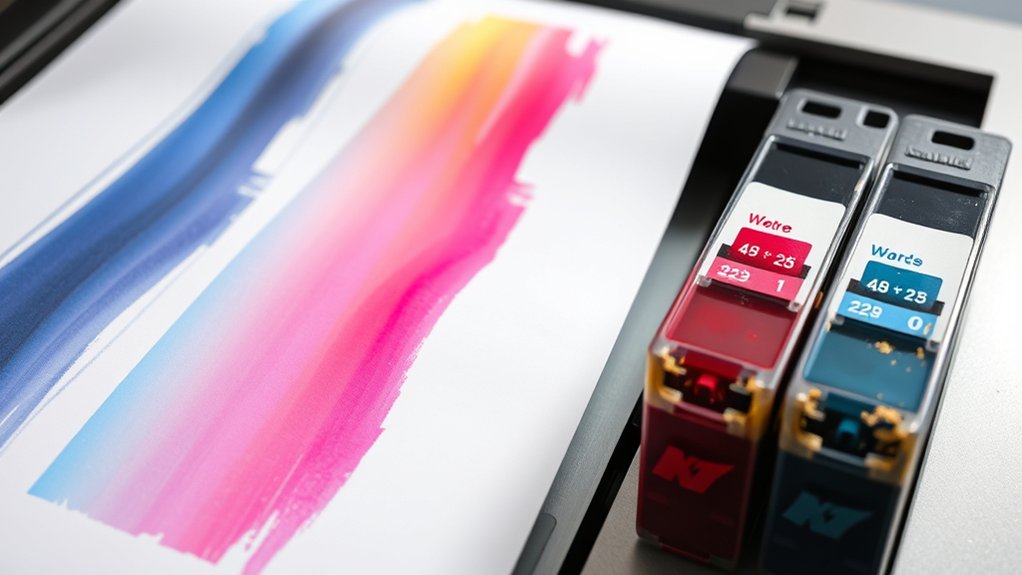
Expired ink directly impacts both the quality of your prints and the overall health of your printer. As ink ages, its viscosity changes, causing inconsistent flow that leads to faded or blotchy prints.
Additionally, thicker ink increases the risk of cartridge clogs, which can damage the printer’s printhead.
| Effect on Print Quality | Effect on Printer Health |
|---|---|
| Faded colors | Printhead damage |
| Blurred images | Cartridge clogs |
| Uneven ink distribution | Increased maintenance |
You’ll notice that expired ink compromises print sharpness and vibrancy while accelerating wear on mechanical components. To maintain peak performance, avoid using ink beyond its recommended shelf life and replace cartridges promptly to prevent these issues.
Signs Your Printer Ink Is Expired or No Longer Good
You’ll notice expired printer ink when the colors start to shift or appear faded compared to usual. Printouts may show streaks, blotches, or inconsistent saturation, indicating degraded ink quality.
These visual cues signal that your ink is no longer performing reliably and likely needs replacement.
Ink Color Changes
Although printer ink may look fine externally, noticeable changes in ink color often indicate degradation or expiration. When ink loses its original hue, it affects both ink consistency and color accuracy, impacting the print’s fidelity.
You should watch for these signs:
- Faded or washed-out colors compared to previous prints
- Unusual discoloration or color shifts in the ink cartridge
- Ink appearing darker or lighter than specified on the packaging
- Visible sedimentation or separation affecting pigment distribution
Such alterations suggest chemical breakdown or contamination, reducing the ink’s effectiveness. If you observe any of these color changes, it’s a clear signal the ink is no longer dependable.
Maintaining proper ink color guarantees your prints remain sharp and true to design specifications, so replacing expired ink promptly is crucial.
Printing Quality Issues
When your printer ink deteriorates, print quality issues quickly become evident through streaks, blotches, or inconsistent color output. You’ll notice that the ink consistency has changed, causing uneven distribution on the paper. These defects often signal expired or compromised ink cartridges.
Reduced ink fluidity leads to clogging in the printhead nozzles, directly impacting sharpness and color fidelity. If your printed images or documents exhibit faded areas or unexpected color shifts despite adequate ink levels, it’s a clear sign the ink’s chemical composition has degraded.
Maintaining peak print quality requires using ink within its shelf life and storing cartridges properly. Once print quality declines due to ink inconsistency, replacing the cartridge is necessary to restore precise and reliable printing performance.
Tips to Extend the Life of Printer Ink Cartridges
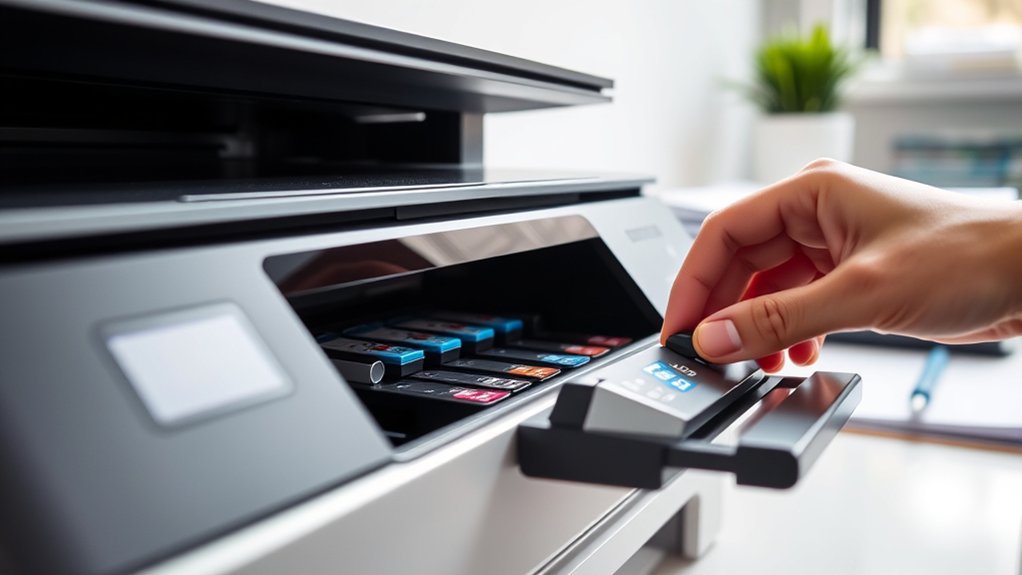
Since printer ink cartridges can be costly and degrade over time, implementing proper storage and usage practices helps you maximize their lifespan. Effective ink storage and cartridge maintenance prevent drying and clogging, ensuring consistent print quality.
Proper storage and maintenance of ink cartridges prevent drying and clogging, extending their lifespan and print quality.
To extend your ink cartridges’ life, consider these tips:
- Store cartridges in a cool, dry place away from direct sunlight to prevent ink degradation.
- Seal unused cartridges in airtight containers or original packaging to maintain moisture levels.
- Run printer cleaning cycles periodically to avoid ink drying within nozzles.
- Use your printer regularly; prolonged inactivity accelerates ink evaporation and clogs.
How to Replace Expired Printer Ink Safely
You’ll first need to confirm your ink cartridge has expired by checking the manufacturer’s expiration date or signs of dried ink. When removing the cartridge, handle it carefully to prevent leaks and avoid contact with skin or surfaces.
Finally, dispose of the expired ink according to local hazardous waste regulations to minimize environmental impact.
Identifying Expired Ink
Although expired printer ink may sometimes appear normal, you can identify it by changes in color consistency, print quality, and cartridge performance. For effective expired ink identification, observe these key symptoms of expiration:
Color inconsistency: Faded or uneven hues indicate ink degradation.
Poor print quality: Streaks, blotches, or missing sections often result from expired ink.
Slow cartridge response: Ink flow may slow or stop, causing delays or failed prints.
Unusual odors or clumping: Physical changes in ink texture signal chemical breakdown.
Safe Removal Techniques
Replacing expired printer ink requires careful handling to avoid damaging the printer or contaminating the workspace. First, power off the printer and open the cartridge access panel. Use gloves to prevent skin contact, as expired ink can leak or smudge.
Gently press the cartridge release mechanism to remove the old cartridge, avoiding excessive force that may harm the printer’s internal components. When replacing, verify the new cartridge aligns properly with the printer’s contacts to maintain ideal ink flow.
Practicing regular ink cartridge maintenance, such as cleaning contacts and storing cartridges in sealed containers, supports consistent print quality. Adhering to proper ink storage techniques, like keeping cartridges in a cool, dry environment away from direct sunlight, prolongs ink viability and reduces the frequency of replacements.
Proper Ink Disposal Methods
Proper ink disposal involves three critical steps to guarantee safety and environmental responsibility. First, you should carefully remove the expired cartridge following safe removal techniques. Next, focus on eco friendly disposal by avoiding landfill waste. Finally, prioritize ink recycling to minimize environmental impact.
To replace expired printer ink safely, follow these steps:
- Store used cartridges in sealed, leak-proof containers to prevent spills.
- Locate certified ink recycling centers or manufacturer take-back programs.
- Avoid mixing ink types to prevent chemical reactions during recycling.
- Dispose of packaging materials through local recycling services.
Frequently Asked Questions
Can Expired Ink Cartridges Be Recycled?
Yes, you can recycle expired ink cartridges through proper ink recycling programs. Always follow cartridge disposal guidelines to prevent environmental harm and guarantee materials are recovered efficiently.
This reduces waste and supports sustainable printing practices.
Does Temperature Affect Printer Ink Shelf Life?
Yes, temperature greatly affects ink longevity. You should store ink cartridges in a cool, stable environment to maintain ideal ink storage conditions, preventing chemical degradation and ensuring consistent print quality over time.
Are All Printer Inks Prone to Expiration?
About 15% of printer inks degrade prematurely due to ink composition variations. You’ll find that while most inks have a defined shelf life, some specialized formulations resist expiration better. However, none last indefinitely without quality loss.
Can Expired Ink Damage Specific Printer Models?
Yes, expired ink can cause ink performance issues and may clog print heads, potentially damaging specific printer models.
Using expired ink might also void your printer warranty, so always check manufacturer guidelines before installation.
Is It Safe to Mix Old and New Ink Cartridges?
You shouldn’t mix old and new cartridges because ink compatibility issues can arise, reducing cartridge performance. Different formulations may cause clogs or inconsistent colors.
Always use matching, fresh cartridges for ideal printer function and print quality.
Conclusion
So, yes, your printer ink does expire—because nothing screams reliability like a cartridge that quietly goes bad just when you need it most. Expired ink can ruin print quality and even harm your printer, which is exactly what you don’t want.
But don’t worry; by spotting signs early and storing cartridges properly, you can dodge disaster. Just remember: ink’s shelf life isn’t forever, no matter how much you wish it were.
In conclusion, understanding that printer ink does expire can help you take better care of your cartridges and ensure your prints always come out crisp and clear.