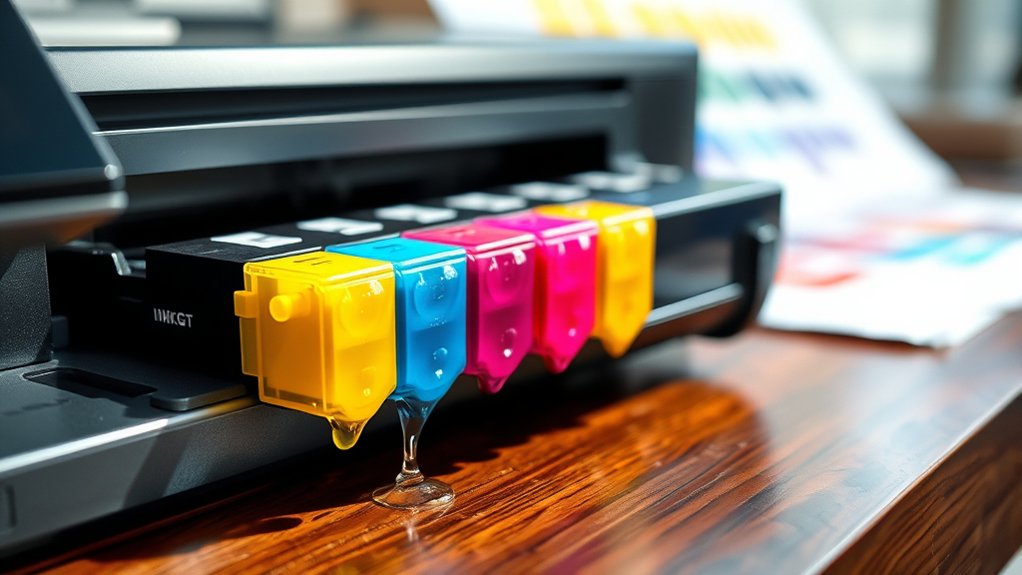

Yes, printer ink does dry out, especially if you don’t use the printer regularly or store cartridges improperly.
Ink drying is a common issue that affects print quality and cartridge lifespan.
Dye-based inks dry faster than pigment-based ones due to their composition.
Environmental factors like low humidity, high temperature, and exposure to air accelerate drying.
When ink dries inside nozzles, cartridges can clog, leading to poor print quality.
Proper storage and regular use help prevent this.
Understanding ink types and maintenance can help you extend cartridge life and improve printing results.
Key Takeaways
- Printer ink can dry out due to exposure to air, infrequent use, or improper storage conditions.
- Dye-based inks dry faster than pigment-based inks and are more prone to smudging.
- Low humidity and high temperatures accelerate ink drying inside cartridges and nozzles.
- Unused cartridges last 1-2 years if sealed and stored in cool, dry places away from sunlight.
- Regular printer use and maintenance cycles prevent ink drying and clogged nozzles, ensuring print quality.
Does Printer Ink Dry Out?
How quickly does printer ink dry out depends on several factors including the type of ink, printer model, and storage conditions. You should understand that ink drying is influenced by the chemical composition of the ink. Dye-based inks tend to dry faster than pigment-based ones.
Proper ink preservation requires controlling exposure to air, light, and temperature fluctuations. You can enhance cartridge maintenance by storing cartridges in airtight containers and keeping them in a cool, dark environment.
Additionally, regular printer use prevents ink from settling and clogging nozzles, which also affects drying times. By following these technical guidelines, you guarantee peak ink longevity and reliable print quality, reducing the frequency of cartridge replacements and maintaining your printer’s performance.
How Long Does Printer Ink Last Without Use?
Wondering about the lifespan of printer ink when left unused? Ink longevity varies depending on the type of ink, storage conditions, and usage frequency.
Typically, unopened ink cartridges can last between 1 to 2 years if stored properly in a cool, dry place. Once installed, ink cartridges can retain usability for several months without use, but this duration shortens as ink components begin to degrade.
Low usage frequency increases the risk of ink drying inside cartridges, reducing effective ink life. To maximize ink longevity without frequent printing, store cartridges sealed and maintain moderate environmental conditions.
Why Do Ink Cartridges Get Clogged or Dry?
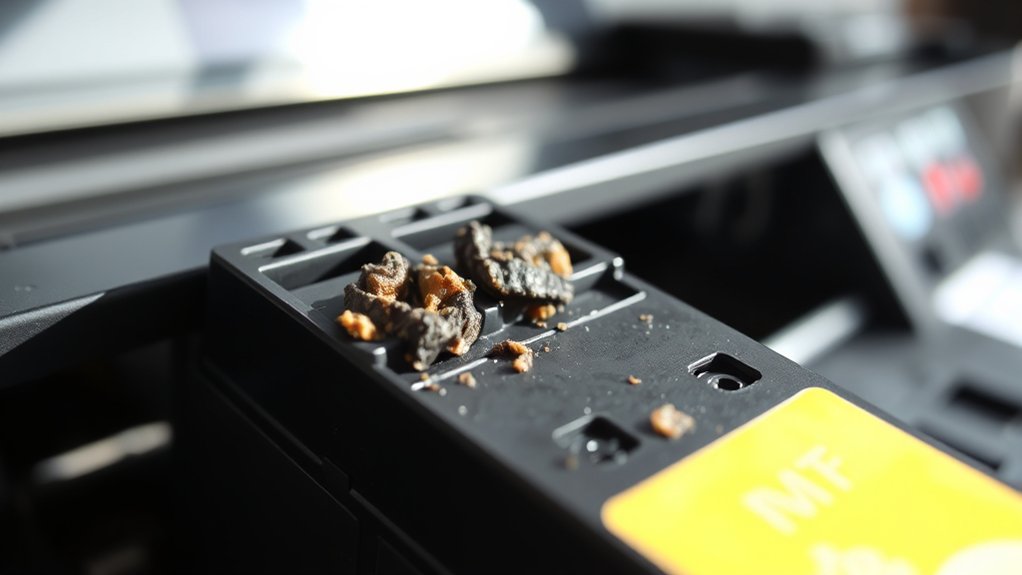
Although ink cartridges are designed to maintain fluidity, they can clog or dry out when exposed to air or infrequent use causes ink to evaporate and solidify within the printhead nozzles. Ink clogging causes primarily include prolonged inactivity, environmental factors like low humidity, and exposure to dust or debris.
When ink dries inside the nozzles, it blocks ink flow, resulting in poor print quality or complete blockage. To minimize these issues, follow cartridge maintenance tips such as regular printer use, running cleaning cycles, and storing cartridges properly in sealed containers.
Avoid leaving cartridges exposed to air for extended periods. Implementing these practices helps maintain consistent ink flow and prevents premature drying or clogging, ensuring peak printer performance and prolonging cartridge life.
How to Tell If Your Ink Is Drying Up?
You’ll notice your ink is drying up when printed colors start fading or appear less vibrant than usual. Pay attention to inconsistent print quality, such as streaks or patchy areas on your documents.
These signs indicate that your cartridge may be running low or the ink is beginning to dry inside the nozzle.
Ink Color Fading
When your printed colors start to appear dull or inconsistent, it often signals that your ink is drying out. You’ll notice a decline in ink color vibrancy, where once-bright reds, blues, and greens lose their intensity.
This fading directly impacts ink color consistency across your prints, causing uneven shades and patchy areas. To confirm, print a test page and examine if colors match previous outputs.
If the vibrancy is reduced or inconsistent, it indicates that the ink cartridges may be running low or the ink itself is degrading. Maintaining ideal storage conditions and using your printer regularly can help preserve ink quality.
Identifying these signs early allows you to replace cartridges timely, ensuring your prints retain accurate, vivid colors without unexpected fading.
Print Quality Issues
Fading colors often signal that ink is drying out, but print quality issues provide additional, concrete indicators. If you notice streaks, uneven color distribution, or missing sections in your prints, these are signs that your ink cartridges may be drying up.
Clogged nozzles caused by dried ink can disrupt ink flow, leading to inconsistent output. To address this, regular print maintenance is essential. Run nozzle check and cleaning cycles as recommended by your printer manufacturer.
Proper ink preservation also involves sealing cartridges tightly when not in use and storing them in a cool, dry environment. Monitoring print quality closely helps you identify ink drying early, ensuring timely intervention and maintaining peak print performance over time.
How to Prevent Printer Ink From Drying Out
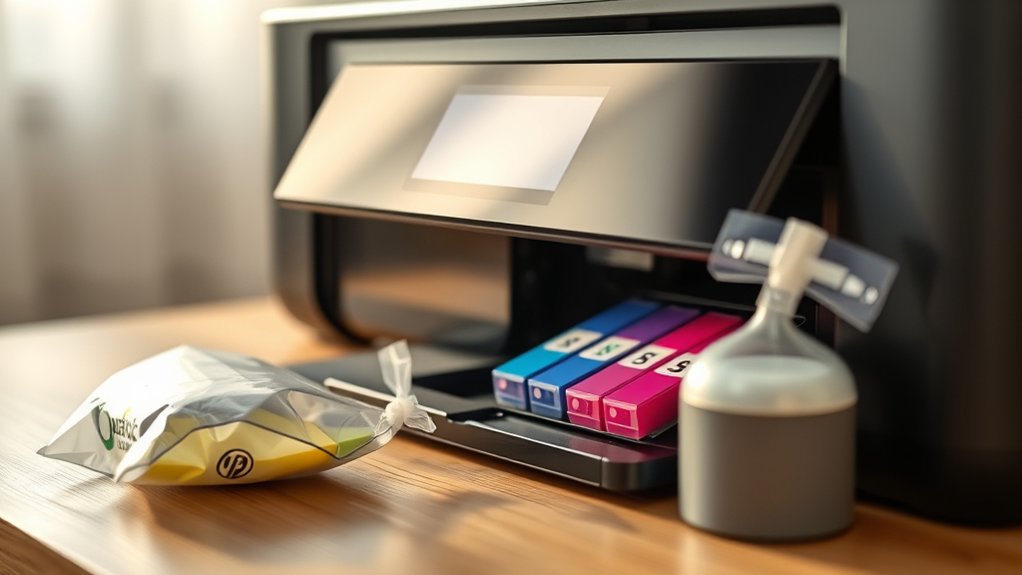
To prevent printer ink from drying out, start by regularly using your printer to keep the ink flowing and avoid stagnation. Implementing effective ink preservation techniques, such as printing a test page weekly, helps maintain fluid movement within the cartridge nozzles.
Store cartridges in a cool, dry environment to minimize evaporation and chemical degradation. Follow cartridge maintenance tips like sealing unused cartridges in airtight containers with desiccants to control humidity. Avoid extended periods of inactivity, which accelerate drying.
Additionally, keep your printer’s printhead clean by running maintenance cycles as recommended by the manufacturer. These steps guarantee consistent ink viscosity and prevent clogging, maintaining ideal print quality and prolonging cartridge life. Adhering to these precise measures will greatly reduce the risk of ink drying and associated printing issues.
What to Do If Your Ink Cartridge Has Dried
If one or more of your ink cartridges have dried out, you can take specific steps to restore functionality before considering a replacement. Effective ink cartridge maintenance includes addressing dried ink promptly using proven dried ink solutions.
Start by removing the cartridge and inspecting the print head for clogs. Then, you can:
- Soak the print head in warm distilled water to dissolve dried ink.
- Use a lint-free cloth dampened with isopropyl alcohol to gently clean contacts.
- Run the printer’s built-in cleaning cycle to flush minor clogs.
- Apply a few drops of specialized ink cartridge cleaning solution.
- Reinstall the cartridge and perform test prints to verify restoration.
These methods help maintain peak printer performance and extend cartridge lifespan without immediate replacement.
Dye-Based vs. Pigment Ink Drying Differences
You’ll notice that dye-based and pigment inks differ considerably in composition, which affects how quickly they dry on paper. Dye-based inks generally dry faster but may be less resistant to smudging and fading over time.
In contrast, pigment inks take longer to dry but offer enhanced longevity and better smudge resistance, influencing your choice depending on your printing needs.
Ink Composition Impact
Ink composition plays an essential role in how quickly and effectively printer ink dries. When you choose between dye-based and pigment inks, you’re dealing with different physical and chemical properties influencing ink viscosity and ink evaporation rates.
Dye-based inks have lower viscosity, allowing faster absorption and quicker evaporation, while pigment inks contain solid particles, leading to higher viscosity and slower drying. Understanding these factors helps you optimize print quality and drying times.
- Dye-based ink’s lower viscosity facilitates rapid ink evaporation.
- Pigment ink’s particulate nature increases viscosity, slowing drying.
- Ink solvents and additives affect evaporation rate and drying consistency.
- Surface interaction varies, impacting ink absorption and drying speed.
- Environmental conditions interact differently with each ink composition type.
Drying Time Variance
Although both dye-based and pigment inks serve distinct purposes in printing, their drying times differ greatly due to their unique compositions and interactions with substrates. Dye-based inks penetrate paper fibers and dry primarily through absorption and evaporation, resulting in faster drying under ideal drying conditions.
Pigment inks, however, rest on the surface and rely more on water evaporation, which can extend drying time. You should be aware that humidity effects greatly influence both ink types: high humidity slows evaporation, prolonging drying, while low humidity accelerates it.
Additionally, temperature and airflow play critical roles in drying efficiency. Understanding these differences helps you enhance print quality and handling time, ensuring you choose the right ink type for your environment and application without risking smudging or incomplete drying.
Longevity and Smudge Resistance
When evaluating print durability, understanding the differences in longevity and smudge resistance between dye-based and pigment inks is essential. Dye-based inks typically offer vibrant colors but tend to have shorter ink longevity and lower smudge resistance due to their solubility in water and weaker adhesion to paper fibers.
In contrast, pigment inks contain solid particles that sit atop the paper surface, enhancing both ink longevity and smudge resistance.
Consider these factors when choosing your ink:
- Dye-based ink colors may fade faster under UV exposure
- Pigment inks resist smudging immediately after printing
- Ink longevity in pigment inks can exceed decades in archival conditions
- Dye-based inks are more prone to water damage and bleeding
- Pigment inks often require longer drying times but produce sharper images
Understanding these distinctions helps you optimize print durability for your needs.
How to Store Printers and Ink Cartridges Properly
Since proper storage directly affects the lifespan and performance of your printer and ink cartridges, you need to maintain controlled environmental conditions. Store ink cartridges in a cool, dry place between 15°C and 25°C (59°F to 77°F), avoiding direct sunlight and humidity above 60%.
For effective ink storage, keep cartridges sealed in their original packaging until use to prevent exposure to air, which accelerates drying. When storing your printer, make certain it’s powered off and unplugged, with cartridges installed to prevent ink from drying in the nozzles.
Regular cartridge maintenance includes running cleaning cycles if the printer isn’t used frequently. Avoid extreme temperatures and dusty environments, as these can degrade ink quality and damage components, compromising print performance and longevity.
Frequently Asked Questions
Can Using Third-Party Ink Affect Drying Time?
Yes, using third-party ink can affect drying speed because lower ink quality often alters chemical composition. You’ll notice inconsistent drying times, which may cause smudging or longer wait times before handling printed documents.
Does Humidity Influence How Quickly Ink Dries Out?
You might be surprised. Humidity levels directly affect ink drying. High humidity slows evaporation, reducing ink longevity, while low humidity speeds drying but can cause cracking.
Managing your environment helps maintain ideal print quality and ink durability.
Are There Printer Models Less Prone to Ink Drying?
You’ll find laser printers have advantages over inkjet technology in preventing ink from drying out, as laser uses toner powder instead of liquid ink. This reduces risks of clogs and drying, making them less prone to ink issues.
How Does Temperature Impact Ink Cartridge Lifespan?
You’ll extend ink cartridge lifespan by practicing proper ink storage with temperature control. Avoid extreme heat or cold, as fluctuations degrade ink quality and promote drying.
Maintain stable, moderate temperatures for ideal cartridge performance.
Can Expired Ink Damage My Printer?
Expired ink can act like rust in machinery, causing ink degradation that clogs nozzles and harms print quality. To guarantee cartridge preservation, you should replace ink before expiration and store cartridges properly to avoid damage.
Conclusion
So yes, your printer ink does dry out—because apparently, it’s just as impatient as you are. If you’re hoping to print that novel someday, don’t leave your cartridge on a desert-like shelf expecting miracles.
Clogs and dried ink are the printer’s way of saying, “Use me or lose me.” Keep your ink fresh with proper storage and regular use—unless you enjoy the thrill of frantic last-minute cartridge replacement.
In conclusion, understanding that printer ink does dry out can save you time and frustration. Regular use and proper care are key to keeping your printer running smoothly.