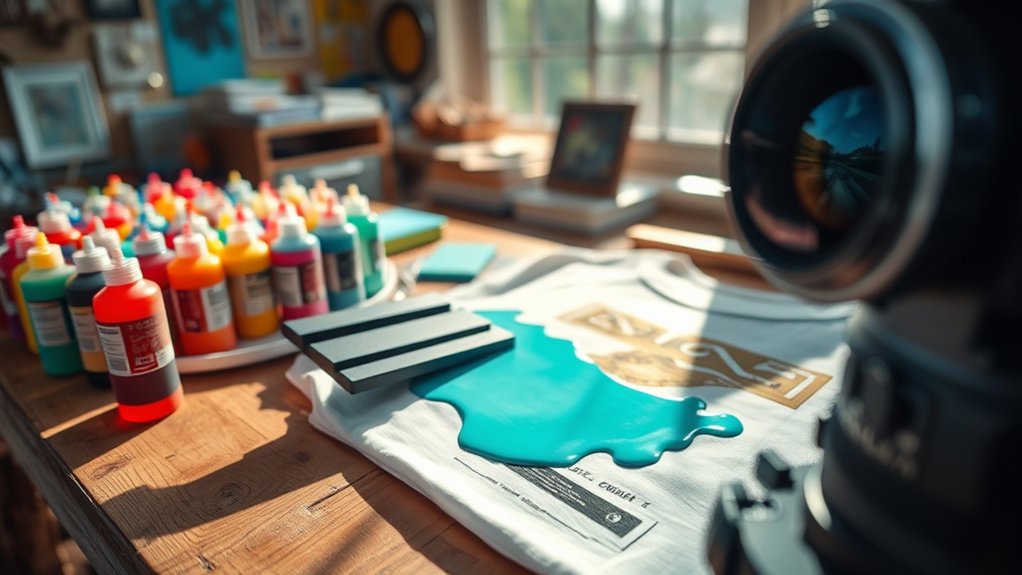

Screenprinting costs typically range from $3 to $25 per item, influenced by your order size, number of colors, and design complexity.
Each color needs its own screen, which increases setup time and expense. Larger orders help lower your per-unit cost by spreading fixed setup fees across more items.
Complex designs require extra screens and precise alignment, raising labor and material costs.
Choosing simple designs and ordering in bulk are effective ways to manage expenses. Understanding these factors will help you optimize your screenprinting budget.
Key Takeaways
- Screenprinting costs vary with order size, typically $25 per unit for small runs and as low as $3 for large volumes.
- Each color in a design requires a separate screen, increasing setup time and overall printing costs.
- Complex designs with gradients or fine details raise costs due to additional labor and specialized techniques.
- Quality of inks, screens, and printing equipment influences pricing and durability of the final product.
- Simplifying designs and ordering in bulk are effective strategies to reduce screenprinting expenses.
Why Screenprinting Costs Vary
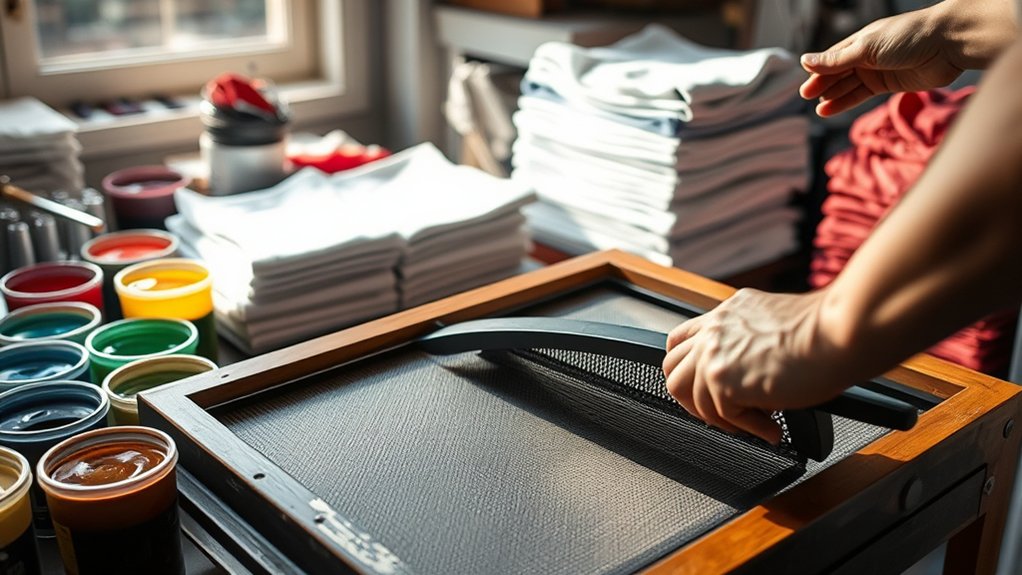
Although screenprinting may seem straightforward, several factors influence its cost, making it essential for you to understand these variables. Different screenprinting techniques, such as flat-bed, rotary, or automatic presses, demand varying levels of labor and setup time, directly impacting expenses.
Printing equipment quality and complexity also play a critical role; high-end machines deliver faster throughput but require larger upfront investments and maintenance. Additionally, the type of mesh screen, ink viscosity, and drying methods affect efficiency and durability, which in turn influence cost.
You should also consider production volume, as larger runs reduce per-unit cost through economies of scale. By analyzing these factors, screenprinting techniques and printing equipment specifications, you can better estimate pricing and choose the best process for your project’s budget and quality requirements.
How Number of Colors Affects Screenprinting Costs
When you increase the number of colors in your screenprint design, costs rise due to additional setup and materials. Each color requires its own screen, which means more time spent on screen preparation and alignment.
Your color selection directly impacts ink usage; some ink types, like specialty or metallic inks, cost more than standard plastisol inks. More colors mean more ink layers, increasing drying time and labor.
Complex color blends or gradients may require halftone printing, further adding to expenses. Additionally, multicolor prints demand precise registration to avoid color overlap, which can extend setup time.
To manage costs, limit your design’s color palette and choose ink types wisely, balancing visual impact with budget constraints. This technical approach guarantees you optimize screenprinting costs effectively.
How Order Size Affects Screenprinting Costs
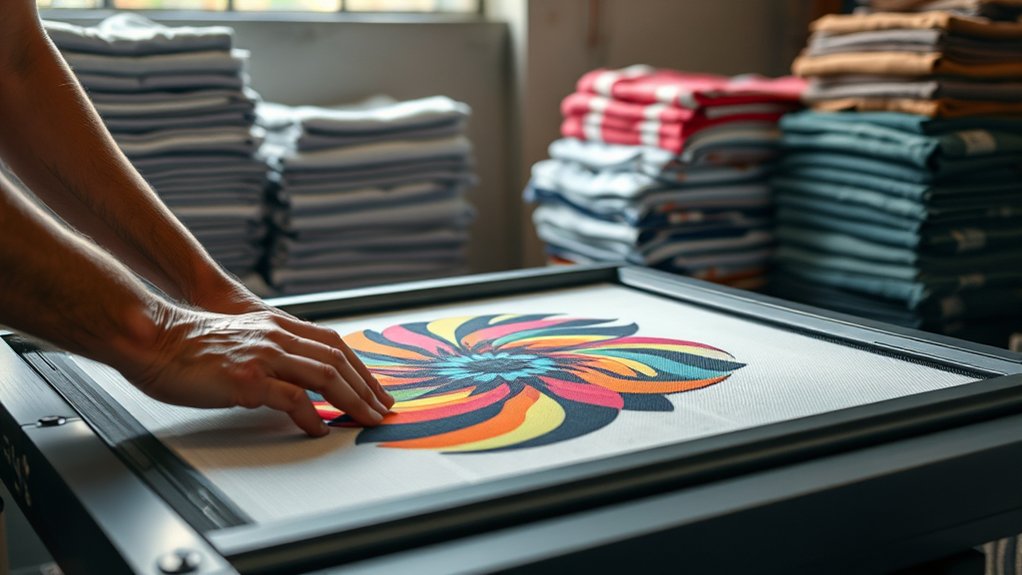
Because screenprinting involves fixed setup costs, your order size greatly impacts the per-unit price. Larger orders spread these fixed costs over more units, enhancing production efficiency and reducing unit cost. Conversely, small orders carry higher per-unit costs as setup expenses remain constant regardless of quantity.
| Order Size (Units) | Estimated Cost per Unit ($) |
|---|---|
| 10 | 25.00 |
| 50 | 12.00 |
| 100 | 8.00 |
| 500 | 4.50 |
| 1000 | 3.00 |
Optimizing your order size is essential. Increasing quantities improves efficiency, lowers costs, and maximizes value. Keep in mind, too small an order inflates costs, while too large may exceed your needs or budget.
How Design Complexity Affects Screenprinting Costs
Since each screen in screenprinting corresponds to a color or design element, more intricate designs require additional screens, increasing setup time and materials. When your design includes complex gradients, fine details, or multiple colors, the printing techniques needed become more specialized, driving up costs.
Each added design element demands precise alignment and registration, which extends production time and the likelihood of errors. Advanced printing techniques, such as simulated process or halftones, increase both labor and equipment expenses. Conversely, simpler designs with fewer colors reduce the number of screens and streamline the workflow.
Understanding how your design complexity influences screen count and printing techniques helps you anticipate setup fees and per-unit costs, allowing you to optimize your artwork for cost-effective production without compromising visual impact.
DIY vs Professional Screenprinting: Which Costs Less?
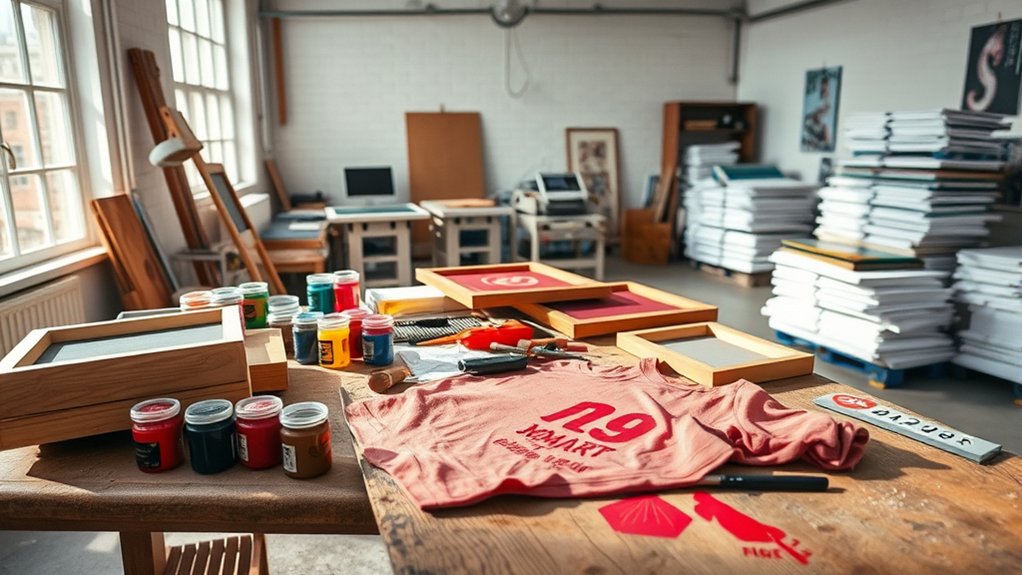
How much can you really save by screenprinting your own designs instead of hiring a professional service? DIY methods often require upfront investments in screens, inks, and equipment, which can add up quickly. You’ll need to take into account consumable costs like emulsion and cleaning supplies, too.
While DIY might reduce per-unit costs for small runs, setup time and trial-and-error can increase overall expenses and effort. In contrast, professionals leverage economies of scale and optimized workflows, often delivering lower costs per item on larger orders.
From a quality comparison standpoint, professionals provide consistent print clarity, color accuracy, and durability, which DIY attempts may lack due to limited equipment precision and experience. Ultimately, if you prioritize quality and efficiency, professional screenprinting may cost less when factoring in time and material waste.
How to Save Money on Screenprinting
You can cut screenprinting costs considerably by ordering in bulk to access discounts. Simplifying your design reduces setup time and materials, lowering expenses.
Also, selecting cost-effective substrates and inks helps keep your budget in check without sacrificing quality.
Bulk Order Discounts
Although individual screenprinted items can be costly, ordering in bulk greatly reduces the price per unit by spreading setup and labor costs across a larger quantity. Screenprinting shops offer bulk pricing tiers that markedly lower costs once you exceed minimum order quantities, typically starting around 24 to 50 units.
As order quantities increase, fixed expenses like stencil preparation and machine calibration become less impactful on each item’s cost. To maximize savings, you should analyze your demand to select a suitable order quantity that balances inventory needs and budget constraints.
Simplify Design Complexity
Maximizing savings on screenprinting extends beyond bulk orders to the intricacies of design complexity. You can greatly reduce costs by prioritizing design simplicity and color reduction. Each additional color increases setup time and materials, driving up expenses.
Simplify your artwork by limiting fine details and gradients, which require extra labor and precision. Focus on bold, clean lines that maintain impact without complexity.
| Design Element | Cost Impact |
|---|---|
| Number of Colors | More colors = higher setup fees |
| Detail Level | Complex details increase labor |
| Use of Gradients | Adds time and cost |
Choose Cost-Effective Materials
Selecting the right materials can cut screenprinting costs considerably without sacrificing quality. You should opt for budget friendly fabrics that maintain durability and print clarity while minimizing expenses.
Choosing sustainable inks not only reduces environmental impact but also often lowers long-term costs due to efficient coverage and faster drying times. To maximize savings, focus on these key material choices:
- Lightweight, high-thread-count fabrics that reduce ink absorption and printing time
- Eco-friendly ink formulas that provide vibrant colors with less volume
- Reusable mesh screens compatible with various inks to cut replacement frequency
Frequently Asked Questions
What Types of Ink Are Used in Screenprinting?
You’ll use water based inks for soft, breathable prints and plastisol inks for vibrant, durable designs. Each suits different fabrics and effects, so you’ll choose based on your project’s texture, washability, and color intensity needs.
How Long Does the Screenprinting Process Take?
You won’t spend eternity waiting. Screenprinting techniques typically wrap within hours to a couple of days, depending on complexity and production timelines.
Prep, drying, and curing each add precise steps to your final product’s quality and speed.
Is Screenprinting Eco-Friendly or Sustainable?
Screenprinting can be eco-friendly if you use sustainable materials like water-based inks and adopt eco friendly practices such as recycling screens and minimizing chemical waste. This ensures your process reduces environmental impact effectively and responsibly.
Can Screenprinting Be Done on Fabrics Other Than Cotton?
Yes, you can screenprint on polyester blends and other synthetic fabrics, but you’ll need specialized inks and curing processes to guarantee adhesion and durability. These materials have different surface properties compared to natural fibers like cotton.
What Are Common Mistakes to Avoid in Screenprinting?
Don’t let your prints look like a rainbow exploded. Choose ink selection carefully and maintain equipment regularly. Skipping these causes smudges, clogged screens, and misprints.
Precision and upkeep guarantee crisp, vibrant results every time you screenprint.
Conclusion
Screenprinting costs can feel like maneuvering through a maze, but understanding key factors puts you in control. The number of colors, order size, and design complexity directly impact your budget. Choosing between DIY and professional services also shifts expenses.
By focusing on these elements and exploring cost-saving strategies, you can optimize your print run without sacrificing quality. Keep these details in mind, and you’ll screenprint smarter, not harder. Knowing how much does it cost to screenprint helps you make informed decisions and get the best value for your investment.