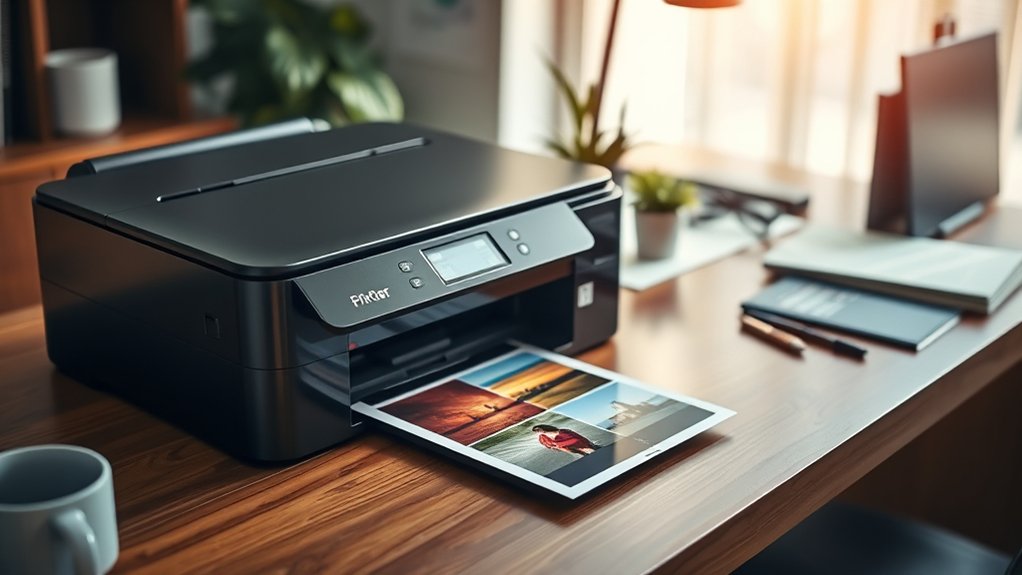

You want a good printer that fits your printing volume, quality needs, and budget.
Choosing a good printer means considering how often you print and what type of documents you produce most. For occasional color prints, an inkjet works well; if you print a lot of documents, a laser printer saves time and money.
Check for wireless options to easily print from multiple devices, and consider running costs like ink type.
Durable, top brands like Brother, HP, or Canon offer reliable choices.
Keep these basics in mind as you explore which features suit your setup best.
Key Takeaways
- Choose a printer type based on your needs: inkjet for photos, laser for documents, or multifunction for versatility.
- Consider printing volume to select cost-effective models that handle your monthly print frequency efficiently.
- Prioritize printers with wireless connectivity for flexible, cable-free printing from multiple devices.
- Evaluate print quality and running costs, including ink type and cartridge price, to ensure long-term affordability.
- Opt for reputable brands like Brother, HP, or Canon for reliable performance and good customer support.
Common Printer Types and Which One Suits You
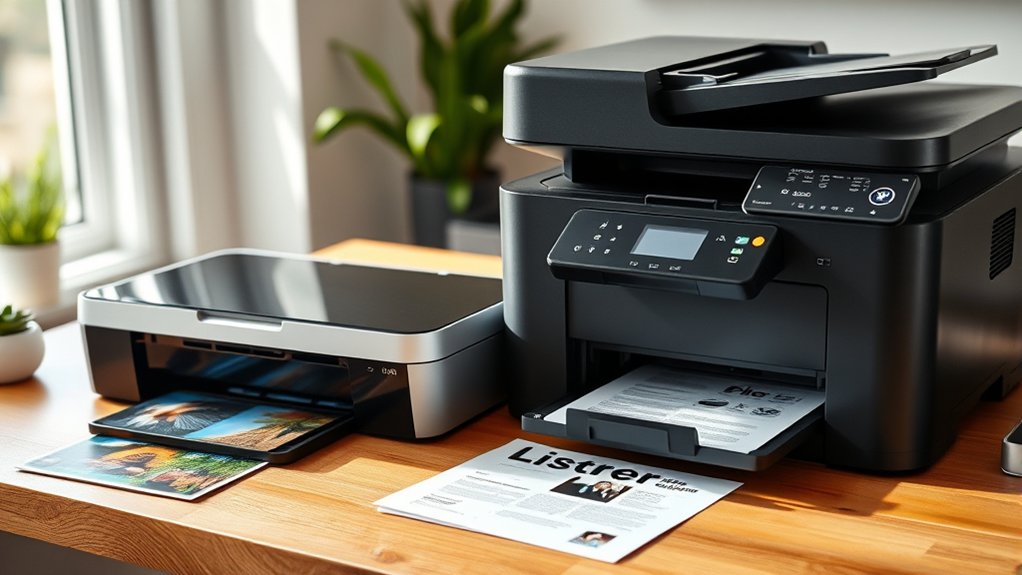
Wondering which printer fits your needs best? You’ll first need to weigh inkjet vs. laser options. Inkjet printers excel at producing vibrant color prints and photos, making them ideal if you want high-quality images or occasional printing.
Laser printers, on the other hand, deliver faster speeds and sharper text, perfect for heavy document printing. If you need more than just printing, consider multifunction printers. They combine printing, scanning, copying, and sometimes faxing into a single device, saving space and increasing convenience.
When choosing, think about what you print most often and whether you value speed, image quality, or versatility. This way, you’ll pick a printer that suits both your tasks and budget efficiently.
How Much You Print Affects Your Printer Choice
Your printing volume plays an essential role in selecting the right printer. If your printing frequency is low, an inkjet printer might suit you well due to its affordability and quality for occasional use.
However, if you print frequently or have a high print volume, a laser printer could be more cost-effective and efficient, handling larger workloads without frequent cartridge changes.
For frequent or high-volume printing, laser printers offer greater efficiency and cost savings with less cartridge replacement.
Consider how much you print monthly to avoid overspending on features you don’t need. High print volumes demand printers with robust paper handling and faster speeds, while low print volumes allow for simpler models.
Always match your printer choice to your printing frequency to balance cost, speed, and maintenance, ensuring you get the best value and performance for your specific needs.
Why Printer Quality Matters for Your Projects
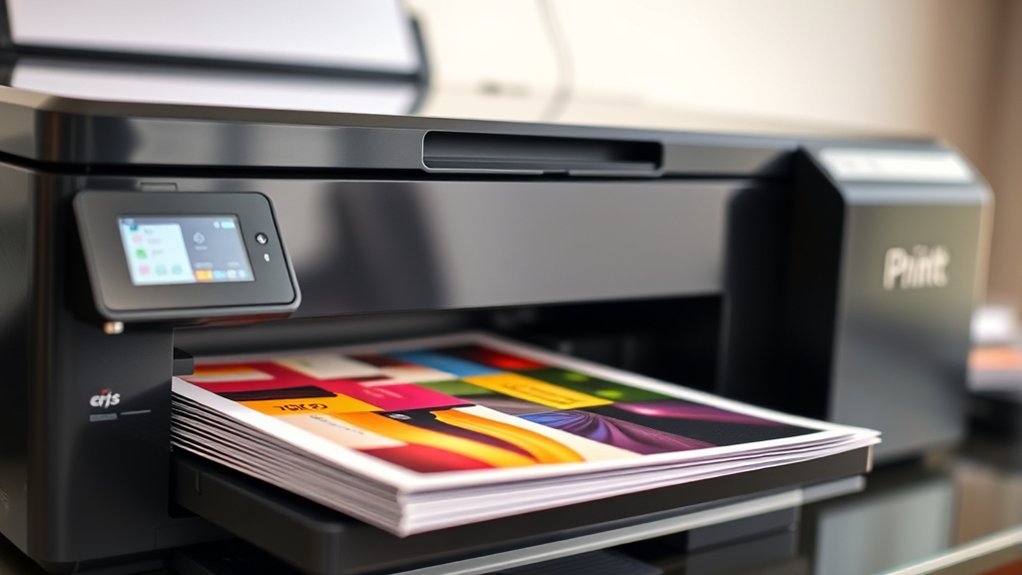
You want your projects to look professional and polished, so printer quality plays a vital role in the final output. High-quality printers guarantee your colors stay accurate and consistent from start to finish.
This consistency helps you maintain the exact look you envision every time you print.
Impact on Final Output
Although choosing the right printer might seem straightforward, its quality directly influences the clarity, color accuracy, and overall professionalism of your final output. Higher print resolution guarantees sharp details, making images and text look crisp.
Additionally, output longevity matters if you want your prints to last without fading or smudging over time. Investing in a quality printer helps maintain both aspects, delivering results that reflect your effort accurately.
| Aspect | Why It Matters |
|---|---|
| Print Resolution | Sharp, detailed images and text |
| Output Longevity | Durable prints that resist fading |
| Professional Look | Enhances credibility and impact |
Choosing a good printer assures your projects look polished and stand the test of time.
Consistency in Color Accuracy
When printing projects, maintaining consistent color accuracy is essential to achieving the desired visual impact. You want your prints to match your digital designs exactly, and that’s where color calibration comes into play.
A good printer allows you to calibrate colors precisely, ensuring that each print reflects the same hues and tones. Without proper calibration, colors can shift, leading to unexpected results and wasted materials.
Print consistency isn’t just about sharp images; it’s about reliable color reproduction every time you print. When your printer handles color calibration well, you save time and avoid frustration by reducing trial and error.
Ultimately, consistent color accuracy means your projects look professional and meet your expectations, making printer quality a critical factor in your creative workflow.
Key Usability Features to Look For in Printers
When choosing a printer, you want one with an easy setup process so you can start printing quickly. Look for an intuitive control panel that makes managing settings straightforward.
Wireless connectivity options are also essential for printing from multiple devices without hassle.
Easy Setup Process
Because setting up a printer can be frustrating, choosing one with an easy setup process saves you time and hassle. Look for models that emphasize setup convenience, offering clear instructions and straightforward steps.
Installation simplicity means you won’t have to wrestle with complicated cables or confusing software. Many printers now support wireless connections, allowing you to connect effortlessly via Wi-Fi or Bluetooth without needing extra hardware.
Some even include mobile setup apps to guide you through each stage, reducing errors and guesswork. Prioritize printers that provide plug-and-play features, minimizing the need for manual driver installations.
This way, you can get your printer up and running quickly, letting you focus on what matters instead of struggling with technical difficulties. Setup convenience and installation simplicity are key to a smooth start.
Intuitive Control Panel
Intuitive Control Panel
Although a printer’s setup might be simple, you’ll want an intuitive control panel to navigate its functions easily. The control panel design plays an essential role in your overall experience, making complex tasks straightforward. A well-designed user interface reduces frustration and speeds up daily use.
Here are three key elements to look for:
- Clear Display: A bright, high-resolution screen helps you read menus and notifications effortlessly.
- Logical Layout: Buttons and touch controls should be organized intuitively, so you don’t waste time searching for options.
- Responsive Touch or Buttons: Immediate feedback from the user interface guarantees smooth interaction without delays.
Prioritize printers with user-friendly control panels to make your printing tasks faster and more enjoyable.
Wireless Connectivity Options
Since you’ll likely print from multiple devices, wireless connectivity options become essential features to evaluate. You want a printer that supports seamless wireless printing to avoid the hassle of cables.
Mobile compatibility is key, enabling you to print directly from smartphones or tablets. Look for printers with Wi-Fi, Bluetooth, or NFC capabilities to suit your setup.
| Connectivity Type | Benefit |
|---|---|
| Wi-Fi | Print from any networked device |
| Bluetooth | Quick, short-range printing |
| NFC | Tap-to-print convenience |
| Mobile Apps | Enhanced control and features |
| Cloud Printing | Print from anywhere |
Choosing printers with these wireless options guarantees flexibility and ease, fitting your lifestyle and technology.
Comparing Printer Running Costs and Ink Types
When choosing a printer, you’ll want to evaluate the running costs and the types of ink it uses, as these factors greatly impact your long-term expenses. Understanding ink efficiency and conducting a cost analysis can save you money over time.
Here are three key points to contemplate:
- Ink Type: Dye-based inks are vibrant but may require frequent replacement, while pigment-based inks last longer and resist fading.
- Cartridge Size: High-capacity cartridges cost more upfront but reduce the price per page due to better ink efficiency.
- Refilling Options: Some printers support refillable tanks, offering significant savings compared to traditional cartridges.
Printer Connectivity Options Explained
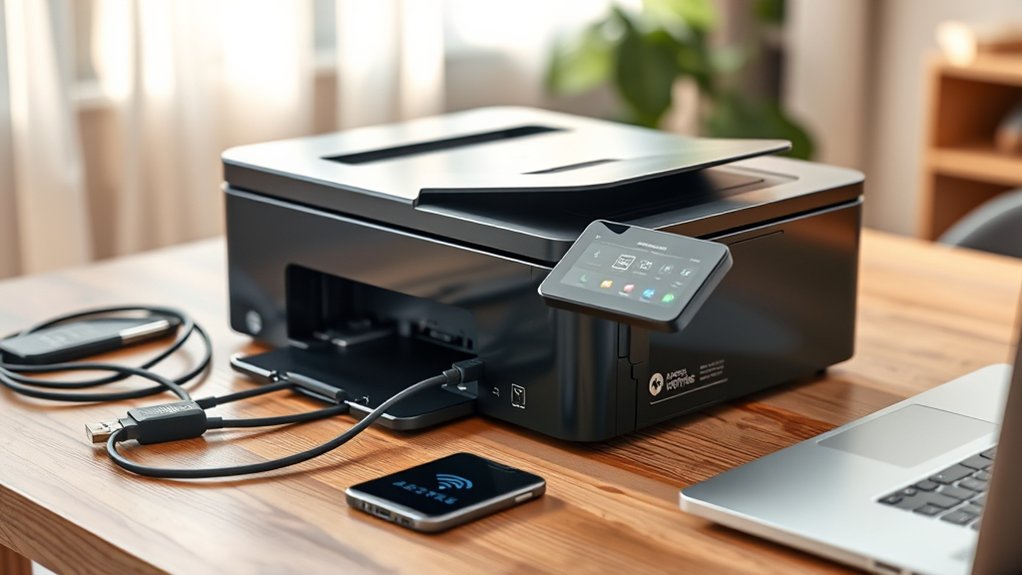
To get the most out of your printer, you need to understand the different connectivity options it offers. Most printers come with USB connections, allowing a straightforward, reliable link to your computer. This wired setup is perfect when you want stable, fast printing without relying on a network.
On the other hand, printers with wireless capabilities let you print from multiple devices without cables. This option is ideal if you want flexibility to print from your smartphone, tablet, or laptop anywhere in your home or office. Wireless printers connect via Wi-Fi, Bluetooth, or even cloud services, giving you convenience and mobility. Choosing between USB and wireless depends on your workflow needs, whether you prioritize speed and stability or ease of access and versatility.
Best Printer Brands and Models for Value
Finding the right printer brand and model can make a big difference in both performance and cost-effectiveness. When searching for the best budget printers, focusing on top rated brands helps guarantee reliability and value. Here are three key options to take into account:
- Brother Known for affordable, durable printers ideal for home and small offices.
- HP Offers versatile models with strong wireless features and reasonable ink costs.
- Canon Excels in photo printing and provides competitive pricing on ink.
Frequently Asked Questions
Can Printers Scan and Copy Documents as Well?
Yes, many printers include scanner features, letting you scan and copy documents easily. You’ll find copy quality varies, so check reviews to verify the printer you pick meets your scanning and copying needs efficiently.
How Do I Troubleshoot Common Printer Errors?
When things go south, start by checking error messages to pinpoint problems. Then, verify connection issues. Ensure cables and Wi-Fi are secure. Restart your printer and device; this often clears glitches and gets you back on track quickly.
Are Wireless Printers Secure From Hacking?
Wireless printers can be vulnerable to hacking if you neglect wireless security. You should update firmware regularly, use strong passwords, and enable encryption to minimize printer vulnerabilities and keep your device and data safe from unauthorized access.
What Environmental Impact Do Printers Have?
Imagine a forest where discarded leaves pile up. Printer waste behaves the same, harming nature.
You can choose eco-friendly options like recycled paper and energy-saving printers to reduce your environmental footprint and protect our planet’s health.
Can I Print Photos Directly From My Phone?
Yes, you can print photos directly from your phone if your printer supports mobile compatibility. Many modern printers offer easy photo printing via apps or wireless connections, letting you quickly share and print images from your device.
Conclusion
Choosing the right printer is like picking the perfect tool for a job—you want one that fits your printing habits, quality needs, and budget. Consider how much you print, the features that make your life easier, and the long-term costs like ink or toner.
With the right connectivity and a trusted brand, your printer will work smoothly and reliably. Keep these points in mind, and you’ll find a printer that truly suits you.
Finding a good printer means balancing your specific needs with performance and cost. Focus on these factors, and you’ll be well on your way to choosing a good printer that meets your expectations.