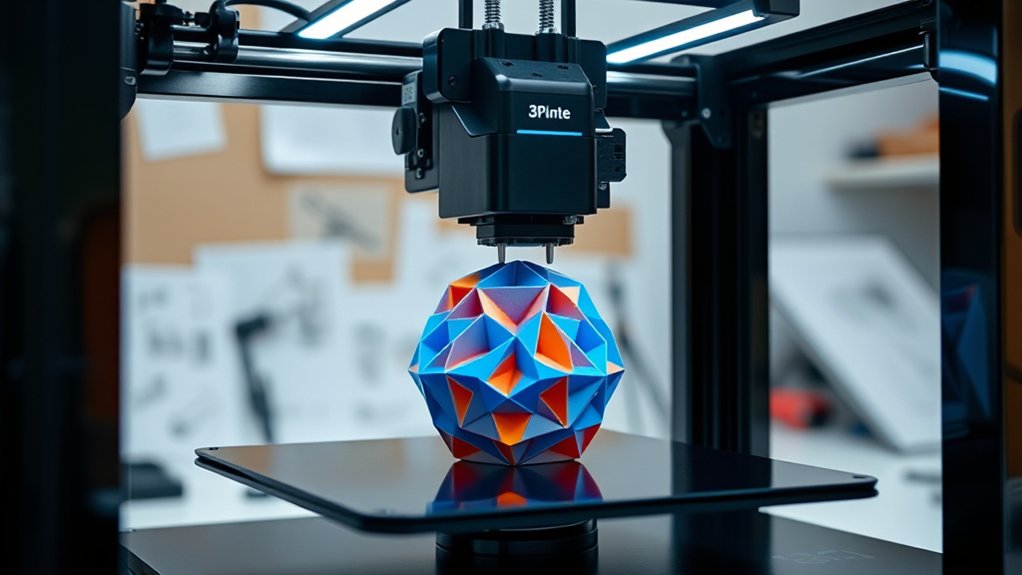

To find the best 3D printer, you need one that fits your project’s size, required materials, and precision level.
Consider print volume for the designs you plan to make, and verify compatibility with filaments like PLA or ABS.
Choose a printer with fine layer resolution and a reliable motion system for quality and speed.
Whether you need budget FDM models or high-detail SLA options, matching features to your needs guarantees ideal results.
Exploring these factors will clarify your ideal choice.
Key Takeaways
- The best 3D printer depends on your project needs, budget, and desired print quality or speed.
- FDM printers like the Creality Ender 3 offer affordability and material versatility for general use.
- SLA printers, such as the Anycubic Photon, provide high resolution and smooth finishes for detailed prototypes.
- High-end models like the Prusa i3 MK4 balance advanced features, reliability, and excellent print quality.
- Consider print volume, material compatibility, and maintenance requirements when selecting the ideal 3D printer.
Key Factors to Choose the Best 3D Printer for Your Projects
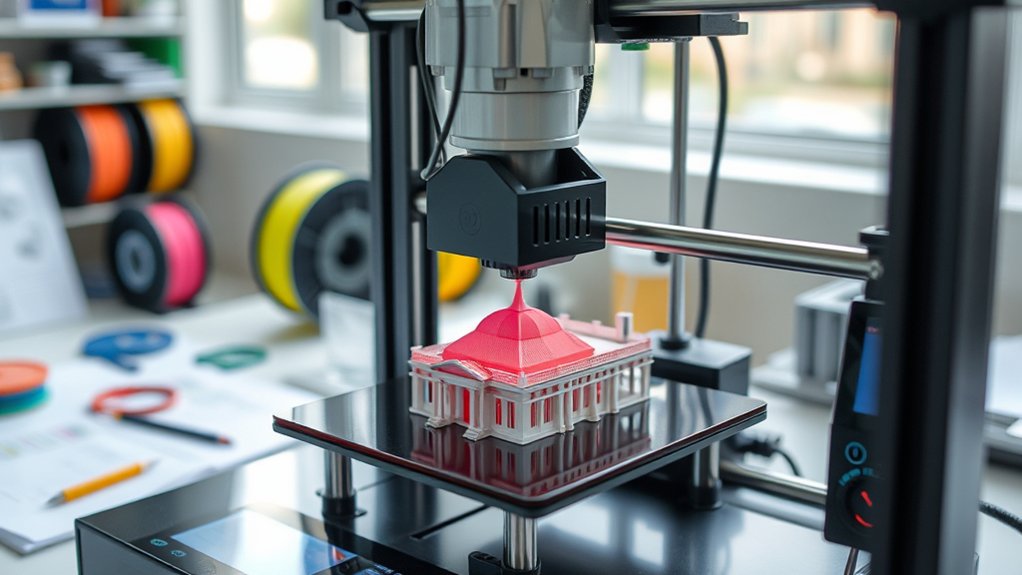
When selecting the best 3D printer for your projects, you need to focus on several critical factors that directly impact print quality and efficiency. First, evaluate the print volume to guarantee the printer can accommodate the maximum size of your designs without needing to segment models.
A larger print volume offers flexibility but may increase machine footprint and cost. Equally important is material compatibility; verify that the printer supports the filament or resin types required for your applications, such as PLA, ABS, PETG, or specialty composites. Compatibility affects the strength, finish, and durability of your prints.
Prioritize printers with robust material handling systems that maintain ideal extrusion temperatures and prevent warping. By precisely matching print volume and material compatibility to your project needs, you’ll achieve reliable, high-quality results efficiently.
3D Printer Features That Impact Print Quality and Speed
Although numerous components influence a 3D printer’s performance, features such as layer resolution, print speed settings, and motion system precision critically determine both print quality and production efficiency. When selecting a printer, prioritize models offering adjustable print resolution, as finer layer thickness—often down to 50 microns—yields smoother surfaces and higher detail fidelity.
However, reducing layer thickness increases print time, so balancing resolution with speed is essential. Additionally, the printer’s motion system, whether using precision linear rails or belts, affects positional accuracy and vibration control, directly impacting dimensional accuracy and surface finish.
Advanced firmware that dynamically optimizes print speed without sacrificing print resolution further enhances efficiency. Understanding how these features interact enables you to select a printer tailored for your specific quality and speed requirements.
Comparing FDM, SLA, and Other 3D Printer Types
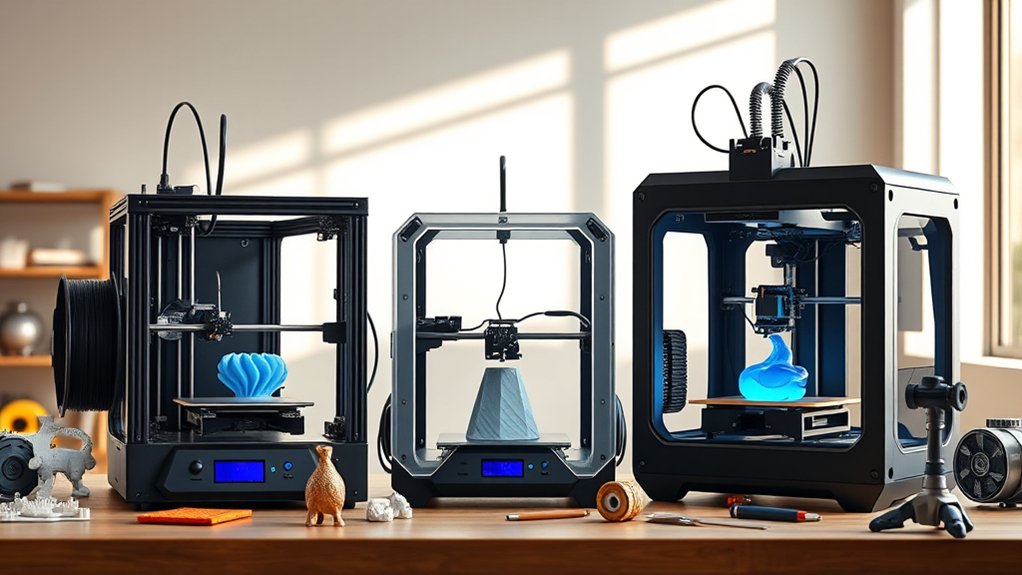
Since choosing the right 3D printer type directly impacts your project’s outcome, understanding the differences between Fused Deposition Modeling (FDM), Stereolithography (SLA), and other technologies is essential. FDM advantages include affordability, ease of use, and compatibility with various thermoplastics, making it ideal for prototyping and functional parts.
SLA applications excel in producing high-resolution, smooth-surfaced models suited for detailed prototypes, dental molds, and jewelry. Other types like Selective Laser Sintering (SLS) offer durability and complexity without support structures.
FDM uses melted filament extruded layer-by-layer
SLA cures resin with a UV laser for fine details
SLS fuses powdered material for strong, complex parts
Material compatibility varies by technology
Print speed and post-processing differ greatly
Best 3D Printers for Different Budgets and Uses
Understanding the strengths and limitations of various 3D printing technologies sets the stage for selecting the best printer aligned with your budget and specific applications.
Grasping the pros and cons of 3D printing technologies helps you choose the ideal printer for your needs.
For budget friendly options, consider FDM printers like the Creality Ender 3 series; they provide reliable performance and compatibility with diverse filaments at a low cost.
If you require high resolution and intricate detail, budget friendly SLA printers such as the Anycubic Photon offer a compact footprint and precise layer accuracy.
On the other end, high end selections like the Prusa i3 MK4 or Formlabs Form 3 deliver advanced features, superior material compatibility, and robust build volumes for professional prototyping or production.
Matching printer capabilities to your intended use guarantees the most favorable investment, whether you prioritize affordability, speed, or print quality.
Maintaining Your 3D Printer for Best Results
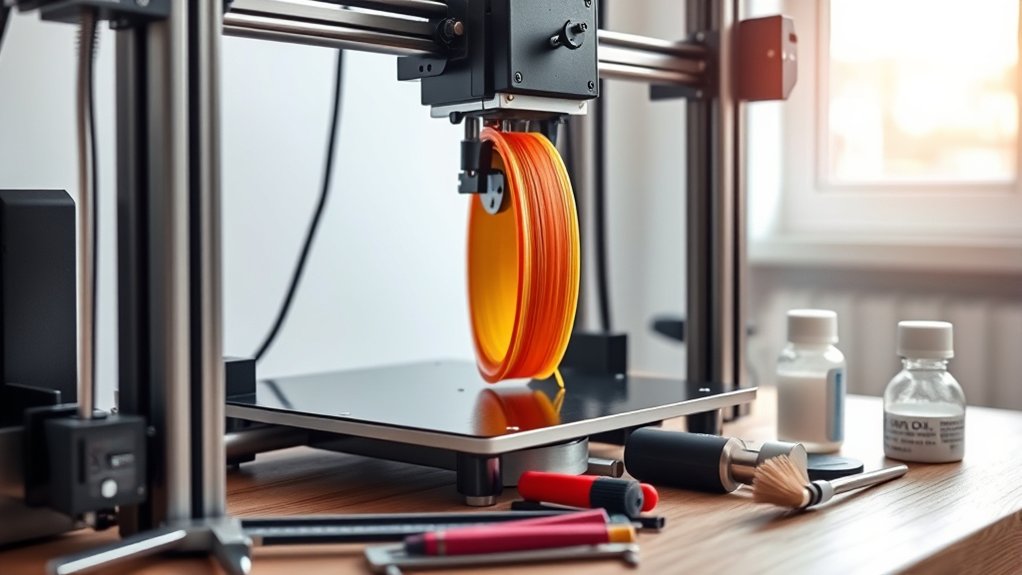
To guarantee consistent print quality and extend your 3D printer’s lifespan, you need to perform regular maintenance tasks tailored to your model. Focus on components like the print head and verify bed leveling is precise to avoid print defects. Regular upkeep prevents mechanical failures and improves accuracy.
- Clean the print head to prevent nozzle clogs and material buildup.
- Calibrate bed leveling frequently to maintain ideal first-layer adhesion.
- Lubricate rails and lead screws to reduce friction and wear.
- Inspect belts and pulleys for tension and signs of damage.
- Update firmware to enhance performance and fix bugs.
Frequently Asked Questions
How Long Does It Take to Learn 3D Printing Basics?
You’ll grasp 3D printing basics within a week by using beginner resources like tutorials and forums. The learning curve is manageable if you practice regularly and study printer settings, slicing software, and material properties precisely.
What Materials Are Safest for Home 3D Printing?
Don’t worry about fumes. PLA and PETG are the safest materials for home 3D printing, emitting minimal odors and toxins.
Prioritize home safety by ensuring proper ventilation and using these biodegradable, non-toxic filaments to protect your environment.
Can 3D Printers Be Used for Food Preparation?
Yes, you can use food 3D printing to prepare meals by precisely layering edible materials like chocolate, dough, or purees. This technology enables complex shapes and customized nutrition, enhancing culinary creativity and efficiency.
How Environmentally Friendly Is 3D Printing?
3D printing’s environmental friendliness varies; while you can use sustainable materials and exploit recycling potential to reduce waste, the energy consumption and plastic emissions often offset these benefits. This demands careful material selection and process optimization.
Are There Any Health Risks Associated With 3D Printing Fumes?
Yes, fume exposure during 3D printing can cause respiratory irritation and other health issues. You should always use health precautions like proper ventilation, enclosed printers, and filtration systems to minimize inhaling harmful volatile organic compounds and ultrafine particles.
Conclusion
When choosing the best 3D printer, remember that “measure twice, cut once” applies—careful consideration saves time and resources. Focus on key features like print resolution, speed, and material compatibility to match your project needs.
Whether you prefer FDM for affordability or SLA for precision, selecting the right type guarantees peak results. Regular maintenance keeps your printer performing at its best, so invest effort upfront to achieve consistent, high-quality prints every time.
By keeping these factors in mind, you can confidently select the best 3D printer that fits your specific requirements and delivers excellent performance.