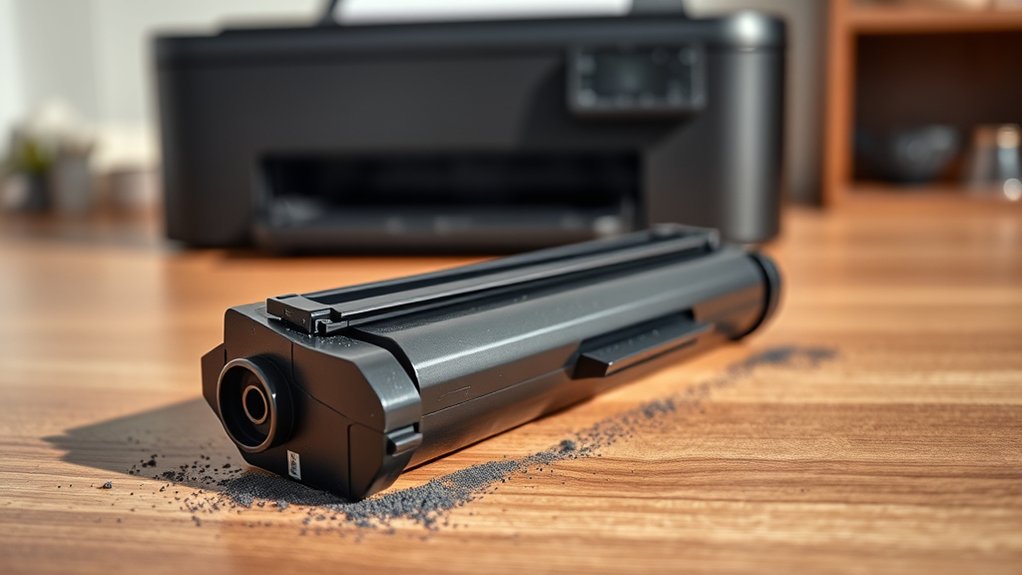

Printer toner is a fine, dry powder your laser printer uses to create sharp text and images. This essential component is made from plastic particles, color pigments, and additives that help the powder melt and stick to paper when heated.
Unlike ink, toner offers longer-lasting prints and handles high volumes better. You’ll notice when toner runs low from faded or uneven prints.
Understanding how it works and how to pick the right toner can improve your printing experience and save money.
Key Takeaways
- Printer toner is a fine powder used in laser printers and photocopiers to create text and images on paper.
- It consists mainly of plastic particles, carbon black or color pigments, and additives for smooth printing and fusion to paper.
- Toner produces durable, sharp prints that resist smudging and fading better than liquid ink.
- The printing process uses electrostatic charges to transfer toner powder onto paper, then fuses it with heat and pressure.
- Proper storage, handling, and recycling are important to maintain toner quality and reduce environmental impact.
What Is Printer Toner?
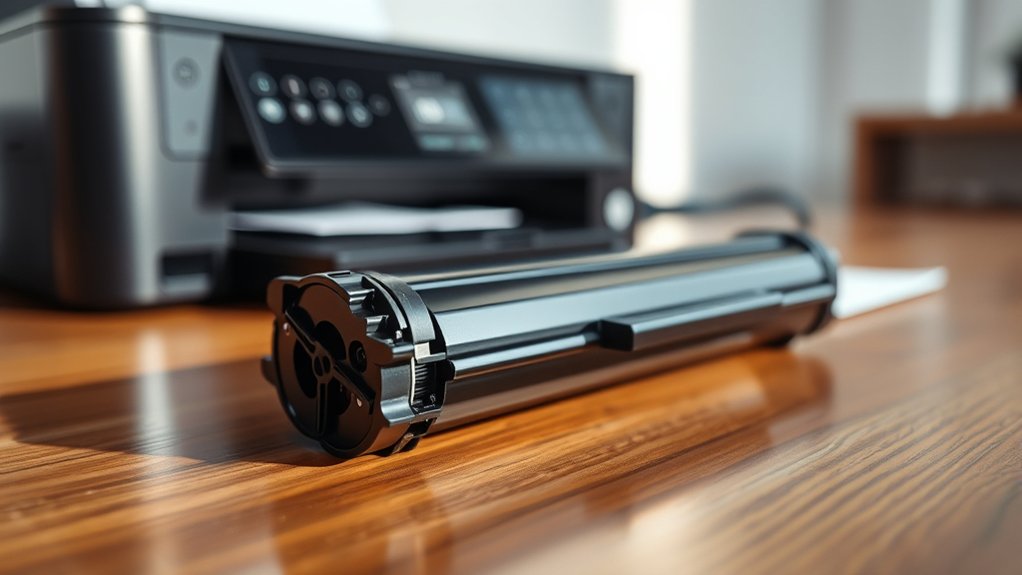
Printer toner is the fine powder used in laser printers and photocopiers to create text and images on paper. When you use toner, you benefit from its durability and toner longevity, which means your prints stay sharp longer without fading.
This longevity reduces the frequency of cartridge replacements, saving you money and reducing waste. However, it’s important to evaluate the environmental impact of toner. While toner cartridges can be recycled, the manufacturing and disposal processes may contribute to pollution if not managed properly.
Choosing cartridges with high yield and recycling programs helps minimize this impact. Understanding toner’s composition and use helps you make informed decisions that balance print quality, cost, and environmental responsibility.
How Printer Toner Differs From Ink
While toner offers durability and longevity for your prints, it’s quite different from the ink used in other types of printers. Toner is a dry powder, whereas ink is liquid-based. This fundamental difference affects how each bonds to paper and the overall printing process.
When you look at toner types comparison, you’ll see that toner cartridges use electrostatic charges to attract powder to specific areas, creating sharp, long-lasting images. Ink cartridges, however, spray liquid ink directly onto the paper, which can smudge or fade over time.
Toner cartridge differences also extend to maintenance and cost. Toner generally lasts longer and handles higher volume printing more efficiently. Understanding these distinctions helps you choose the right printer and supplies based on your printing needs.
What’s Inside Printer Toner?
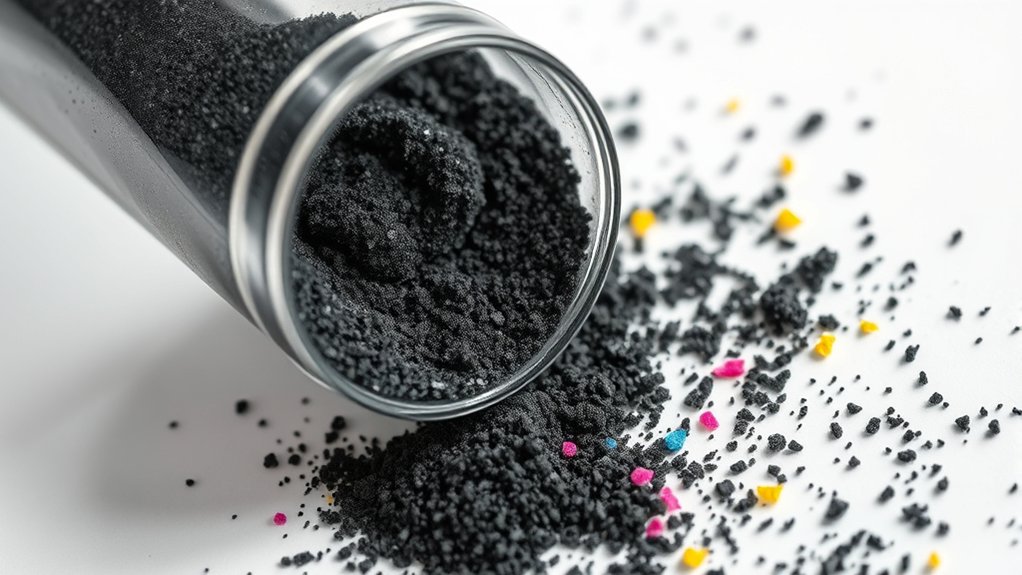
Toner powder contains a blend of finely ground particles that work together to produce crisp, clear prints. When you look at a toner ingredients breakdown, you’ll find primarily polyester or styrene acrylate copolymer as the base, combined with carbon black or color pigments for the actual print color.
Additives like wax help the toner fuse smoothly to paper, while flow agents keep the powder free-flowing inside the cartridge. Understanding these ingredients is important because they influence the environmental impact of toner cartridges.
Some components can be challenging to recycle and may release pollutants if not disposed of properly. By knowing what’s inside printer toner, you can make informed choices about recycling toner cartridges and reducing waste, helping protect the environment while maintaining print quality.
How Laser Printers Use Toner
You’ll find that laser printers use toner made of fine powder, combining plastic particles and pigments. The printer’s laser creates an image by charging specific areas on a drum, which then attract the toner.
Finally, the toner sticks to the paper and fuses with heat to produce your print.
Toner Composition Basics
Laser printers rely on a finely powdered substance made from plastic, carbon, and coloring agents to create sharp, lasting images on paper. This powder, known as toner, comes in various toner types designed for different printers and print quality needs.
The plastic helps the toner melt and fuse to the paper during printing, while carbon and pigments provide the color. You’ll find both monochrome and color toner formulations tailored to specific devices.
Understanding toner composition also matters for toner recycling efforts. Recycling toner cartridges reduces waste and recovers valuable materials, helping you contribute to environmental sustainability.
When selecting toner, consider compatibility with your printer and options that support recycling programs. This way, you get quality prints and minimize your impact on the planet.
Laser Printing Process
Understanding the composition of toner sets the stage for seeing how it’s used during printing. When you start a print job, the laser printer uses a laser beam to draw your image or text onto a photoconductive drum inside the printer.
This laser beam selectively charges parts of the drum, creating an electrostatic image. Then, the toner cartridge releases fine toner particles, which stick to the charged areas on the drum.
Next, the drum rolls over paper, transferring the toner particles onto it. Finally, heat and pressure fuse the toner onto the paper, producing a sharp and durable print.
This precise coordination between the laser beam and toner cartridge lets you get clear, high-quality prints quickly and efficiently every time.
Toner Application Mechanics
Although it might seem complex, the process of applying toner in a laser printer is carefully controlled and efficient. You rely on precise toner application to produce sharp, clear images while maximizing toner efficiency. Here’s how it works:
A laser beam selectively charges areas on a drum. Toner particles, which carry an opposite charge, are attracted to these charged spots.
The drum rolls over paper, transferring the toner onto the sheet. Heat and pressure fuse the toner permanently to the paper.
Excess toner is cleaned from the drum to prepare for the next print.
This sequence guarantees you get consistent print quality without wasting toner. Understanding toner application mechanics helps you appreciate how laser printers deliver crisp results while optimizing toner use.
Why Toner Makes Prints Durable and Sharp
Toner’s unique composition helps your prints stay sharp and durable over time. Unlike ink, toner consists of fine, powdery particles that fuse firmly to paper fibers during the heat-based printing process.
Toner’s fine powder fuses to paper with heat, ensuring sharp, durable prints that last.
This fusion guarantees that your documents resist smudging and fading, enhancing toner longevity. Because these particles bond chemically rather than simply sitting on the surface, your print quality remains crisp and clear even after handling or exposure to light.
The precise control over particle size and melting point allows the toner to produce consistent, detailed images and text. By relying on toner’s ability to adhere strongly and maintain color integrity, you get prints that stand up to everyday wear while delivering professional-quality results.
This durability is why toner is favored for long-lasting, sharp prints.
How to Tell When Your Toner Needs Replacing
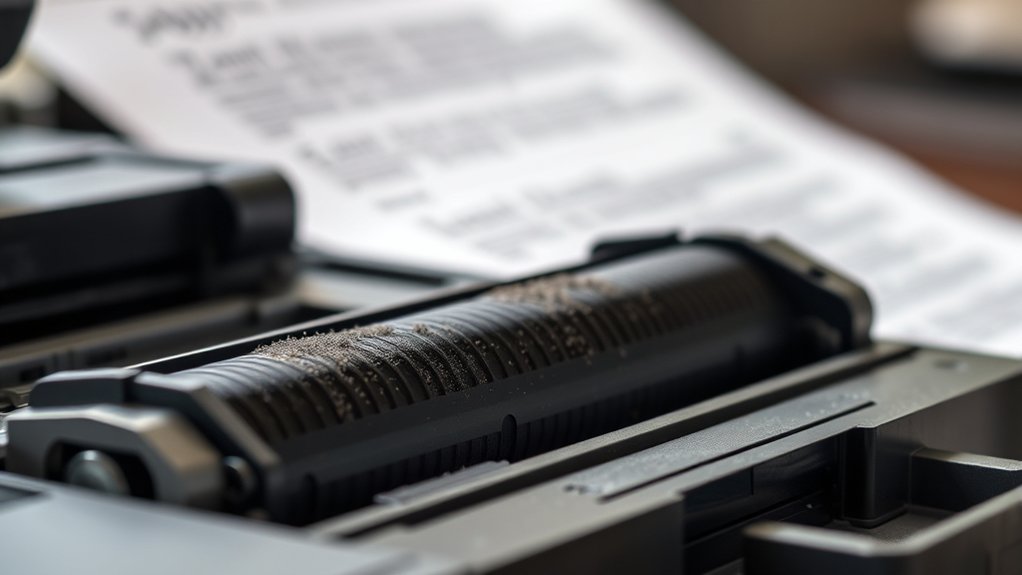
How do you know when your toner cartridge is running low or needs replacing? Paying attention to toner indicators and print quality helps you catch the signs early.
Your printer usually alerts you with a warning message or an LED light, but you should also watch for these clues:
- Faded or streaky prints
- Uneven shading on pages
- Missing text or graphics
- Frequent paper jams due to toner clumping
- Printer software showing low toner levels
When you notice these symptoms, it’s time to replace the toner cartridge to maintain sharp, durable prints. Ignoring worn toner can reduce print quality and damage your printer over time.
Stay proactive by monitoring toner indicators and print output regularly.
How to Store and Handle Printer Toner Safely
Once you spot signs that your toner needs replacing, proper storage and handling become important to keep your cartridges in good condition. For effective toner storage, keep cartridges in a cool, dry place away from direct sunlight and heat sources.
Proper toner storage starts with keeping cartridges cool, dry, and away from sunlight and heat sources.
Avoid exposing toner to moisture, which can cause clumping and poor print quality. When handling toner, always hold cartridges by their sides to prevent damage to the drum or seals.
Avoid shaking cartridges vigorously; gentle movements are best to redistribute powder evenly. If you spill toner, clean it up carefully with a damp cloth to prevent inhalation or staining.
Following these toner storage and toner handling guidelines helps maintain print quality and extends cartridge life, ensuring your printer runs smoothly without unexpected interruptions.
How to Choose the Right Toner for Your Printer
To choose the right toner, start by checking your printer’s compatibility to avoid any issues. Next, consider the toner’s quality to guarantee sharp prints and reliable performance.
Finally, balance cost with performance to get the best value without sacrificing print quality.
Printer Compatibility Check
Although choosing the right toner might seem straightforward, ensuring compatibility with your printer is essential for peak performance. Using incompatible toner cartridges can cause print errors, damage to your device, or poor print quality.
To verify compatibility, you should:
- Check your printer model in the user manual or manufacturer’s website
- Confirm the toner cartridge model numbers designed for your printer models
- Use only cartridges specified by the printer brand or trusted third-party suppliers
- Avoid generic or universal toner cartridges without clear compatibility claims
- Review product descriptions and customer feedback for compatibility confirmation
Toner Quality Considerations
When selecting toner for your printer, you’ll want to focus on quality factors that directly affect print clarity, longevity, and device health. Toner grades vary, influencing how sharp your prints look and how long the toner lasts.
High-grade toner guarantees consistent color and reduces wear on your printer parts. Toner longevity is vital if you print frequently or store printed materials long-term.
| Toner Grade | Effect on Print Quality |
|---|---|
| Premium | Crisp, vibrant prints |
| Standard | Good quality, budget-friendly |
| Economy | Lower clarity, may cause smudges |
Choose a toner grade that matches your printing needs to balance quality and durability. This way, you maintain peak printer performance and enjoy clear, lasting prints.
Cost Versus Performance
Balancing cost and performance is key for choosing the right toner for your printer. You want toner that delivers high quality without breaking the bank. Focus on cost efficiency and performance metrics to make an informed decision.
Here’s what to take into account:
- Yield: How many pages the toner can print before replacement
- Print quality: Sharpness and consistency of output
- Compatibility: Ensuring toner matches your printer model
- Price per page: Total cost divided by pages printed
- Reliability: Avoiding frequent jams or malfunctions
Frequently Asked Questions
Can Toner Cartridges Be Refilled at Home?
You can refill toner cartridges at home, but practice caution with refill safety. Proper toner cartridge maintenance helps avoid damage or mess.
Follow instructions carefully, use suitable toner, and wear protective gear to guarantee success and safety.
Are All Toner Cartridges Recyclable?
Not all toner cartridges are recyclable, but many are like hidden treasures in toner cartridge recycling programs.
You can reduce environmental impact by checking with manufacturers or local centers to recycle properly and keep waste from piling up.
How Long Does a Toner Cartridge Typically Last?
You can expect a toner cartridge lifespan of about 2,000 to 5,000 pages, depending on the cartridge yield. Your printer’s usage and print settings also affect how long the toner lasts before needing replacement.
What Causes Toner Cartridge Clogs or Streaks?
Oh, your toner cartridge loves jamming and streaking thanks to poor toner maintenance tips and neglecting cartridge cleaning techniques.
You’ll avoid these if you clean regularly, store properly, and replace cartridges before they rebel against you.
Is It Safe to Use Third-Party Toner Cartridges?
You can use third-party toner cartridges, but watch for compatibility concerns and quality differences. They might save money but could cause print issues or damage.
Always check reviews and your printer’s warranty before buying them.
Conclusion
Now that you know toner is a fine powder that makes your prints sharp and durable, here’s a cool fact: laser printers using toner can print up to 2,500 pages per cartridge—way more than typical ink cartridges.
By choosing the right toner and handling it carefully, you’ll keep your prints looking crisp without wasting supplies. Stay on top of your toner levels, and your printer will serve you reliably every time.
Understanding what is printer toner and how to manage it properly ensures you get the best performance and longevity from your printing devices.