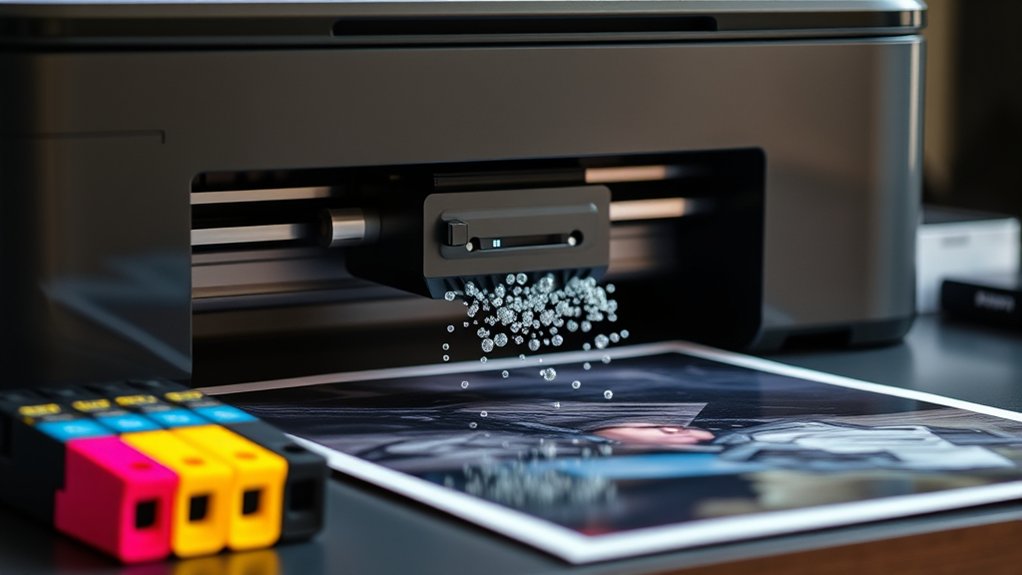

An inkjet printer works by spraying tiny droplets of ink onto paper, creating sharp text and vibrant images with precision. This technology allows for detailed and colorful prints, making it popular for both photo printing and general document use.
You’ll find a print head moving back and forth, controlled by a motor and guided by sensors to guarantee accuracy. It uses different ink types for photos or documents, offering versatile and cost-effective printing at home or in the office.
Keep going, and you’ll uncover how the inner parts function and how to handle common issues. Understanding these details can help you maintain your printer and achieve the best printing results.
Key Takeaways
- Inkjet printers spray tiny droplets of ink onto paper to create images and text with high precision. They use print heads that move back and forth, controlled by a rail system for accurate ink placement.
- Ink types include dye-based for vibrant photos and pigment-based for sharp, water-resistant text documents.
- Inkjet printers offer excellent print quality, compact design, and versatility for various paper types and sizes.
- Common issues like paper jams or blurry prints can be fixed by cleaning print heads and replacing cartridges.
What Is an Inkjet Printer and How Does It Work?
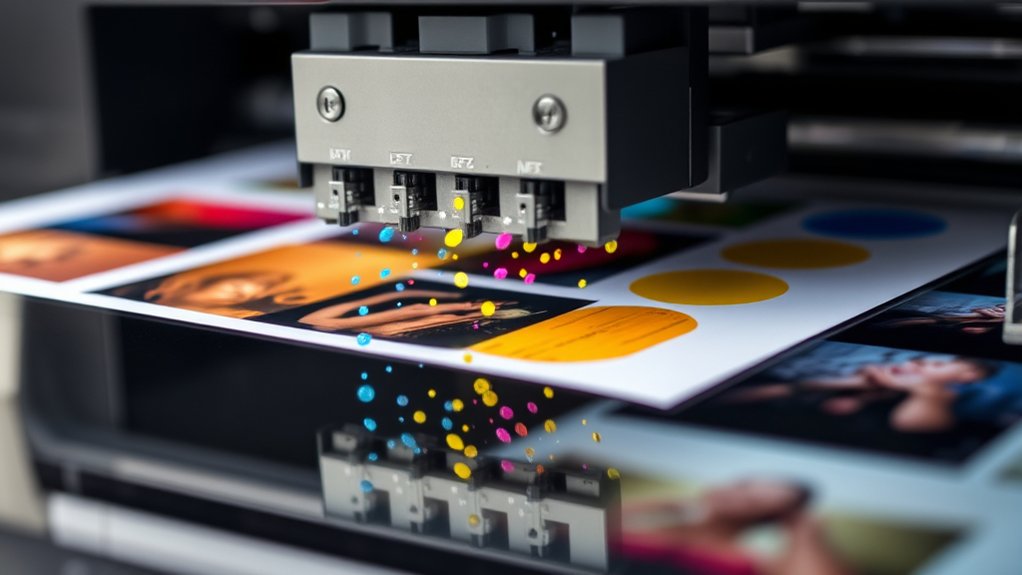
An inkjet printer is a common device that creates images and text by spraying tiny droplets of ink directly onto paper. You’ll find it uses advanced inkjet technology to control the size and placement of these droplets with precision.
This method allows for detailed and vibrant prints, especially when you adjust the printing resolution. Higher printing resolution means the printer deposits more dots per inch, resulting in sharper images and smoother color gradations.
When you print a photo or document, the printer’s software breaks down the image into tiny dots and guides the inkjet nozzles to spray them accurately. With this technology, you get clear, high-quality prints suitable for both everyday tasks and professional use.
Key Parts Inside an Inkjet Printer
Although inkjet printers may seem simple from the outside, they contain several key parts working together to produce high-quality prints. At the heart of the inkjet mechanics is the print head, which precisely sprays tiny droplets of ink onto the paper.
This component moves back and forth, guided by a rail system, ensuring every dot lands exactly where it should. You’ll also find ink cartridges that supply different colors to the print head.
The printer’s motor controls paper feeding, advancing the sheet smoothly through the machine. Sensors monitor ink levels and paper position to maintain accuracy.
Understanding these parts helps you appreciate how your printer transforms digital files into vivid images, all through the coordinated actions of its internal components.
Common Ink Types Used in Inkjet Printers
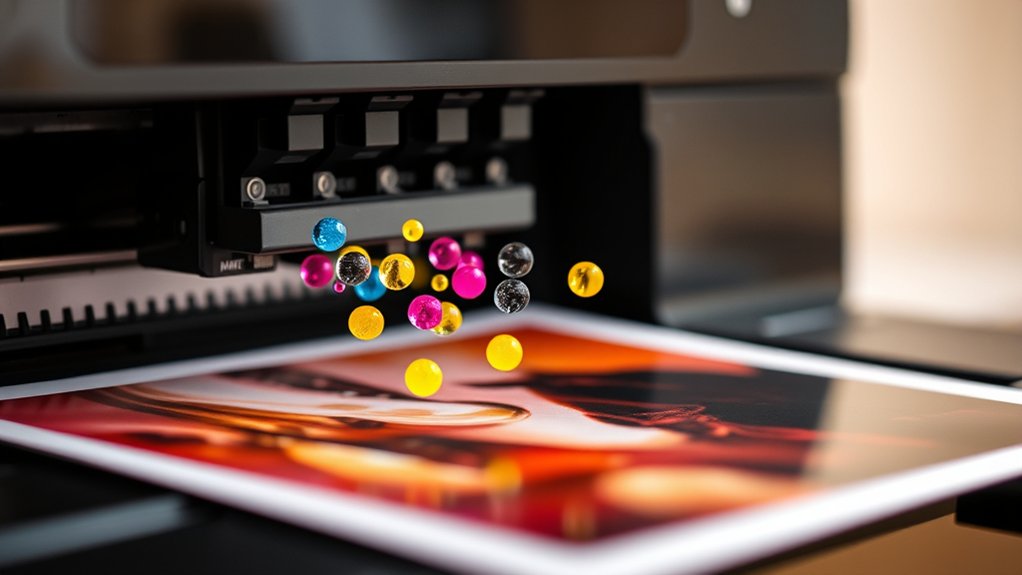
When you choose ink for your inkjet printer, you’ll encounter several common types designed to meet different printing needs. The two primary types are dye based inks and pigment based inks.
Dye based inks dissolve in liquid, offering vibrant colors and smooth gradients, ideal for photos. Pigment based inks contain solid particles suspended in liquid, providing sharper text and greater water resistance, perfect for documents. Understanding these differences helps you select the right ink for your projects.
| Ink Type | Characteristics |
|---|---|
| Dye Based Inks | Bright colors, less water-resistant |
| Pigment Based Inks | Durable, sharp, water-resistant |
| Hybrid Inks | Combine qualities of both types |
Benefits of Inkjet Printers for Home and Office
Inkjet printers offer versatile solutions that fit both home and office needs. You’ll appreciate their cost efficiency, especially when printing documents and photos in moderate volumes without investing in expensive hardware.
Inkjet printers deliver excellent print quality, producing sharp text and vibrant images that suit professional reports and personal projects alike. Their compact design saves space, making them ideal for small offices or home desks.
You can easily handle various paper types and sizes, from plain sheets to photo paper, enhancing your printing flexibility. Plus, inkjet technology supports color printing with smooth gradients and detailed graphics, which is perfect for presentations and creative work.
How to Troubleshoot Common Inkjet Printer Issues
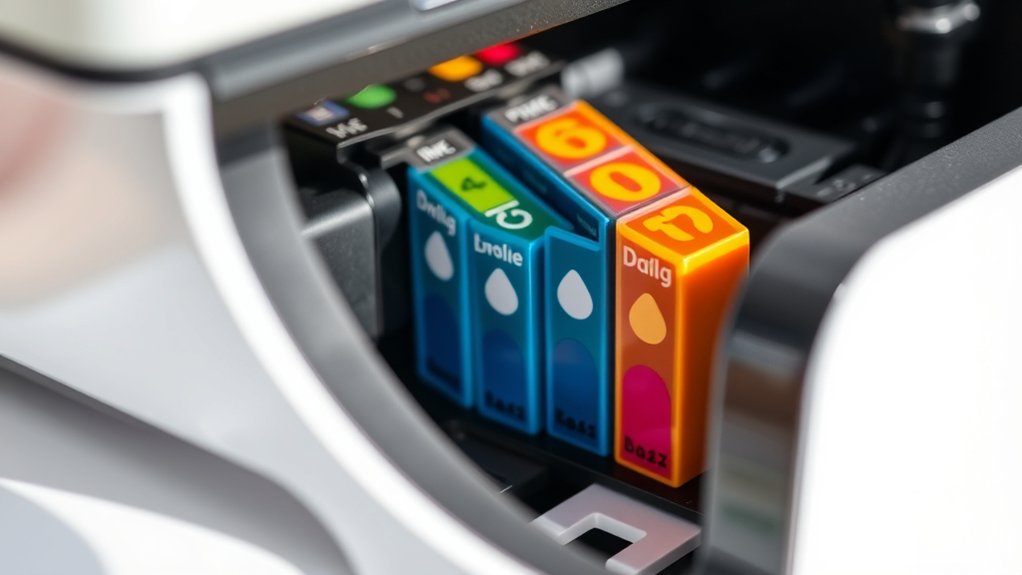
A few common issues can disrupt your printer’s performance, but most are easy to fix with straightforward steps. If you encounter paper jams, first turn off the printer and gently remove any stuck paper. Check for small scraps that might be hidden inside.
To maintain good print quality, regularly clean the print heads through your printer’s maintenance settings. Low ink levels can also affect output, so replace cartridges as needed.
If prints appear blurry or streaked, run a nozzle check and head cleaning cycle. Make certain you’re using the right paper type for your printer to avoid problems.
Frequently Asked Questions
Can Inkjet Printers Print on Fabric or Other Non-Paper Materials?
Yes, you can use inkjet printers for fabric printing and other non-paper materials, but you’ll need special inks and coatings to guarantee proper adhesion and durability. Otherwise, the print quality might not hold up well.
How Long Do Ink Cartridges Typically Last in an Inkjet Printer?
Cartridge lifespan varies, typically lasting 200-400 pages, but it depends on your printing frequency.
If you print often, you’ll replace cartridges more quickly; occasional use means cartridges might last several months or longer.
Are Inkjet Printers Compatible With Mac and Windows Computers?
Yes, inkjet printers work with both Mac and Windows computers. You’ll just need to complete driver installation carefully to avoid compatibility issues, ensuring your printer functions smoothly across different operating systems.
What Is the Environmental Impact of Using Inkjet Printers?
Inkjet printers are like small rivers of ink, but improper ink disposal can pollute.
You should choose eco friendly alternatives, like refillable cartridges or recycled paper, to minimize waste and reduce your environmental footprint effectively.
Can Inkjet Printers Connect Wirelessly to Mobile Devices?
Yes, you can connect inkjet printers using wireless technology, enabling seamless mobile printing from smartphones or tablets. Just confirm your printer supports Wi-Fi or Bluetooth, then install the app to print documents and photos effortlessly.
Conclusion
Now that you know how an inkjet printer works, you’ll be interested to hear that over 70% of home printers are inkjet models, thanks to their affordability and vibrant color output. Whether you’re printing documents or photos, inkjet printers offer versatility that fits your everyday needs.
Keep this in mind when choosing or troubleshooting your printer—it’s a reliable tool designed to make your printing tasks simple and effective. This makes the inkjet printer a popular choice for both casual and frequent users alike.