
A printer drum is a key part inside your laser printer that transfers toner onto paper to create sharp text and images.
It uses a photosensitive surface to attract toner with static electricity, ensuring clear, consistent prints.
Over time, the drum can wear out, causing faded or streaky results.
Because of this, you’ll want to replace or maintain it regularly.
Keep exploring to understand how it works, when to replace it, and how to maximize its lifespan.
Key Takeaways
- A printer drum is a photosensitive component in laser printers that transfers toner onto paper during printing.
- It creates an electrostatic image by selectively charging its surface to attract toner particles accurately.
- The drum ensures sharp, clear printouts by defining text and graphic edges with uniform toner application.
- Over time, the drum wears out, causing print quality issues like faded prints, streaks, or blotches.
- Regular maintenance and timely replacement of the drum are essential to maintain print quality and printer performance.
What Is a Printer Drum and Why It Matters
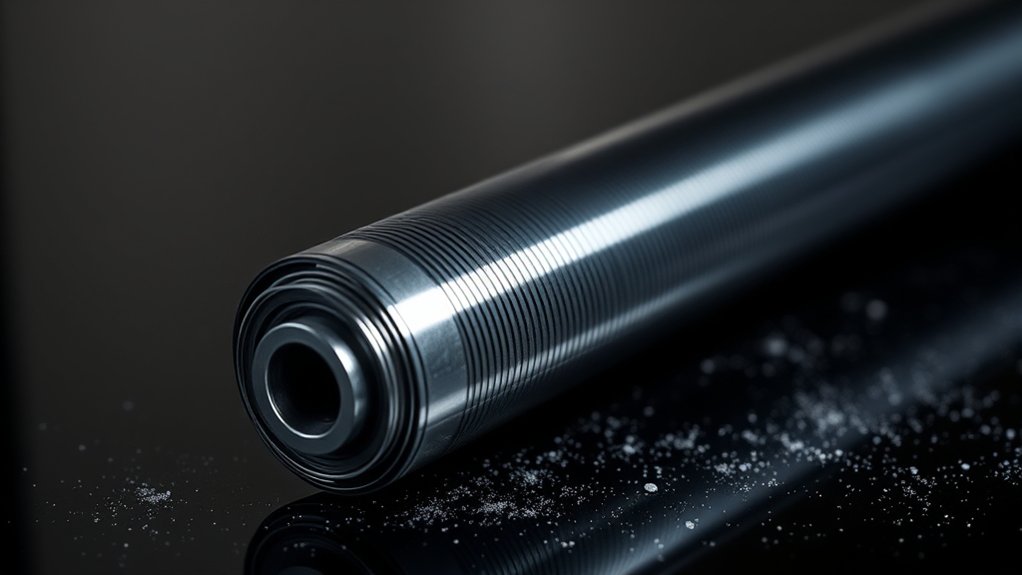
A printer drum plays an essential role in producing clear, sharp prints. You might not realize it, but the printer drum importance lies in its ability to transfer toner onto paper accurately.
Without a properly functioning drum, your prints would be blurry or incomplete. The printer drum function is to act as a medium that attracts toner particles using static electricity and then presses them onto the paper.
A properly functioning drum ensures sharp prints by attracting toner with static electricity and pressing it onto paper.
This process guarantees that the text and images appear crisp and well-defined. When the drum wears out or gets damaged, print quality suffers considerably.
Understanding the printer drum importance helps you appreciate why regular maintenance or timely replacement is necessary to keep your printer delivering the best results consistently.
How a Printer Drum Works Inside Your Printer
Although it might seem like a simple component, the printer drum plays a complex role inside your printer by working closely with toner and paper to produce crisp images and text. The printer drum functionality relies on several key printer drum components, including a photosensitive surface that reacts to laser light.
As your printer receives data, the drum’s surface is selectively charged to create an electrostatic image. Toner particles then adhere to these charged areas. When paper passes over the drum, the toner transfers onto it, forming your desired print.
Finally, heat and pressure from the fuser unit fix the toner firmly onto the paper. Understanding how the printer drum works helps you appreciate its essential role in delivering high-quality prints every time you hit “print.”
Different Types of Printer Drums and Their Uses
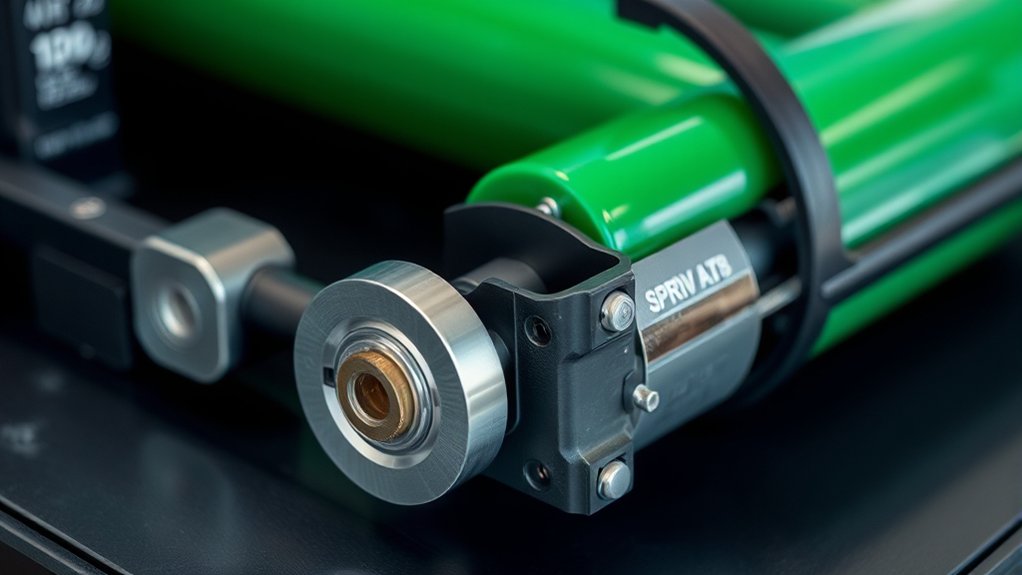
You’ll find several types of printer drums, each designed for specific applications and printer models. Understanding the materials used in drum units can help you choose the best option for your printing needs.
Let’s compare the benefits of different drum materials and how they impact print quality and durability.
Types Of Printer Drums
Several types of printer drums serve different functions depending on the printer technology and printing needs. Understanding drum types and drum materials helps you choose the right drum for your printer.
- Organic Photoconductor (OPC) Drums: Made from organic materials, these drums offer high-quality prints and are common in laser printers.
- Amorphous Silicon Drums: These use a durable silicon layer, providing longer life and resistance to scratches, ideal for heavy printing.
- Metal Drums: Typically aluminum, these drums offer excellent heat conduction and stability, used in some specialized printers.
Knowing these types helps you maintain print quality and extend your printer’s lifespan by selecting the appropriate drum material and design for your specific needs.
Applications Of Drum Units
Understanding the different types of printer drums helps you recognize how each one fits specific printing needs. You’ll want to take into account drum performance and drum compatibility when selecting a drum unit, as these factors directly impact print quality and device longevity.
Here’s a quick guide to typical applications:
| Drum Type | Application | Emotional Impact |
|---|---|---|
| OPC Drum | Everyday printing | Reliable, consistent |
| Magnetic Drum | High-volume printing | Efficient, robust |
| Organic Drum | Photo-quality prints | Vibrant, precise |
Choosing the right drum guarantees your printer runs smoothly, delivering sharp images without frequent replacements. When you match drum compatibility with your printer model, you avoid costly errors.
This way, you get the best drum performance tailored to your specific tasks, whether it’s daily office work or detailed photo printing.
Comparing Drum Material Benefits
Printer drum materials directly influence print quality, durability, and cost-effectiveness. When you compare drum materials, you’ll notice each type offers unique benefits impacting performance.
Here’s a quick performance comparison to help you choose:
- Organic Photoconductor (OPC): Delivers sharp image quality and consistent results, ideal for everyday office use. It’s lightweight but less durable over time.
- Amorphous Silicon (a-Si): Known for high durability and resistance to wear, making it perfect for heavy-duty printing with long-lasting performance.
- Polymer-coated Drums: Combine durability with excellent image quality, balancing cost and longevity effectively.
Why Printer Drum Quality Matters for Your Prints
You rely on your printer drum to deliver sharp, clear prints every time. If the drum’s quality slips, your documents can come out blurry or faded, affecting overall print clarity.
Plus, a high-quality drum lasts longer, saving you money and hassle over time.
Print Clarity Impact
Although many factors influence print quality, the drum plays an essential role in determining how sharp and vibrant your documents appear. The drum’s condition directly affects toner efficiency and the precision of toner transfer to paper. When the drum works well, you get crisp images and text without smudges or streaks.
Here’s why drum quality matters for print clarity:
1. Uniform Toner Application
A high-quality drum evenly distributes toner, ensuring consistent print density.
2. Sharp Image Formation
The drum’s surface precision defines text and graphic edges with clarity.
3. Reduced Smudging
A well-maintained drum prevents toner from spreading, preserving detail.
Drum Longevity Effects
Three key factors determine how long your printer drum will last: usage frequency, maintenance, and drum quality. If you print often, your drum experiences more wear, reducing its lifespan. Quality drums resist wear better, ensuring consistent print performance over time.
Proper maintenance practices, like regular cleaning and using recommended toner, help minimize damage and extend drum life. Neglecting maintenance accelerates wear, causing streaks or faded prints that hurt your output’s quality.
How to Tell When Your Printer Drum Needs Replacing
How can you tell when your printer drum is ready for replacement? Recognizing drum wear early guarantees consistent print quality and prevents costly damage. Watch for these performance indicators:
- Faded or blotchy prints: Uneven toner distribution signals the drum’s surface is deteriorating.
- Repeated streaks or lines: Persistent marks across pages often mean the drum has scratches or debris buildup.
- Warning messages: Many printers alert you when the drum reaches its end of life based on usage cycles.
Monitoring these signs helps you act before print quality declines considerably. Replacing the drum at the right time maintains your printer’s efficiency and avoids further wear on other components. Stay attentive to these indicators to keep your printing smooth and reliable.
Common Printer Drum Issues and How to Fix Them
When your printer drum experiences common issues like streaks, smudges, or faded prints, you can often fix them without professional help. Start with drum cleaning using a soft, lint-free cloth to gently remove toner buildup.
Check for error messages on your printer display; these often hint at drum problems.
| Issue | Quick Fix |
|---|---|
| Streaks on print | Clean the drum surface gently |
| Smudged prints | Remove excess toner carefully |
| Error messages | Restart printer, check connections |
If problems persist, verify the drum is properly seated. Avoid touching the drum surface directly to prevent damage.
Regular drum cleaning and addressing error messages promptly will keep your prints sharp and clear.
How to Replace and Maintain Your Printer Drum
Since printer drums wear out over time, replacing and maintaining them is essential to keep your prints sharp and avoid damage to your device. For effective drum replacement and maintenance, follow these steps:
Regular replacement and care of printer drums ensure sharp prints and prevent device damage.
- Power off and unplug your printer to guarantee safety before handling the drum unit.
- Remove the old drum unit carefully, avoiding contact with the drum surface to prevent scratches or smudges.
- Install the new drum unit, aligning it correctly and securing it firmly as instructed by your printer’s manual.
For ongoing maintenance tips, regularly clean the drum with a soft, lint-free cloth and avoid touching the drum surface. Proper handling and timely replacement will preserve print quality and extend your printer’s lifespan.
Tips to Extend Your Printer Drum’s Lifespan
Replacing and maintaining your printer drum helps keep your prints sharp, but you can also take steps to extend its lifespan. For effective drum maintenance, handle the drum carefully to avoid scratches or exposure to direct sunlight, which can damage its surface.
Use high-quality toner compatible with your printer to prevent buildup that reduces drum efficiency. Regularly clean your printer’s interior to remove dust and debris that can affect drum performance. Avoid frequent, unnecessary printing, as excessive use shortens the drum’s life.
Monitor print quality and replace the drum promptly when you notice fading or streaks. Following these tips guarantees lifespan extension, saving you money and reducing downtime while maintaining consistent print quality over time.
Frequently Asked Questions
Can Printer Drums Be Recycled or Disposed of Safely?
You can recycle printer drums by following local recycling methods and disposal guidelines. Don’t throw them in regular trash; instead, use designated e-waste centers or manufacturer take-back programs to guarantee safe, eco-friendly disposal.
Are Printer Drums Compatible Across Different Printer Brands?
You won’t find universal brand compatibility with printer drums since drum types vary by manufacturer. Always check your printer’s specifications to verify the drum matches your brand and model for best performance and print quality.
How Does a Printer Drum Differ From a Toner Cartridge?
You’ll find the printer drum transfers the image using laser technology, while the toner cartridge holds the powder ink. Together, they boost printing efficiency, but their roles and components are distinct within the printing process.
Can Using Third-Party Drums Damage My Printer?
You might save on cost using third-party drums, but they can coincidentally harm printer performance by causing jams or poor print quality.
Weigh those cost savings against potential damage before choosing your drum.
What Environmental Impact Do Printer Drums Have?
You should know printer drums impact environmental sustainability due to plastic waste and chemical residues. Proper waste management, like recycling or using eco-friendly drums, helps reduce landfill waste and supports greener printing practices.
Conclusion
Understanding your printer drum is key to keeping your prints sharp and your device running smoothly. Did you know that a worn-out drum can reduce print quality by up to 40%?
By recognizing signs of drum wear and performing regular maintenance, you’ll save money and avoid frustrating print errors. Keep an eye on your drum’s condition and replace it when needed.
Use these tips to extend its lifespan for consistently crisp results. Proper care of your printer drum ensures optimal performance and high-quality prints every time.