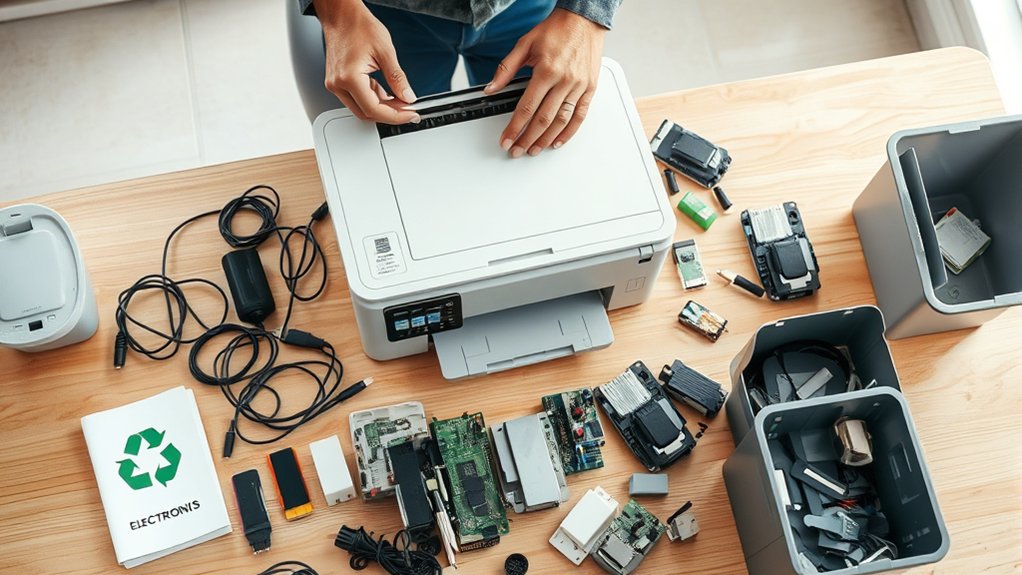

You should first erase all data from your printer by following the manufacturer’s reset instructions to protect your privacy.
Proper disposal of a printer starts with ensuring all personal information is deleted.
If your printer still works, consider donating it to local schools or charities, or trade it in through retailer programs.
This not only extends the device’s life but also benefits others in your community.
For recycling, take your printer and ink cartridges to certified e-waste centers or manufacturer take-back programs to prevent environmental harm.
If the printer is non-recyclable, use specialized disposal facilities.
Always keep your disposal eco-friendly and compliant with local regulations.
You can find detailed guidance online or through local authorities to help you dispose of your printer responsibly.
Key Takeaways
- Erase all personal data and reset the printer to factory settings to protect your information before disposal.
- Donate working printers to local schools, non-profits, or community centers to support reuse and reduce waste.
- Recycle printers and ink cartridges at certified e-waste centers or through manufacturer take-back programs.
- Dispose of non-recyclable printer parts at specialized electronic waste facilities following local regulations.
- Check with municipal hazardous waste programs for proper drop-off options and comply with environmental standards.
How to Prepare and Erase Data From Your Printer
Before you dispose of your printer, you should erase all stored data to protect your privacy and comply with data protection regulations. Printers often retain sensitive information such as documents, network settings, and user credentials.
To guarantee printer security, start by consulting your printer’s manual or manufacturer’s website for specific instructions on performing a factory reset or data wipe. Access the printer’s control panel or web interface to initiate the data deletion process.
After erasing, verify that all stored files and settings have been removed. This step prevents unauthorized access to your data once the printer leaves your possession. Prioritizing data protection during disposal helps you avoid potential breaches and aligns with legal and ethical standards for handling personal and business information.
How to Donate or Trade In Your Old Printer
You can extend your printer’s life by finding local donation centers or trade-in programs that accept used electronics. Before donating or trading in, make certain to clean the printer and remove any personal data to protect your privacy.
Checking specific program requirements guarantees your printer qualifies and is handled responsibly.
Finding Donation Opportunities
When looking to donate or trade in your old printer, exploring local schools, non-profits, and community centers can provide valuable opportunities. These organizations often accept printer donations to support educational and outreach programs.
Before donating, verify your printer is in good working condition and remove any personal data. Reach out to:
- Local charities that focus on technology access for underserved communities
- Schools or educational programs needing equipment upgrades
- Community centers offering digital literacy classes
Contact these organizations directly to confirm their donation policies and any specific requirements. Properly documenting your donation may also provide tax benefits.
Printer Trade-In Programs
Anyone looking to upgrade their printer can benefit from trade-in programs offered by manufacturers and retailers. These programs let you exchange your old device for discounts or store credit, maximizing your printer value while promoting responsible disposal.
Trade in benefits include reducing e-waste and receiving monetary incentives.
Here’s a quick overview of popular trade-in options:
| Program | Eligible Printers | Trade In Benefits |
|---|---|---|
| HP Trade-In | HP and other brands | Store credit, free shipping |
| Best Buy | Most brands, working | Instant discount, recycle option |
| Staples | Functional or non-working | Gift cards, eco-friendly disposal |
Always check specific terms to ascertain compliance and maximize your printer value through trade-in programs.
Preparing Printer For Donation
Before donating or trading in your printer, make certain it’s properly prepared to comply with program requirements and protect your data. Ensuring the printer condition meets donation guidelines is essential for acceptance. Start by thoroughly cleaning the device and checking for any malfunctions.
Next, remove all personal information, such as stored Wi-Fi passwords or documents, by performing a factory reset. Finally, gather all original accessories, including power cords and cartridges, as many programs require complete sets.
- Verify printer condition against the specific donation guidelines.
- Perform a factory reset to erase personal data.
- Include all components to meet program requirements.
Following these steps helps you donate responsibly, ensuring the printer is functional, secure, and ready for its next user.
Where to Recycle Your Old Printer Safely
Where can you safely recycle your old printer to assure environmental responsibility? Start by locating certified printer recycling locations that follow eco friendly initiatives. These facilities guarantee your printer is dismantled and recycled according to environmental regulations, preventing hazardous waste contamination.
Many electronics stores and municipal waste centers offer designated drop-off points. Additionally, some manufacturers run take-back programs for used printers.
| Location Type | Service Offered | Compliance Standard |
|---|---|---|
| Electronics Retailers | Free drop-off recycling | R2 Certified |
| Municipal Waste Centers | Scheduled e-waste collection | EPA Guidelines Compliant |
| Manufacturer Programs | Mail-in or in-store return | ISO 14001 Certified |
Choose a location that aligns with legal and eco friendly initiatives to responsibly recycle your printer.
How to Recycle or Dispose of Printer Ink Cartridges
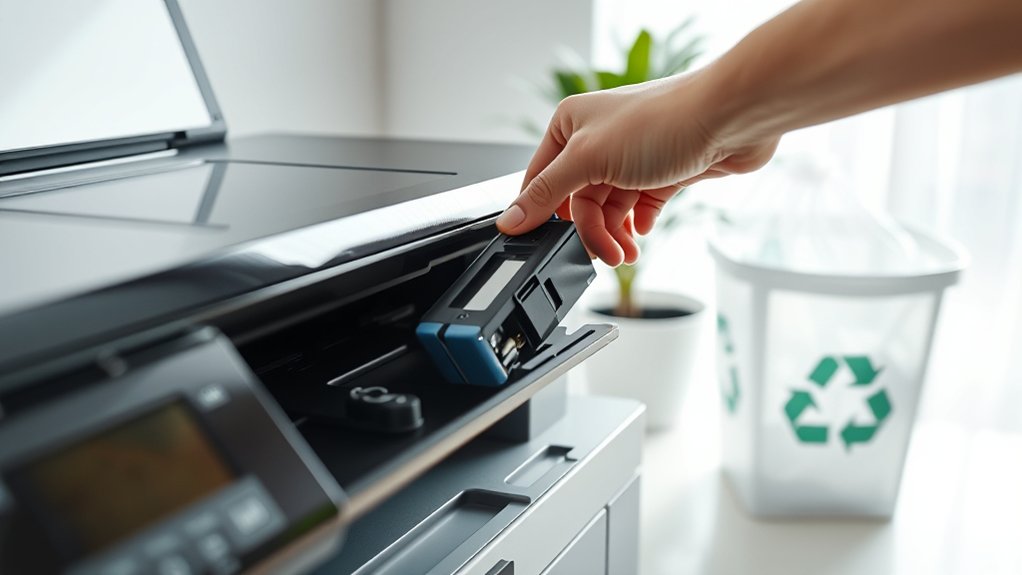
You can recycle printer ink cartridges through manufacturer take-back programs or local recycling centers that accept electronic waste. Make sure to follow safe disposal guidelines to prevent environmental harm from residual ink.
Always check for specific drop-off locations and packaging requirements before sending cartridges for recycling.
Ink Cartridge Recycling Options
Because printer ink cartridges contain materials that can harm the environment if discarded improperly, it’s crucial to explore proper recycling or disposal methods. You have several ink cartridge options to guarantee eco-friendly handling.
Start by checking with local recycling centers that accept cartridges for safe processing. Many manufacturers and office supply stores offer take-back programs, providing convenient drop-off points. Additionally, consider mail-in recycling services, which allow you to send cartridges directly to recyclers at no cost.
- Locate certified recycling centers in your area.
- Utilize manufacturer or retailer cartridge return programs.
- Use mail-in recycling services for hassle-free disposal.
Following these options helps you comply with environmental guidelines and reduces landfill waste effectively.
Safe Disposal Methods
Three practical methods guarantee the safe disposal of printer ink cartridges while minimizing environmental impact. First, return used cartridges to manufacturers or authorized collection points, ensuring compliance with disposal regulations. Many brands offer free take-back programs that promote printer safety by preventing hazardous ink leakage.
Second, use local recycling centers equipped to handle electronic waste; they follow strict guidelines to dispose of ink cartridges safely. Third, consider mail-in recycling services that adhere to state and federal disposal regulations, providing convenient options without compromising printer safety.
Avoid tossing cartridges in regular trash, as this risks chemical contamination. By following these methods, you’ll responsibly manage printer ink cartridges, comply with disposal regulations, and protect the environment from harmful substances commonly found in printer ink.
Disposing of Non-Recyclable Printer Parts Responsibly
Although some printer components can’t be recycled, you still have options to dispose of them in an environmentally responsible way. For effective printer part disposal, focus on minimizing landfill impact by seeking eco friendly alternatives.
You can:
- Donate parts to electronics repair shops or hobbyists who can reuse them.
- Use specialized waste facilities that handle electronic waste safely.
- Participate in manufacturer take-back or recycling programs that accept non-recyclable parts for proper processing.
What to Do If Your Printer Can’t Be Recycled
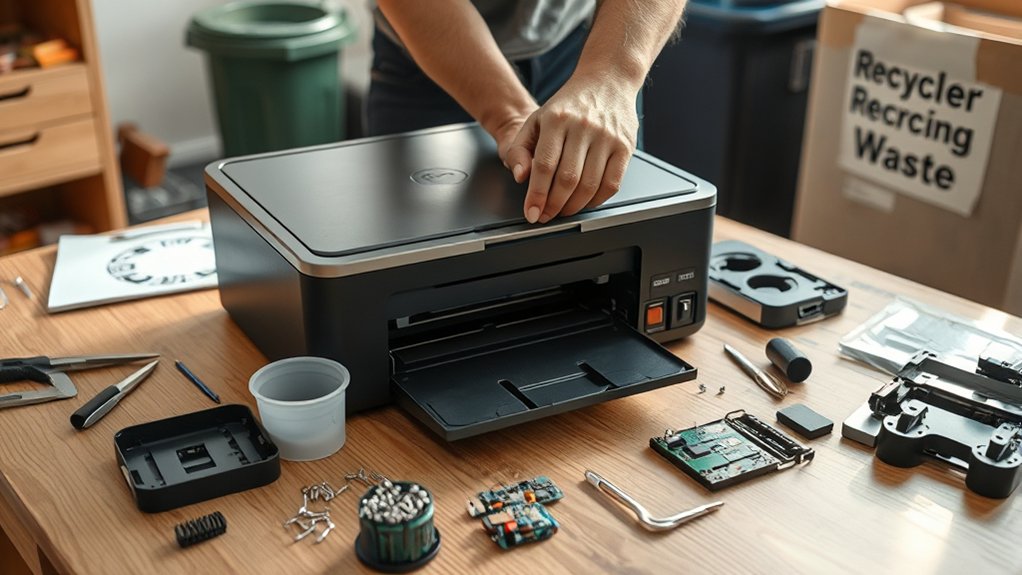
If your printer can’t be recycled, you’ll need to explore alternative disposal methods that comply with local regulations and environmental guidelines. Start by checking with your municipality for hazardous waste collection programs that accept electronic devices.
Some areas offer special drop-off events or designated facilities for non-recyclable electronics. You can also contact your printer’s manufacturer to inquire about take-back or mail-in programs designed for products that can’t enter standard recycling streams.
When disposal options are limited, consider donating the device to schools or community centers if it’s still functional. For your next purchase, look into printer alternatives that emphasize eco friendly options, such as models with recyclable components or energy-efficient designs, to minimize future disposal challenges and environmental impact.
Tips to Ensure Your Printer Disposal Is Eco-Friendly
When disposing of your printer, taking steps that prioritize environmental responsibility helps reduce electronic waste and its harmful effects. You can adopt eco friendly practices by ensuring your printer’s disposal follows sustainable disposal guidelines.
Start by checking if local e-waste programs accept printers, as these facilities handle hazardous materials properly. Remove all ink cartridges and recycle them separately to prevent chemical leakage. Finally, consider donating your printer if it still works, extending its lifecycle and reducing waste.
- Use certified e-waste recycling centers for proper processing.
- Separate consumables like ink cartridges for specialized recycling.
- Opt for donation or resale to promote reuse and reduce landfill impact.
Following these tips keeps your printer disposal eco-friendly and compliant with environmental standards.
Frequently Asked Questions
Can I Sell My Old Printer Online for Parts?
You can sell your old printer for parts on online marketplaces like eBay or Craigslist. Make certain your listing clearly describes the printer parts’ condition and complies with platform rules to attract interested buyers efficiently and legally.
How Do I Reset My Printer Before Disposal?
Before you hand over your printer to the tech graveyard, perform a printer factory reset to erase all your secrets. This vital step guarantees printer data security, protecting your info from becoming someone else’s tangled mess.
Are There Any Fees for Printer Recycling Services?
You might encounter recycling fees depending on local disposal programs, but many offer free printer recycling.
Always check specific guidelines to guarantee compliance and avoid unexpected costs when dropping off your printer for proper disposal.
Can Workplaces Organize Bulk Printer Disposal Events?
Yes, you can organize bulk disposal events through workplace initiatives. Coordinating with local recycling centers guarantees compliance and efficient handling.
This makes it easier for everyone to responsibly dispose of printers while meeting environmental regulations and company policies.
What Legal Regulations Govern Printer Disposal?
You must follow e-waste regulations that govern printer disposal, ensuring hazardous materials like toner and batteries are handled properly.
Comply with local laws to avoid fines and protect the environment when discarding printers.
Conclusion
Disposing of your printer doesn’t have to feel like steering through a maze. Start by preparing your device and erasing any stored data to protect your privacy.
Next, consider eco-friendly options such as donating the printer if it’s still functional or opting for certified recycling services. These choices ensure a responsible exit for your old tech.
Be sure to handle ink cartridges and any non-recyclable parts carefully, following local regulations to avoid any compliance issues.
Taking these steps not only protects your data but also helps reduce environmental impact. By following this guide on how to dispose of a printer, you’ll make the disposal process smooth and green.