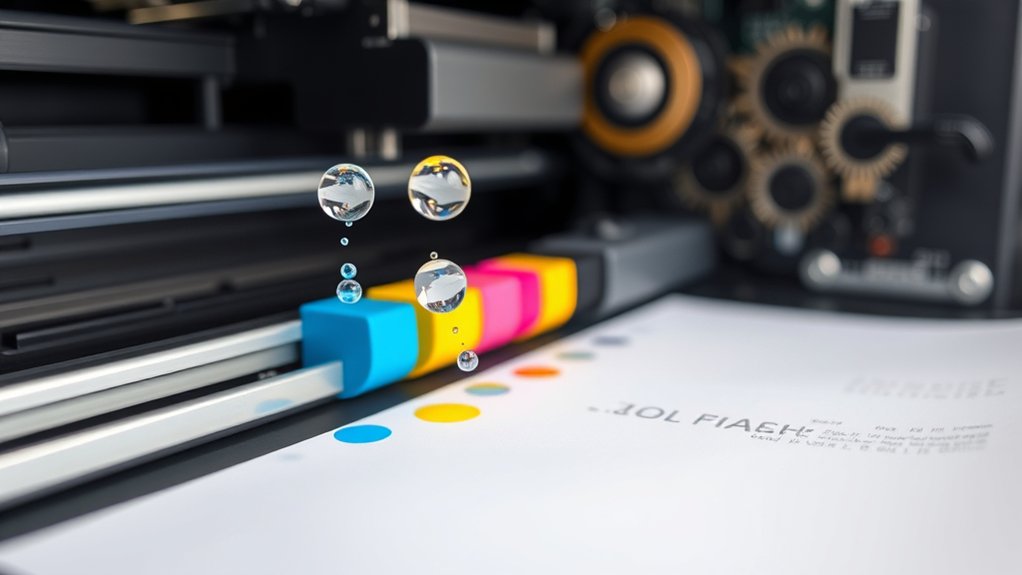

How Does a Printer Work?
When you hit print, your printer gets instructions from your computer and translates them into precise movements and ink or toner drops on paper.
Inkjet printers spray tiny ink droplets from a moving print head, while laser printers use static electricity and toner powder fused with heat for faster output.
Colors combine in layers to create detailed images.
If you’re curious about how different printers handle these tasks or which one suits you best, there’s more to explore.
Key Takeaways
- A printer receives a digital file and converts it into a printable format through its controller.
- Inkjet printers spray tiny ink droplets onto paper via a moving print head for detailed images.
- Laser printers use a laser to create an electrostatic pattern on a drum that attracts toner powder.
- Color printing mixes cyan, magenta, yellow, and black inks in precise layers to produce various colors.
- Sensors inside printers monitor and adjust the printing process to ensure accuracy and quality.
What Happens Inside a Printer When You Hit Print?
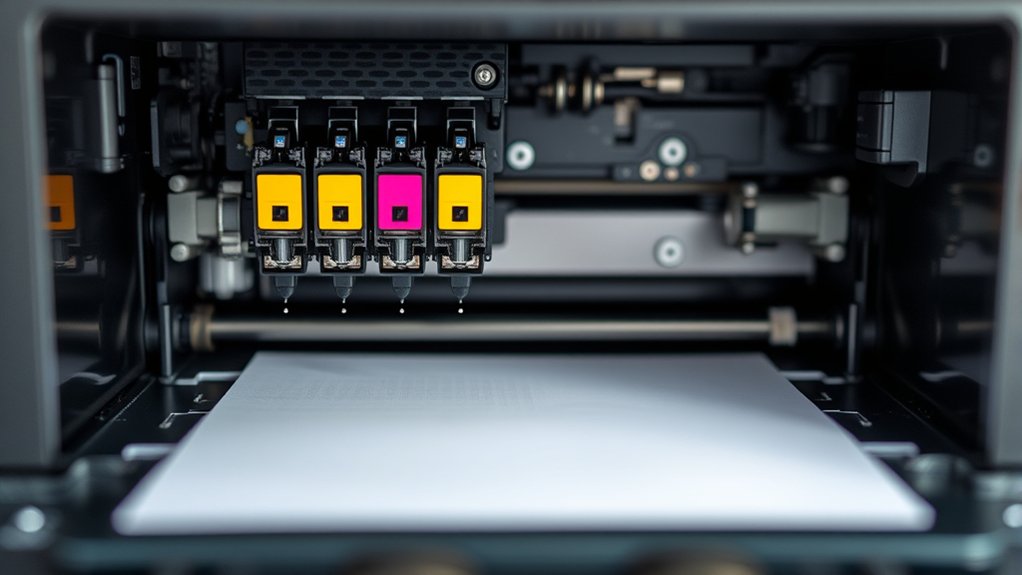
When you hit print, your computer sends a digital file to the printer, which immediately begins interpreting the data. The print process starts as the printer’s controller translates this file into a format the printer components can understand.
Inside the printer, key parts like the print head, ink or toner cartridges, and paper feed mechanism spring into action. The print head moves precisely across the paper, depositing ink or toner to form text and images. Meanwhile, rollers feed the paper steadily to guarantee alignment.
Sensors monitor each step, adjusting for errors. This coordinated effort among printer components guarantees your document comes out exactly as intended, efficiently converting digital information into a physical copy without delay or confusion.
How Does an Inkjet Printer Work?
How exactly does an inkjet printer create such detailed images and text? It uses precise inkjet technology, spraying tiny droplets of ink directly onto paper. This method allows for high print quality, capturing fine details and vibrant colors.
The printer head moves back and forth, placing ink droplets in patterns dictated by your digital file.
Here’s a simple breakdown of the inkjet printing process:
| Step | Action | Outcome |
|---|---|---|
| 1 | Print head aligns | Accurate positioning |
| 2 | Ink droplets ejected | Tiny droplets placed |
| 3 | Color mixing occurs | Vivid color reproduction |
| 4 | Paper advances | Sequential layering |
| 5 | Image dries | Sharp, durable print |
This precision guarantees excellent print quality with smooth gradients and sharp text.
How Are Laser Printers Different?
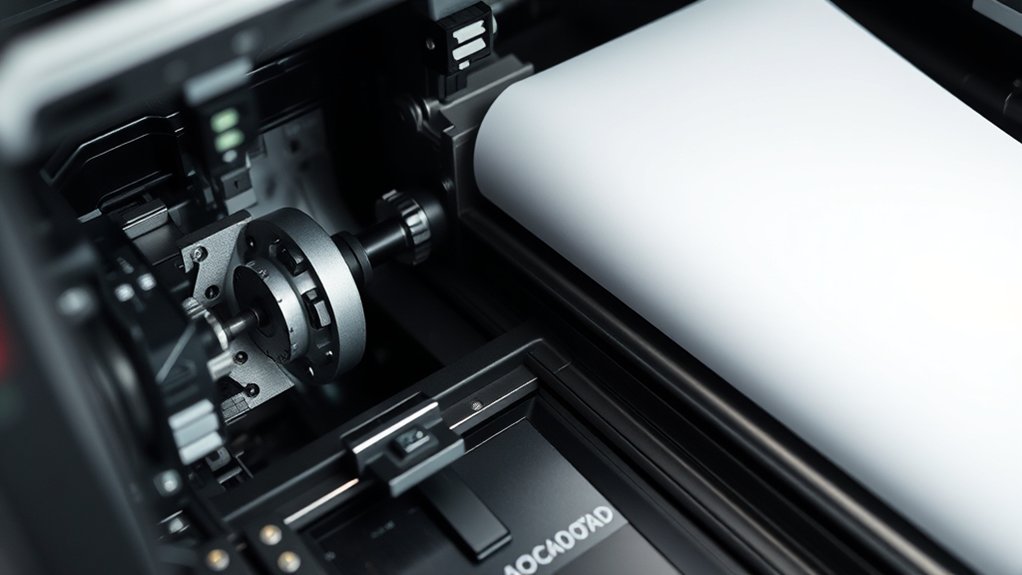
Although both inkjet and laser printers produce quality prints, laser printers use a completely different process involving static electricity and toner powder. Instead of spraying ink, a laser printer uses a laser beam to create an electrostatic image on a drum.
The toner cartridge contains finely powdered toner, which sticks to the charged areas on the drum. Then, the toner transfers to the paper and fuses with heat. This method results in faster printing speed, making laser printers ideal for high-volume tasks.
You’ll also notice sharper text and more consistent results with laser printers. While inkjets excel at photo printing, laser printers shine in speed and efficiency, especially for text-heavy documents. Understanding this difference helps you choose the right printer for your needs.
How Do Printers Use Color to Create Photos and Graphics?
Printing sharp text is important, but producing vibrant photos and graphics relies on a different approach. When you print images, your printer uses color mixing to blend tiny dots of cyan, magenta, yellow, and black inks.
This process creates a wide range of colors by layering these inks in varying amounts. Printers rely on specific color models, like CMYK, which differ from the RGB model used on screens.
Understanding these color models helps your printer accurately translate digital colors into physical prints. By precisely controlling the mix and placement of inks, your printer reproduces detailed photos and vivid graphics.
How to Choose the Right Printer for Your Needs
What factors should you consider when picking a printer that fits your needs? Start by evaluating your printing budget and how often you’ll print. If you print frequently, investing in an inkjet printer with refillable tanks might save money long-term due to lower ink type costs.
Conversely, laser printers suit high-volume black-and-white printing and often offer faster speeds. Consider the print quality you require; photo enthusiasts benefit from printers supporting multiple ink types for vibrant colors. Also, check connectivity options like Wi-Fi or USB to match your workflow.
Don’t forget size and maintenance. Compact models save space, while easy-to-replace cartridges reduce hassle. By balancing your printing budget with ink type, print volume, and quality needs, you’ll find a printer that performs efficiently without overspending.
Frequently Asked Questions
Can Printers Connect Wirelessly to Multiple Devices?
Yes, your printer can connect wirelessly to multiple devices, offering wireless connectivity with multi device compatibility. You’ll enjoy easy printing from smartphones, laptops, or tablets without cables, streamlining your workflow efficiently.
How Do Printer Drivers Affect Printing Quality?
Imagine painting with a dull brush; outdated drivers blur your print resolution, causing fuzzy images. When you install driver updates, you sharpen details, ensuring crisp, vibrant prints that truly reflect your original design’s quality.
What Maintenance Is Required to Keep a Printer Running Smoothly?
You should perform regular printer cleaning and replace ink cartridges promptly to keep your printer running smoothly.
Also, check for paper jams and update drivers to maintain peak print quality and prevent malfunctions.
Are There Eco-Friendly Printers Available?
Like choosing a green path in the forest, you can find eco-friendly printers designed for sustainable printing and energy efficiency. They reduce waste and power use, letting you print responsibly while protecting the environment.
How Can I Troubleshoot Common Printer Errors?
You can troubleshoot common printer errors by clearing paper jams carefully and checking for connectivity issues like loose cables or Wi-Fi problems. Restart your printer and computer, update drivers, and consult the manual if problems persist.
Conclusion
So, every time you hit print, you’re releasing a tiny, complex factory inside that magically turns digital files into paper—without you lifting a finger. It’s funny how such a common task relies on precise ink droplets or laser beams, yet we rarely think twice about it.
Now that you know what’s going on inside, choosing the right printer isn’t just guesswork—it’s a smart move to match your needs and avoid those frustrating “printer problems.” Understanding how a printer works can help you make that informed decision.