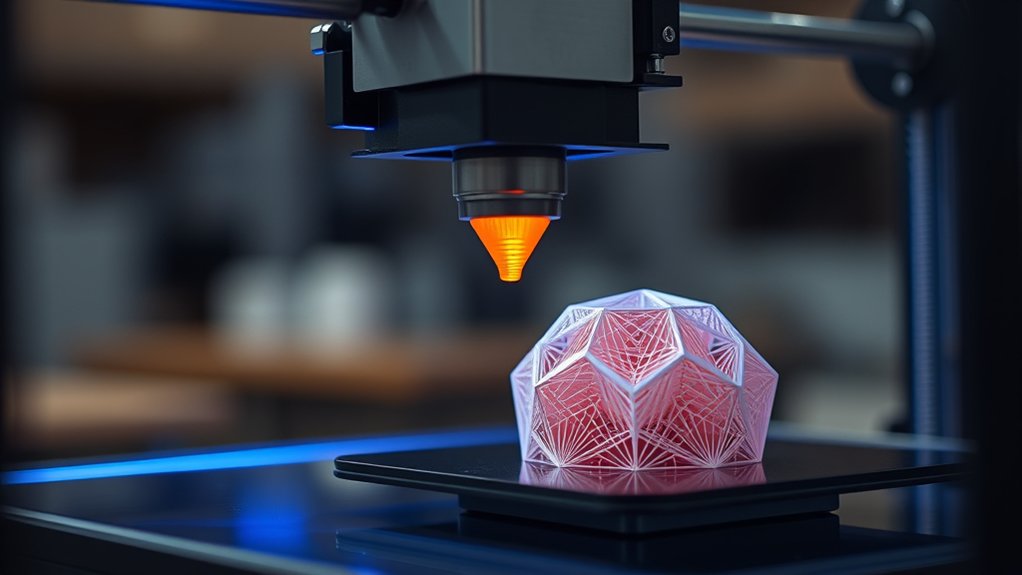

How Does a 3d Printer Work? You operate a 3D printer by converting a digital model into thin layers of material that the printer deposits and solidifies sequentially, building an object from the bottom up.
The printer’s key parts—like the print head, filament spool, and control board—work together to precisely place material using processes such as melting thermoplastic or curing resin.
The choice of technology and material impacts print quality and durability.
Understanding these basics lays the groundwork to explore more detailed printing techniques.
Key Takeaways
- A 3D printer builds objects layer by layer from a digital 3D model using additive manufacturing technology.
- It deposits material through a print head, which moves precisely according to digital instructions.
- Each layer solidifies by cooling, curing with light, or sintering using lasers, depending on the technology.
- Materials like thermoplastic filaments, resins, or powdered metals are selected based on the printing method.
- Digital files (STL or OBJ) guide the printer, with orientation and support structures optimized for quality and strength.
Understanding 3D Printing: Definition and Basics
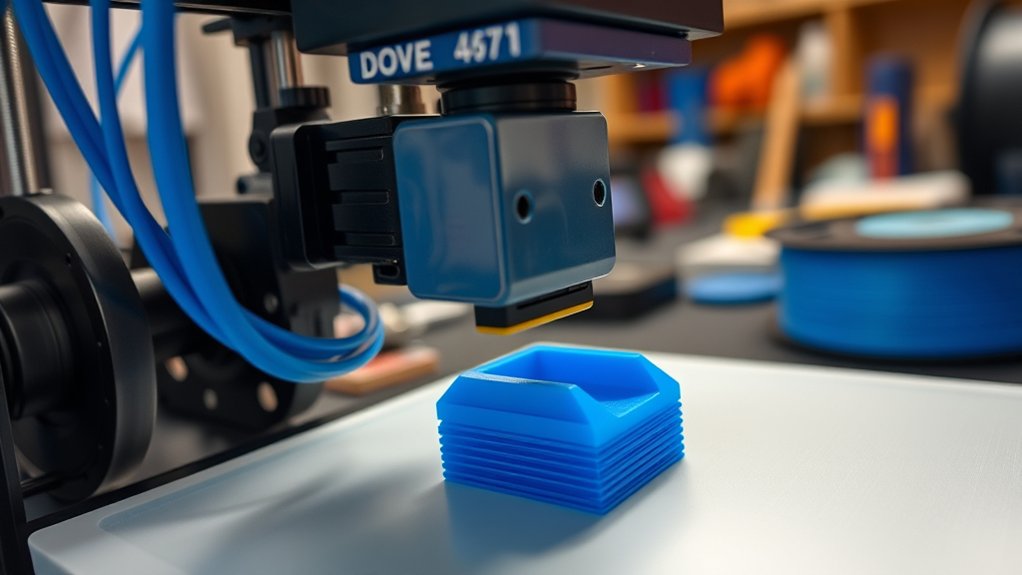
3D printing, also known as additive manufacturing, builds objects layer by layer from digital models. You use this process to convert a computer-aided design (CAD) file into a physical object by depositing material precisely where needed.
This technology evolution has transformed manufacturing by enabling customization, reducing waste, and shortening production cycles. Unlike traditional subtractive methods, 3D printing adds material selectively, which improves efficiency and design complexity.
You should understand that the process involves interpreting digital data into a sequence of layers, guiding the printer’s movements. Over time, advancements in materials, software, and hardware have expanded 3D printing’s capabilities, making it viable across industries from aerospace to healthcare.
Mastery of these basics enables you to leverage 3D printing effectively in design and production workflows.
How 3D Printers Build Objects Layer by Layer
You’ll see that 3D printers construct objects by depositing material in precise, thin layers. Each layer solidifies through methods like cooling, curing, or sintering to create a stable foundation for the next.
Understanding these steps clarifies how complex shapes form with high accuracy.
Layer Deposition Process
The layer deposition process forms the foundation of additive manufacturing by sequentially placing material to create an object. You control the printer to deposit each layer with precise thickness, typically measured in microns, which directly impacts surface resolution and detail accuracy.
Adjusting the print speed influences how quickly the nozzle or print head moves while extruding material. Faster print speeds reduce build time but can compromise layer adhesion and dimensional accuracy. Conversely, slower speeds improve structural integrity but extend production duration.
Each new layer bonds to the previous one, gradually building the three-dimensional form according to your digital model. Balancing layer thickness and print speed is critical. You optimize these parameters based on the material used and the desired quality, ensuring efficient, accurate layer-by-layer construction.
Material Solidification Methods
Although various additive manufacturing techniques exist, all rely on material solidification methods to transform raw substances into stable, three-dimensional structures. When you work with liquid resin in stereolithography, ultraviolet light selectively cures the resin, solidifying each layer precisely.
In contrast, powder binding methods, such as in binder jetting or selective laser sintering, fuse powder particles by applying a binding agent or laser energy, respectively. These processes guarantee each newly formed layer adheres securely to the previous one, maintaining dimensional accuracy.
Understanding these solidification mechanisms is vital because they dictate the mechanical properties, surface finish, and build speed of your printed object. By controlling how and when material solidifies, you can optimize print quality and material utilization in your 3D printing projects.
Essential Components Inside a 3D Printer
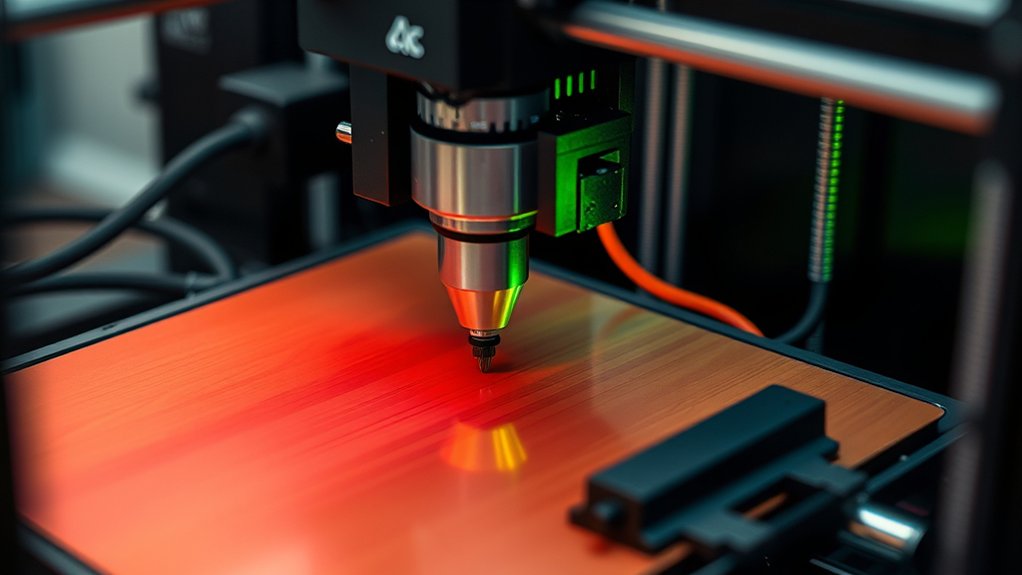
Understanding the essential components inside a 3D printer reveals how this complex machine translates digital models into physical objects. You’ll find the print head, which deposits material layer by layer onto the build plate to form the object.
The filament spool feeds the raw material into the print head, while the cooling fan regulates temperature to guarantee proper solidification. Stepper motors precisely control the movement of the print head and build plate along multiple axes.
Filament spools supply material as cooling fans and stepper motors ensure precise printing and solidification.
The control board orchestrates these operations, interpreting digital instructions and coordinating hardware functions. The power supply provides stable energy to all components, and the user interface allows you to input designs and monitor printing progress.
Each element integrates seamlessly, enabling accurate and efficient 3D printing.
Common 3D Printing Technologies Explained
You’ll encounter three main 3D printing technologies: Fused Deposition Modeling, Stereolithography, and Selective Laser Sintering. Each method uses different materials and processes to build objects layer by layer with distinct precision and strength.
Understanding how these technologies operate helps you choose the best one for your specific application.
Fused Deposition Modeling
When you use fused deposition modeling (FDM), the printer melts a thermoplastic filament and deposits it layer by layer to build a 3D object. This fused filament is extruded through a heated nozzle, precisely controlled to follow digital coordinates.
As the nozzle moves, it deposits molten material onto the print bed, where it solidifies quickly, forming successive layers. Print speed directly influences both the quality and mechanical properties of the final print; increasing speed can reduce detail and layer adhesion, while slower speeds improve accuracy.
FDM’s reliance on thermoplastics like PLA or ABS allows for reliable extrusion and re-melting, making it versatile for prototyping. Understanding the interplay between fused filament characteristics, nozzle temperature, and print speed is essential for optimizing print strength and surface finish in FDM processes.
Stereolithography Basics
Unlike fused deposition modeling, which builds objects by extruding melted filament, stereolithography (SLA) uses a laser to cure liquid resin layer by layer. In the stereolithography process, a UV laser selectively solidifies photopolymer resin within a vat, precisely forming each cross-section.
You’ll find that selecting the right resin type is essential, as they vary in properties like flexibility, durability, and detail resolution.
Key aspects to take into account in the stereolithography process include:
- Resin types: standard, tough, flexible, or castable, each suited for specific applications
- Laser precision: controls layer thickness and surface finish quality
- Post-processing requirements: cleaning and UV curing to enhance mechanical properties
Selective Laser Sintering
Although it shares the layer-by-layer approach with stereolithography, Selective Laser Sintering (SLS) differs fundamentally by using a high-powered laser to fuse powdered materials instead of curing liquid resin. In SLS, you spread a thin layer of powder materials, often nylon, metals, or ceramics, across the build platform.
The laser selectively sinters particles by raising their temperature just below or at their melting point, exploiting the powder’s thermal properties to achieve fusion without liquefying the entire layer. This precise thermal control lets you create complex geometries without support structures, as the surrounding powder acts as a natural support.
Understanding how powder materials respond to heat is vital since it affects layer adhesion, density, and mechanical strength. You’ll find SLS ideal for functional prototypes and end-use parts requiring durability and intricate detail.
Materials Used in 3D Printing and Their Importance
Since the choice of materials directly affects the strength, flexibility, and durability of a 3D-printed object, understanding their properties is essential for optimizing print performance. You need to select materials based on specific strength properties, cost efficiency, and application requirements.
Common options include biodegradable materials for eco-friendly projects, metal filaments for enhanced durability, and flexible polymers for elasticity. Additionally, diverse resin types and composite materials expand functional capabilities and color options.
- Biodegradable materials offer sustainability without compromising structural integrity.
- Metal filaments provide superior mechanical strength and heat resistance.
- Flexible polymers enable complex, bendable designs for dynamic applications.
Preparing Your Digital Design for 3D Printing Success
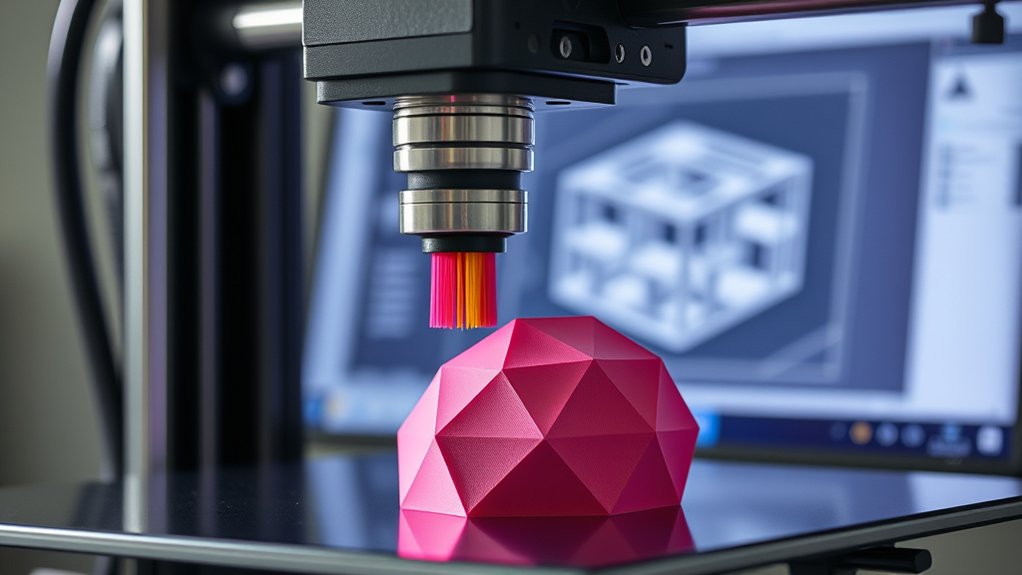
Choosing the right material sets the foundation, but your digital design dictates how effectively that material performs in the final print. To guarantee success, focus on design optimization by refining geometry to minimize overhangs and guarantee structural integrity.
Use software tools to analyze wall thickness and eliminate non-manifold edges. Save your design in appropriate file formats like STL or OBJ, which most 3D printers accept, guaranteeing compatibility and preserving detail. Verify that the mesh is watertight to prevent printing errors.
Additionally, consider orientation and support structures during slicing to enhance surface finish and reduce material waste. By meticulously preparing your digital model with these technical considerations, you enhance print accuracy, reduce failures, and maximize the functional performance of your 3D printed object.
Frequently Asked Questions
How Long Does a Typical 3D Print Take to Complete?
A typical 3D print takes anywhere from 30 minutes to several hours, depending on print speed and print quality settings.
You’ll want to balance faster speeds with finer details to achieve your desired results efficiently.
What Safety Precautions Are Necessary When Using a 3D Printer?
You should wear gloves during filament handling to avoid contamination and burns. Always check electrical safety by inspecting cables and grounding the printer properly.
Keep ventilation adequate to prevent inhalation of fumes during printing.
Can 3D Printers Print Objects in Multiple Colors Simultaneously?
Yes, you can achieve multi material printing with advanced 3D printers, allowing simultaneous color blending. These printers precisely control filament extrusion, enabling complex objects with multiple colors and materials to be produced in a single print job efficiently.
How Do You Maintain and Clean a 3D Printer?
You maintain your 3D printer by regularly inspecting components, lubricating rails, and tightening belts. Use appropriate cleaning techniques like removing filament residues and cleaning the nozzle to guarantee ideal printer maintenance and consistent print quality.
What Are the Most Common Issues Faced During 3D Printing?
Imagine your print suddenly halting. Filament jams often cause this. You’ll also face layer adhesion problems, where layers don’t bond well, leading to weak prints. These common issues demand precise troubleshooting and routine calibration.
Conclusion
Now that you know how a 3D printer meticulously fuses layers like a microscopic architect, you’re ready to transform digital dreams into tangible reality. It’s as if you’re wielding a machine that bends time and space, building objects atom by atom with surgical precision.
Mastering design prep and material choice means you hold the key to releasing infinite possibilities—turning your concepts into flawless, functional masterpieces right before your eyes. Understanding how does a 3d printer work empowers you to innovate and create with unmatched detail and efficiency.