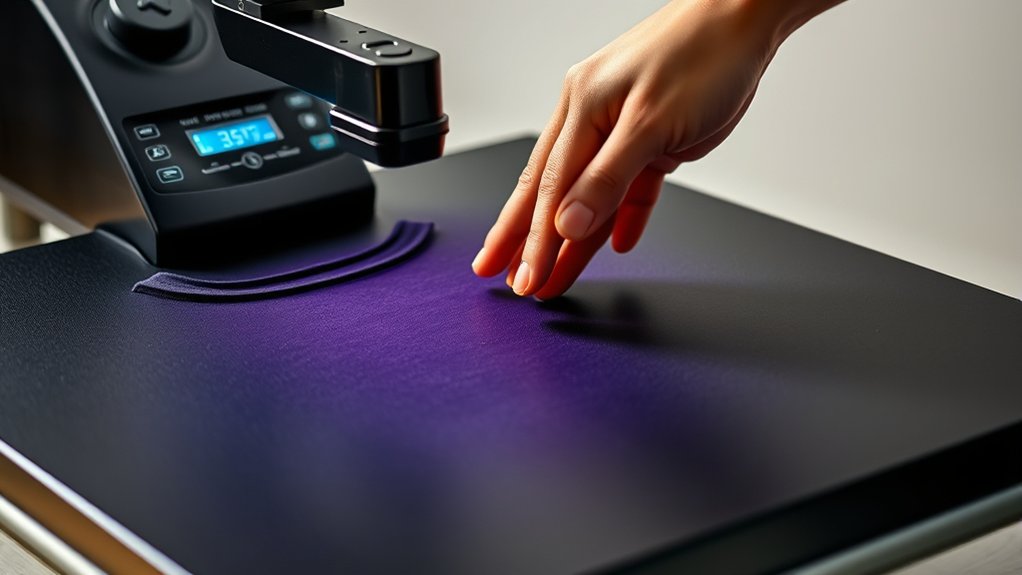

To use your Htvront Heat Press 2, start by setting it on a stable, heat-resistant surface and connect the power.
Preheat it to the right temperature for your material—350°F for cotton or 320°F for HTV, for example.
Place your item flat, center your design, and cover it with a protective sheet.
Then press following the recommended time settings. After pressing, peel the transfer backing carefully.
Regular cleaning and safety checks keep it running well.
Explore further to master different materials and maintenance tips.
Key Takeaways
- Place the Htvront Heat Press 2 on a stable, heat-resistant surface and connect it to power securely.
- Adjust the temperature and time settings based on the material, such as 350°F for 15-20 seconds for cotton.
- Lay the garment flat, position the design, cover with a protective sheet, and apply pressure using the press arm.
- After pressing for the set time, carefully peel the transfer backing according to the material’s instructions.
- Clean the heat platen regularly and follow safety guidelines like avoiding direct contact with the heating element.
Unboxing and Setting Up Your Htvront Heat Press 2
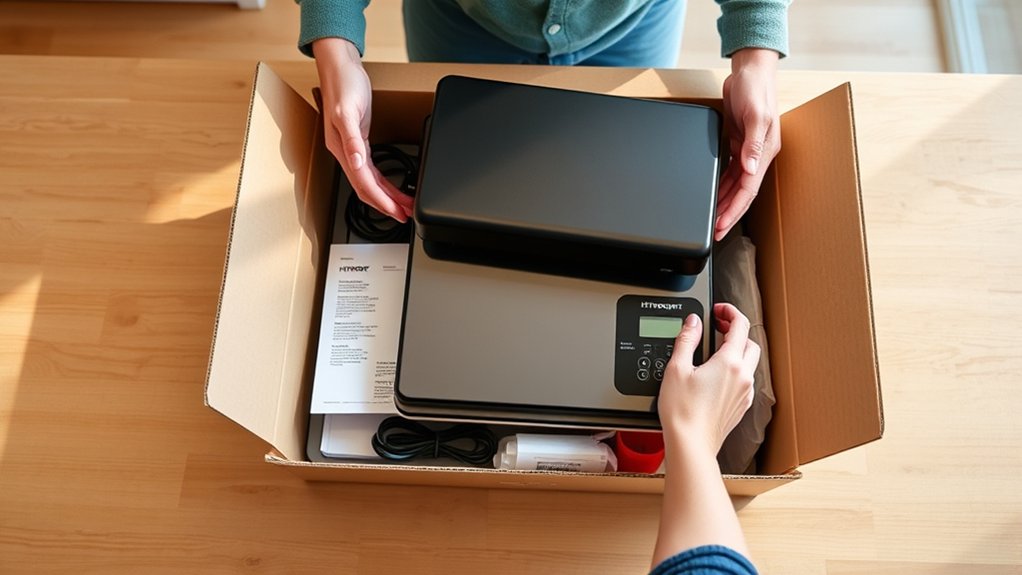
Before you start using your Htvront Heat Press 2, it’s important to carefully unbox and set it up to guarantee peak performance. Begin the unpacking process by removing all components from the packaging, verifying nothing is damaged or missing.
Check for the heat press unit, power cord, user manual, and any included accessories. Place the heat press on a stable, heat-resistant surface in a well-ventilated area.
During the initial setup, connect the power cord securely and confirm the digital display powers on. Adjust the press arm to verify smooth movement without obstruction.
Familiarize yourself with the control panel to prepare for operation. Completing this process accurately verifies safe, effective use and extends the heat press’s lifespan.
Adjusting Temperature and Time for Different Materials
When working with the Htvront Heat Press 2, adjusting the temperature and time settings precisely guarantees your materials transfer correctly without damage. Different fabrics require specific temperature settings and pressing durations to guarantee ideal material compatibility. For example, cotton typically needs higher heat and longer pressing times than synthetic fabrics.
| Material | Temperature (°F) | Time (seconds) |
|---|---|---|
| Cotton | 350 | 15-20 |
| Polyester | 300 | 10-15 |
| Nylon | 270 | 8-12 |
| Heat Transfer Vinyl | 320 | 12-15 |
Always consult your material’s guidelines, then adjust the Htvront Heat Press 2 accordingly to avoid scorching or incomplete transfers.
Step-By-Step Guide to Pressing T-Shirts With Htvront Heat Press 2
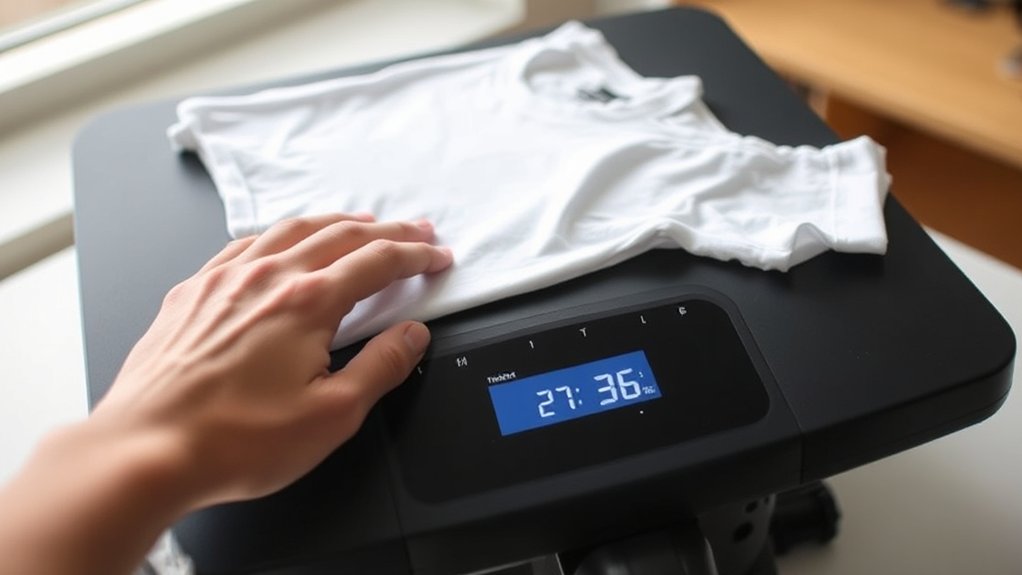
To press a t-shirt with the Htvront Heat Press 2, start by preparing your workspace and gathering all necessary materials, including your t-shirt, heat transfer design, and protective sheets. Lay the t-shirt flat on the press platen, guaranteeing it’s wrinkle-free.
Pay close attention to design placement. Center it on the chest or preferred area, aligning it carefully for a professional look. Cover the design with a protective sheet to prevent scorching.
Adjust the temperature and time settings according to your t-shirt materials, typically cotton or polyester blends, referencing the heat press guidelines. Once set, lower the press handle firmly to apply pressure.
After the timer ends, lift the press and carefully peel the transfer backing, letting the design cool if needed. This process guarantees a clean, durable imprint every time.
Top Tips for Applying HTV With HTVront Heat Press 2
Although applying HTV might seem straightforward, mastering a few essential tips can greatly improve your results with the Htvront Heat Press 2. Proper heat transfer techniques and careful vinyl layering are key to achieving durable, vibrant designs.
Master key heat transfer techniques and vinyl layering for vibrant, long-lasting designs with the Htvront Heat Press 2
Here are top tips for success:
- Preheat your garment to remove moisture and wrinkles before pressing.
- Use a heat-resistant tape to secure vinyl layers, preventing shifting during pressing.
- Adjust temperature and time settings according to the vinyl type, avoiding scorching or incomplete adhesion.
- Peel the carrier sheet either hot or cold as recommended to protect your design integrity.
Pressing Mugs, Hats, and Other Items With Htvront Heat Press 2
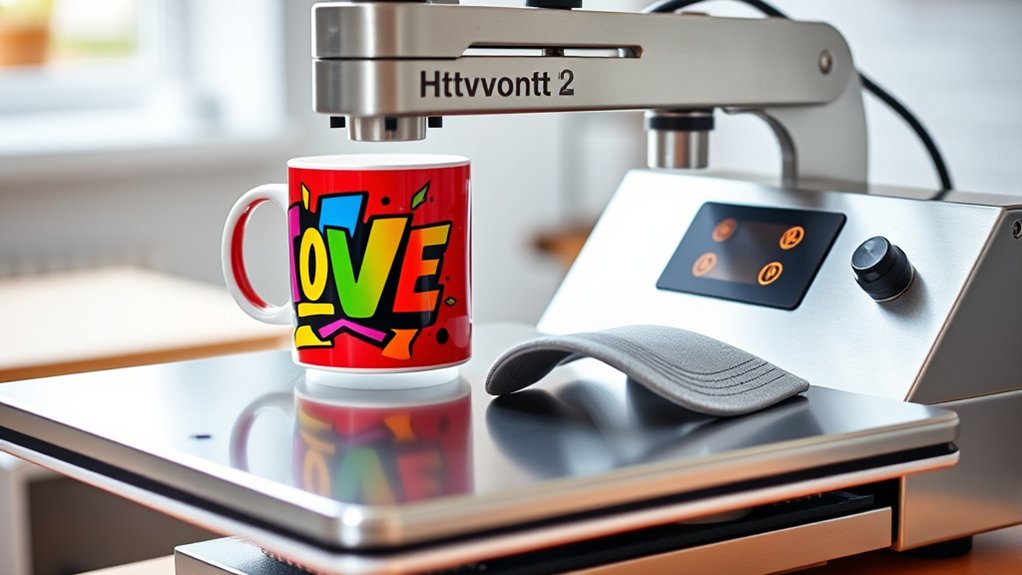
Pressing mugs, hats, and other specialty items with the Htvront Heat Press 2 requires specific attachments and careful attention to temperature and timing settings. For mug design, you’ll need the mug press attachment that wraps securely around the curved surface, making certain even heat distribution.
Set the temperature typically between 350-400°F and press for 180 seconds, but always check your transfer paper’s instructions. When it comes to hat customization, use the hat press attachment designed to fit the curved brim. Adjust the temperature to around 320-350°F and press for 15-30 seconds, applying moderate pressure.
Other items may require custom setups or accessories. Always preheat your item briefly to remove moisture and facilitate better adhesion. Following these steps guarantees consistent, professional results with your Htvront Heat Press 2.
Maintaining and Cleaning Your Htvront Heat Press 2
To keep your Htvront Heat Press 2 in top condition, regularly clean the heat platen to remove residue and prevent sticking. You should also lubricate the moving parts to guarantee smooth operation and extend the machine’s lifespan.
Following these maintenance steps will help you achieve consistent, high-quality results every time.
Cleaning The Heat Platen
Regularly cleaning the heat platen guarantees your Htvront Heat Press 2 operates efficiently and produces quality transfers. Proper heat platen maintenance prevents residue buildup that can affect heat distribution and transfer quality. Use gentle cleaning techniques to avoid damaging the surface.
Start by unplugging the machine and letting the platen cool down. Then, use a soft cloth dampened with isopropyl alcohol or a specialized heat press cleaner to remove ink, adhesive, or fabric fibers.
- Clean after every 5-10 uses to maintain peak performance
- Avoid abrasive materials that scratch the platen surface
- Don’t use water directly on the platen to prevent rust
- Inspect the platen regularly for signs of damage or wear
Following these steps guarantees consistent heat application and prolongs your heat press’s lifespan.
Lubricating Moving Parts
Although cleaning the heat platen is essential, you shouldn’t overlook lubricating the moving parts of your Htvront Heat Press 2 to keep it operating smoothly. Proper lubrication techniques involve applying a light, high-quality machine oil or silicone-based lubricant to hinges, joints, and other pivot points.
Avoid over-lubricating, as excess oil can attract dust and debris. Follow a consistent maintenance schedule, ideally every 3 to 6 months or after extensive use, to guarantee parts remain free of friction and wear.
Regular lubrication reduces strain on mechanical components, prolonging your heat press’s lifespan and maintaining peak performance. Always refer to your user manual for recommended lubricants and specific points needing attention, ensuring you apply these techniques effectively without compromising the equipment’s warranty or functionality.
Troubleshooting Common Issues With Htvront Heat Press 2
When you encounter issues with your Htvront Heat Press 2, understanding common troubleshooting steps can save you time and frustration. Heat press troubleshooting often revolves around a few recurring common problems. Start by checking the temperature accuracy; discrepancies may require recalibration.
If the press doesn’t close properly, inspect the pressure adjustment and guarantee all moving parts are lubricated. For unresponsive digital controls, verify power connections and reset the machine if needed. Finally, uneven heat distribution might call for plate realignment or cleaning.
- Verify temperature settings and recalibrate if necessary
- Adjust pressure knob for proper contact
- Check power supply and reset control panel
- Clean and align heat plates to guarantee uniform heat
Addressing these steps promptly keeps your press functioning reliably.
Safety Tips for Using Your Htvront Heat Press 2
Because the Htvront Heat Press 2 operates at high temperatures and applies significant pressure, following safety protocols is critical to prevent injuries and equipment damage. Prioritize heat safety by always wearing heat-resistant gloves when handling the press during or immediately after use.
Verify your workspace is clear of flammable materials and keep children or pets away. Use press precautions by never leaving the machine unattended while it’s powered on and avoid touching the heating element.
Always position your hands away from the pressing area to prevent crushing injuries. Regularly inspect cables for damage and avoid using the press if any electrical faults appear.
Frequently Asked Questions
Can the Htvront Heat Press 2 Be Used for Commercial Purposes?
Yes, you can use the Htvront Heat Press 2 for commercial purposes. Its commercial viability depends on your production scale and usage scenarios, as it suits small to medium businesses needing reliable, efficient heat pressing for diverse materials.
What Warranty Does the Htvront Heat Press 2 Come With?
You get a 1-year warranty coverage with the Htvront Heat Press 2, supported by responsive customer service.
Considering 85% of users value strong warranty support, this guarantees your investment stays protected and hassle-free.
Are Replacement Parts Available for the Htvront Heat Press 2?
Yes, you can find replacement parts for your Htvront heat press. The manufacturer offers components like heating plates and pressure knobs, so you can maintain or repair your machine without hassle and keep it running smoothly.
How Energy Efficient Is the Htvront Heat Press 2?
Wondering how energy efficient the Htvront Heat Press 2 really is? You’ll appreciate its quick heat-up and consistent temperature control, which reduce electricity use.
This makes the heat press a reliable and energy-conscious choice for your projects.
Does the Htvront Heat Press 2 Support International Voltage Standards?
Yes, the Htvront Heat Press 2 supports international voltage standards, offering power compatibility between 110V and 220V. This flexibility lets you use it worldwide without worrying about voltage converters or adapters.
Conclusion
Using your Htvront Heat Press 2 is like having a reliable partner that helps you bring your creative ideas to life with precision and ease. By following proper setup, adjusting temperature and time correctly, and maintaining your machine, you’ll guarantee consistent, professional results every time.
Remember to apply safety precautions and troubleshoot promptly to keep your press running smoothly. With care and practice, your projects will turn out flawless, making heat pressing a rewarding experience.
Mastering these steps ensures you get the most out of your Htvront Heat Press 2, delivering excellent results for all your crafting needs.