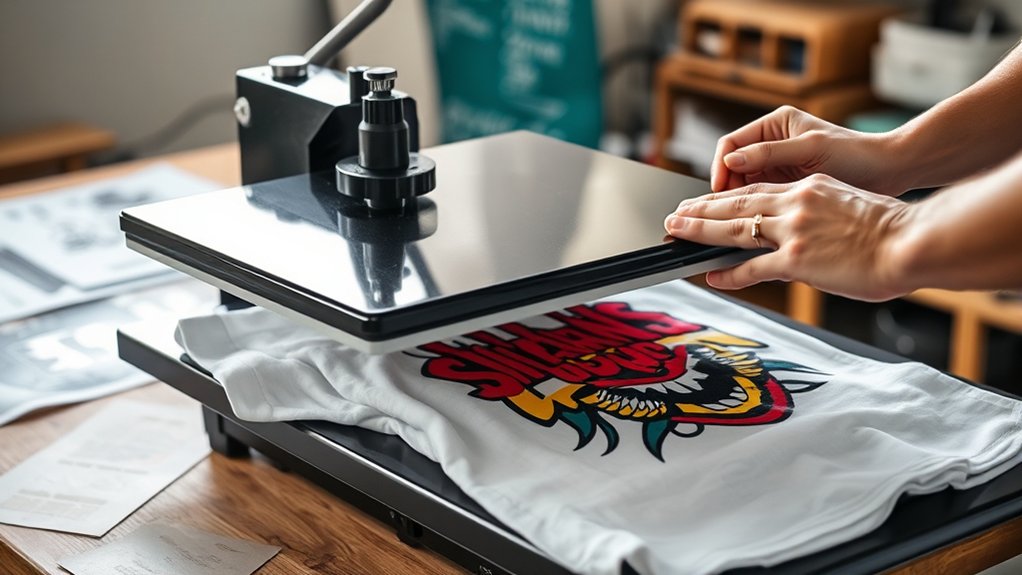

To make t-shirts with a heat press, start by selecting the right type of heat press—clamshell for quick jobs, swing-away for thicker fabrics, or draw for intricate designs.
Choose compatible materials like 100% cotton or cotton blends along with heat transfer vinyl that suits your fabric.
Design your artwork at 300 DPI, mirror it, and print on transfer paper.
Heat your press to 320°F–375°F, apply medium pressure, and press the shirt flat.
Proper finishing guarantees lasting prints. You’ll find more on setup and care as you explore further.
Key Takeaways
- Choose a heat press type (clamshell, swing-away, or draw) based on your workspace and material thickness.
- Select compatible fabrics like 100% cotton or cotton blends and matching heat transfer vinyl for vibrant, durable prints.
- Design your artwork at 300 DPI, mirror it horizontally, and print on suitable heat transfer paper, ensuring ink is fully dry.
- Set the heat press temperature (320°F-375°F), adjust pressure, position the T-shirt and transfer paper correctly before pressing.
- Let the T-shirt cool completely after pressing, then follow proper washing and storage instructions to preserve the design.
Choose the Right Heat Press for T-Shirt Printing
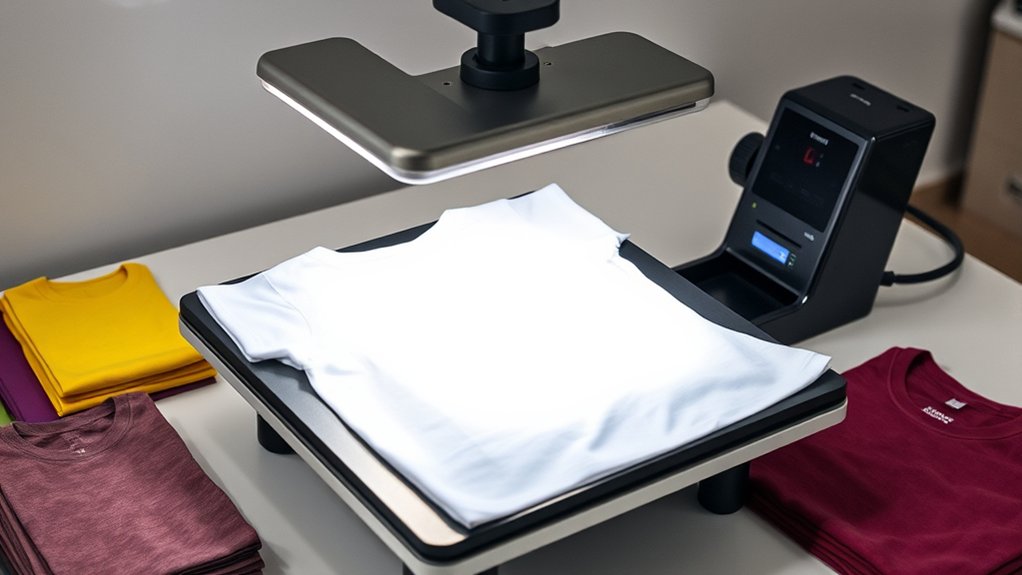
Before you start printing, you need to select a heat press that matches your production volume and material types. Begin by evaluating heat press types: clamshell, swing-away, and draw models each offer distinct advantages.
Clamshell presses save space and are ideal for quick, repetitive tasks. Swing-away presses provide greater safety and even pressure distribution, suitable for thicker materials. Draw presses allow precise placement and are best for intricate designs.
Next, consider heat press features such as adjustable temperature controls, pressure settings, and platen size. Confirm the machine offers consistent heat distribution and a reliable timer to avoid over- or under-pressing.
Selecting the right heat press types and features tailored to your workflow confirms efficient, high-quality t-shirt printing without material damage or operational delays.
Select the Best Materials for Heat Press T-Shirts
When selecting materials for heat press t-shirts, you must prioritize fabric compatibility with heat and pressure to guarantee vibrant, long-lasting prints. Cotton and cotton blends are ideal fabric types because they withstand high temperatures without damage.
Polyester offers durability but requires lower heat to avoid melting. For vinyl options, opt for heat transfer vinyl (HTV) designed for specific fabrics to ascertain adhesion and flexibility.
| Fabric Type | Recommended Heat (°F) | Suitable Vinyl Options |
|---|---|---|
| 100% Cotton | 320-350 | Standard HTV, Flock Vinyl |
| Cotton/Poly Blends | 300-320 | Standard HTV, Glitter Vinyl |
| 100% Polyester | 270-290 | Sublimation, Low-temp HTV |
Match fabric and vinyl precisely for best results.
Prepare Your Design and Heat Press Transfer Paper
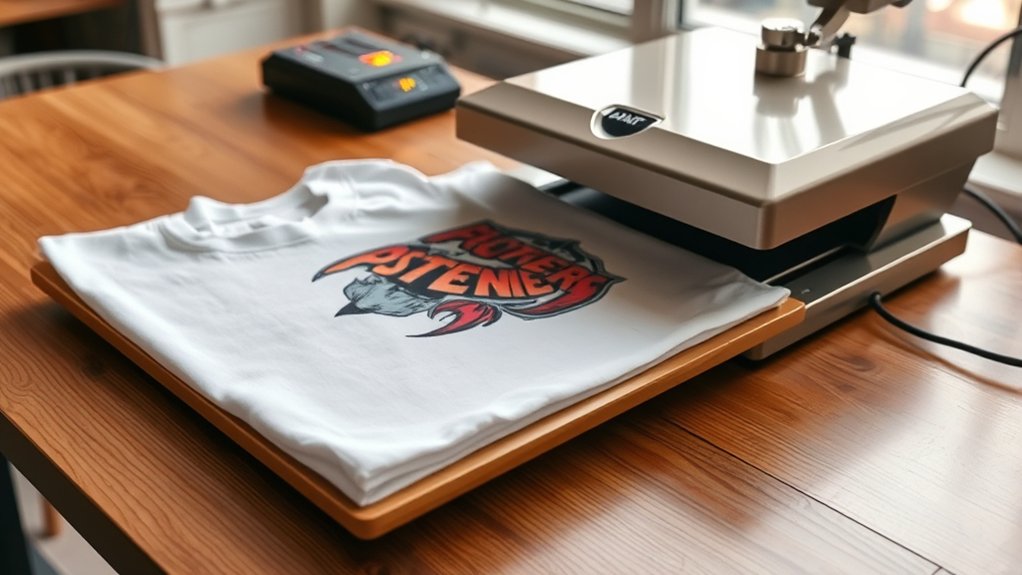
Selecting the right materials sets the foundation, but preparing your design and transfer paper guarantees the print transfers accurately and adheres properly. Start by creating your artwork in design software, ensuring the resolution is 300 DPI for crisp output.
Mirror your design horizontally before printing to compensate for the heat transfer process. Use heat transfer paper compatible with your printer type—inkjet or laser—to avoid smudging or fading. Once printed, allow the ink to dry completely to prevent bleeding during pressing.
Handle the transfer paper carefully to avoid creases that can distort the final image. Keep your workspace clean and flat to maintain transfer paper integrity.
Feel the satisfaction as your design comes to life precisely. Experience the confidence from professional-grade preparation. Enjoy flawless, vibrant prints every time.
How to Set Up and Use Your Heat Press for T-Shirts
Setting up your heat press correctly guarantees consistent, high-quality transfers on your T-shirts. Begin by positioning your heat press on a stable, heat-resistant surface.
Plug it in and allow it to reach the recommended temperature settings for your transfer paper and fabric, typically between 320°F and 375°F. Adjust the pressure using the dial or lever; medium to firm pressure works best for most cotton blends.
Perform heat press maintenance by cleaning the platen regularly with a heat-resistant cloth to avoid residue buildup that can affect transfer quality. Place your T-shirt flat on the lower platen, then position the transfer paper design-side down on the fabric.
Close the press firmly and apply heat for the specified duration, usually 15-20 seconds. After pressing, carefully peel the transfer paper as instructed.
Finish Your Custom T-Shirts and Care for Them Properly
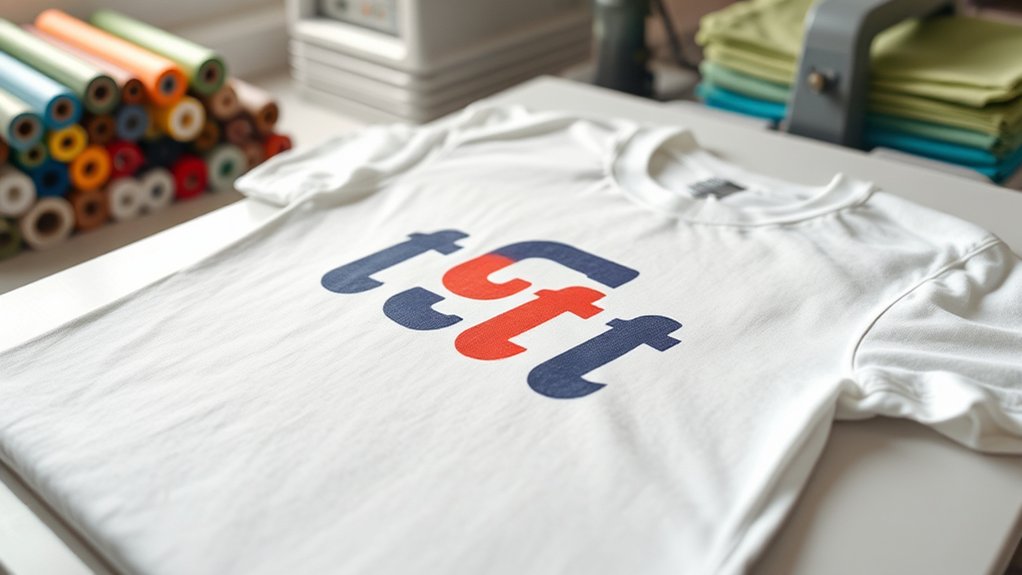
After completing the heat press process, you should allow your custom T-shirts to cool completely before handling them to verify the transfer sets properly. This cooling period guarantees durability and vibrant prints.
Follow precise wash instructions: turn shirts inside out, use cold water, and avoid bleach to maintain design integrity. For drying, opt for air drying or low heat settings to prevent cracking.
When storing your custom tees, keep these storage tips in mind:
Fold shirts neatly to avoid creasing the design.
Store in a cool, dry place away from direct sunlight.
Use breathable fabric bags if long-term storage is needed.
Frequently Asked Questions
Can a Heat Press Be Used on Fabrics Other Than Cotton?
Yes, you can use a heat press on alternative fabrics like polyester or blends. Adjust temperature and pressure for heat press fabrics to avoid damage. Always test settings on small fabric samples before full application for best results.
How Long Does a Heat Press Machine Typically Last?
You can expect your heat press lifespan to be around 5 to 10 years with proper care. Follow maintenance tips like regularly cleaning the platen, checking pressure settings, and lubricating moving parts to extend its durability.
What Safety Precautions Should I Take When Using a Heat Press?
Imagine Sarah burned herself by touching the heat platen. Always prioritize heat press safety by wearing heat-resistant gloves and performing regular equipment maintenance to prevent malfunctions. This ensures your press operates safely and efficiently every time you use it.
Can I Use a Heat Press for Small Batch T-Shirt Production?
Yes, you can use a heat press for small batch t-shirt production. It boosts production efficiency by allowing precise temperature and pressure control, ideal for small business needs requiring consistent, high-quality prints within limited quantities.
Are There Any Eco-Friendly Heat Press Transfer Materials Available?
Of course, you’d never expect eco-friendly heat press transfer materials to exist, but they do. You can use sustainable materials like water-based inks and biodegradable options such as PLA film, ensuring durability and environmental responsibility during pressing.
Conclusion
Now that you’ve mastered choosing the right heat press, selecting materials, and preparing your design, you’re just moments away from creating flawless custom t-shirts. But don’t rush—setting the perfect temperature and pressure can make or break your final product.
Follow each step precisely, and you’ll produce professional-quality shirts that last. Ready to see your creativity come to life? Grab your heat press and start pressing—your perfect tee awaits!
Making t shirts with a heat press is an exciting process, and with the right technique, you’ll achieve amazing results every time.