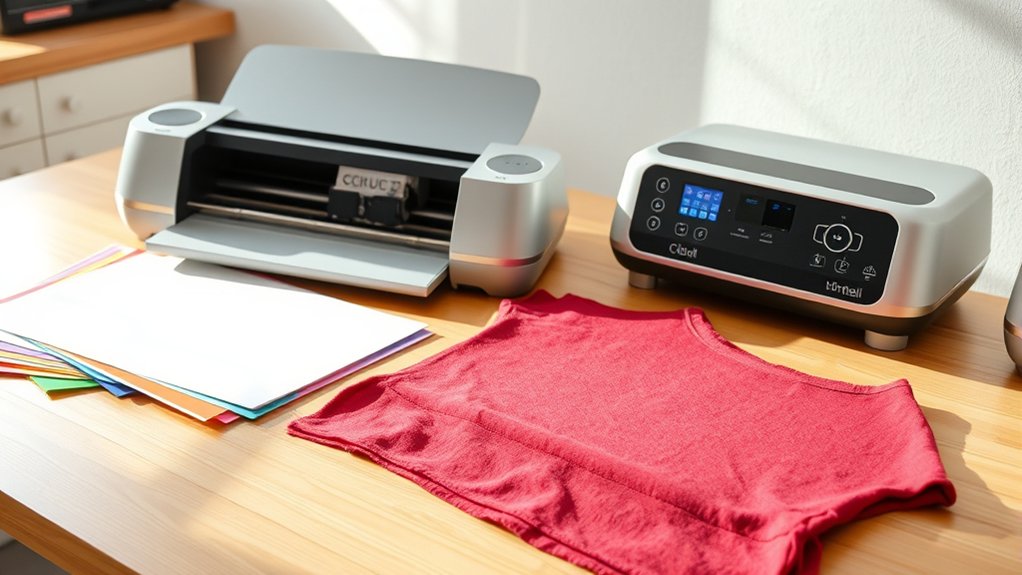

You don’t absolutely need a heat press with a Cricut, but it makes a big difference in your results.
A heat press gives you consistent temperature and pressure, ensuring your designs stick firmly without fading or peeling.
Irons can work for small, simple projects but often cause uneven heat and weaker adhesion.
If you’re planning larger or more detailed creations, investing in a heat press boosts quality and efficiency.
Keep exploring to find out how to get the best from your Cricut setup.
Key Takeaways
- A heat press provides consistent temperature and pressure, ensuring professional-quality heat transfer results with a Cricut.
- Using a heat press reduces risks of uneven adhesion, peeling, or fading compared to using an iron.
- For small, simple projects, an iron can suffice, but a heat press is better for complex or high-volume Cricut transfers.
- Heat presses save time and improve efficiency, making them ideal for frequent or commercial Cricut crafting.
- Heat presses have user-friendly controls and enhance design durability through precise heat and pressure management.
How a Heat Press Enhances Your Cricut Projects
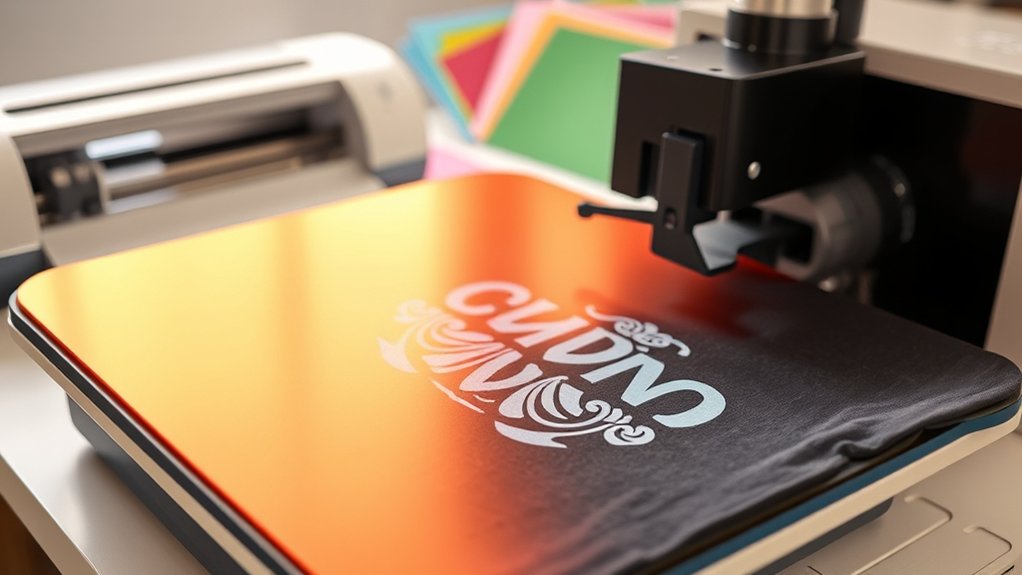
While you can apply many Cricut designs with a household iron, a heat press considerably elevates the quality and durability of your projects. When you use a heat press, you gain precise temperature and pressure control, which guarantees consistent and professional results every time.
This is one of the key heat press advantages that directly improve your Cricut project enhancements. The even heat distribution avoids uneven adhesion or scorching, common with irons. Plus, the timer feature helps you avoid under or over-pressing, preserving your design’s vibrancy and longevity.
Why Heat Presses Give Better Heat Transfer Results
Because heat presses apply consistent pressure and temperature, they deliver superior heat transfer results compared to irons or other methods. When you use heat transfer techniques, maintaining even heat distribution is essential to guarantee your design adheres properly and lasts long.
A heat press’s ability to maintain a steady temperature prevents uneven or incomplete transfers, which can happen with manual pressing. Additionally, its firm and uniform pressure guarantees that every part of your design bonds securely to the fabric. These heat press advantages reduce the risk of peeling, fading, or ghosting.
Can You Use an Iron Instead of a Heat Press?
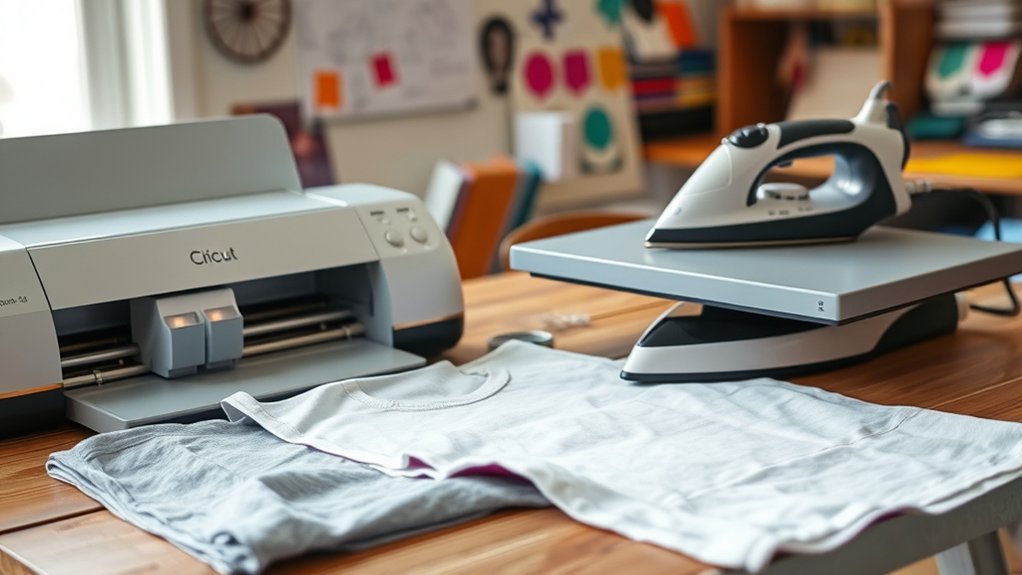
Although heat presses deliver the most reliable results, you might wonder if an iron can substitute for a heat press when working with your Cricut projects. You can use an iron, but you’ll need to carefully manage iron types, heat settings, and transfer techniques to guarantee success.
An iron’s uneven heat distribution and lack of pressure control make it less ideal for complex project types, but it works well for small, simple transfers.
| Aspect | Iron |
|---|---|
| Iron Types | Steam or dry irons with flat soleplates |
| Heat Settings | Use cotton or linen setting; avoid steam |
| Transfer Techniques | Apply firm, even pressure manually |
| Project Types | Best for small, flat items like T-shirts or tote bags |
| Limitations | Uneven heat, no temperature control |
When Is a Heat Press Worth the Investment?
If you’re handling large project volumes, a heat press can save you significant time and effort compared to an iron. It also offers precise temperature and pressure control, ensuring better results across various materials.
When speed and consistency matter, investing in a heat press becomes a smart choice.
Project Volume Considerations
When your crafting projects start to multiply, a heat press quickly becomes more than just a convenience; it turns into a necessity. If you’re ramping up your project capacity or scaling production, a heat press guarantees consistent heat and pressure across items, saving time and reducing errors. Consider how many items you plan to produce regularly before investing.
Ask yourself:
- Are you producing dozens or hundreds of items weekly?
- Does your current method slow you down or risk inconsistent results?
- Do you need to meet tight deadlines without sacrificing quality?
If your answers indicate high volume and demand, a heat press will streamline your workflow, increase efficiency, and justify its cost by handling larger production scales effortlessly.
Material Compatibility Benefits
Since different materials require precise temperature and pressure settings to achieve ideal adhesion, a heat press becomes invaluable for ensuring your Cricut projects come out flawless. Various material types like cotton, polyester, or blends demand specific heat and pressure levels to properly bond your vinyl, HTV, or infusible ink transfers.
A heat press lets you customize these settings consistently, which directly improves transfer quality and durability. Unlike a household iron, it maintains even pressure and temperature across the entire surface, preventing uneven adhesion or scorching.
If you frequently work with diverse fabrics or specialty materials, investing in a heat press guarantees professional results every time. This control over material compatibility not only enhances the appearance of your projects but also extends their lifespan, making the heat press a smart addition to your Cricut toolkit.
Time Efficiency Gains
Although you can use an iron for heat transfers, a heat press greatly speeds up your workflow by delivering consistent, even pressure and temperature across your designs. This precision guarantees each transfer is flawless, reducing rework and wasted materials.
When considering time saving techniques, a heat press allows you to apply multiple garments quickly without constant adjustment, optimizing your workflow considerably.
Here’s when a heat press is worth the investment:
- Producing high volumes of shirts or items with identical designs
- Needing precise temperature and pressure control for specialty materials
- Reducing manual labor and speeding up turnaround times for orders
Heat Press vs. Iron: Which Works Better for Cricut?
When choosing between a heat press and an iron for your Cricut projects, consider how evenly each tool distributes heat to guarantee strong, lasting adhesion. You’ll also want to weigh the ease of use, as heat presses offer consistent temperature control while irons require more manual effort.
Finally, think about the durability of your finished design. Heat presses typically deliver more professional, long-lasting results.
Heat Distribution Comparison
Because even heat distribution is critical for successful Cricut projects, choosing between a heat press and an iron directly impacts your results. A heat press offers consistent heat settings and precise pressure adjustment, ensuring uniform application across your design.
In contrast, irons often have uneven heat zones and rely on manual pressure, which can cause inconsistent transfers or scorching.
Consider these points:
- Heat press maintains a stable temperature, reducing the risk of incomplete adhesion.
- Pressure adjustment on heat presses applies even force, critical for multi-layer designs.
- Irons require constant movement, increasing chances of uneven heat and pressure.
For flawless transfers, a heat press’s controlled heat distribution and pressure outweigh the variability you get with an iron.
Ease of Use Differences
If you want to save time and reduce hassle during your Cricut projects, understanding the ease of use between a heat press and an iron is essential. The heat press has a straightforward setup process and a minimal learning curve, making it ideal for beginners and frequent users.
In contrast, irons require more manual adjustment and attention, increasing the learning curve and effort needed for consistent results.
| Feature | Heat Press | Iron |
|---|---|---|
| Setup Process | Simple, plug in and preheat | Requires temperature testing |
| Learning Curve | Low, user-friendly controls | Higher, manual pressure control |
| Time Efficiency | Fast, even pressing | Slower, uneven heat |
| Consistency | High | Variable |
| Safety | Built-in timers and locks | Manual supervision needed |
Choose based on your comfort with these factors.
Durability and Results
Although both heat presses and irons can apply heat transfer vinyl effectively, you’ll notice significant differences in durability and final results. When you use a heat press, the controlled temperature and pressure optimize durability factors, ensuring your design lasts longer without peeling or fading.
Irons, on the other hand, often deliver inconsistent pressure and heat, which affects result consistency and can lead to uneven adhesion.
Consider these points when deciding:
- Heat presses provide even, consistent pressure across the entire design area.
- Irons can create hot spots or miss areas, reducing durability.
- Heat presses maintain precise temperature settings, enhancing vinyl bonding.
To get professional-grade, long-lasting results with your Cricut projects, a heat press outperforms an iron in both durability factors and consistent finishes.
Top Heat Press Features Every Cricut Crafter Needs
When selecting a heat press for your Cricut projects, you’ll want to focus on several key features that guarantee consistent, high-quality results. Precise heat settings are essential; adjustable temperature controls help you tailor the press to the specific transfer sheets and materials you’re using.
A digital display assures accuracy and easy monitoring throughout the pressing process. Uniform pressure distribution across the platen avoids uneven transfers or damage to your design. Additionally, a timer function lets you set exact pressing durations, preventing under- or over-application.
Look for a heat press with a sturdy, non-stick surface to protect your transfer sheets and facilitate smooth releases. These features combined will help you achieve professional, vibrant results in every project you create with your Cricut.
Budget Heat Presses for Cricut Beginners
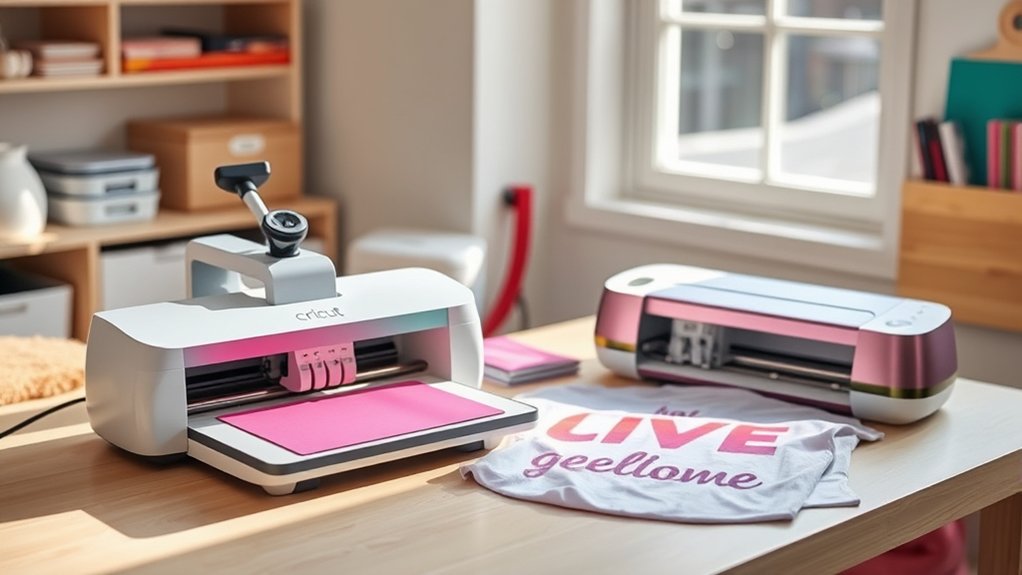
Choosing a heat press with advanced features can elevate your Cricut projects, but those just starting out may not need all the bells and whistles. As a beginner, focusing on budget options and beginner models helps you get comfortable without overspending.
Look for machines that offer reliable temperature control, easy-to-use interfaces, and consistent pressure. These essentials guarantee quality transfers without complex setups.
Here are key points to reflect on for budget heat presses:
- Compact size for easy storage and workspace fit
- Adjustable temperature and timer settings for versatility
- Sturdy build to handle multiple projects while learning
Essential Heat Press Tips for Cricut Projects
How can you assure every Cricut heat transfer turns out flawless? Mastering essential heat press techniques is key. First, always preheat your garment for 3-5 seconds to remove moisture and wrinkles.
Use the pressure settings recommended for your material. Too much pressure can damage fabric, too little won’t adhere properly. Align your Cricut design carefully, then cover it with a Teflon sheet or parchment paper to protect both your project and heat press.
Apply the right pressure for your fabric, align designs precisely, then shield with a Teflon sheet or parchment paper.
Time and temperature vary by material; follow Cricut project tips closely, typically 305°F for 15 seconds on cotton. After pressing, peel the carrier sheet as instructed. Hot or cold peel affects the finish.
Consistently applying these heat press techniques guarantees professional, long-lasting results every time.
Frequently Asked Questions
Can a Heat Press Be Used for Materials Other Than Fabric?
Yes, you can use a heat press for materials beyond fabric. It’s perfect for sublimation printing and heat transfer on items like ceramics, metal, and wood.
This way, you can create custom designs on various surfaces easily.
How Do You Maintain and Clean a Heat Press?
You maintain your heat press by regularly inspecting parts and tightening screws. Use cleaning techniques like wiping the platen with a non-abrasive cloth and mild cleaner to remove residue, ensuring ideal heat press maintenance and longevity.
What Safety Precautions Should I Take When Using a Heat Press?
Don’t treat heat safety like a minor detail; it’s essential! You’ll want to always wear heat-resistant gloves, keep your workspace clear, and follow press operation instructions meticulously to avoid burns or damage. Stay alert and safe!
Are There Portable Heat Presses Available for Travel?
Yes, you’ll find portable options designed specifically for travel. These compact heat presses serve as essential travel accessories, letting you work on-the-go while maintaining quality and efficiency in your pressing projects wherever you are.
How Long Do Heat Presses Typically Last With Regular Use?
Heat press longevity averages 5-10 years with regular use if you commit to regular maintenance, like cleaning the platen and checking pressure.
You’ll extend its lifespan and guarantee consistent, professional-quality heat transfers every time.
Conclusion
You don’t always need a heat press with your Cricut, but think of it as your trusty Excalibur—making your heat transfers sharper, faster, and more consistent. While an iron can do in a pinch, a heat press offers precision and even pressure that turns your projects from good to legendary.
If you’re serious about crafting, investing in a quality heat press will elevate your creations and save you frustration down the road. Ultimately, while not mandatory, having a heat press with a Cricut can significantly enhance your crafting experience and final results.